
Indesign Cell Styles Don't Show Border Settings
I'd like to use tables more in my documents, but there are certain challenges I keep running into.
One is the inability to apply borders when I want them, and not when I don't.
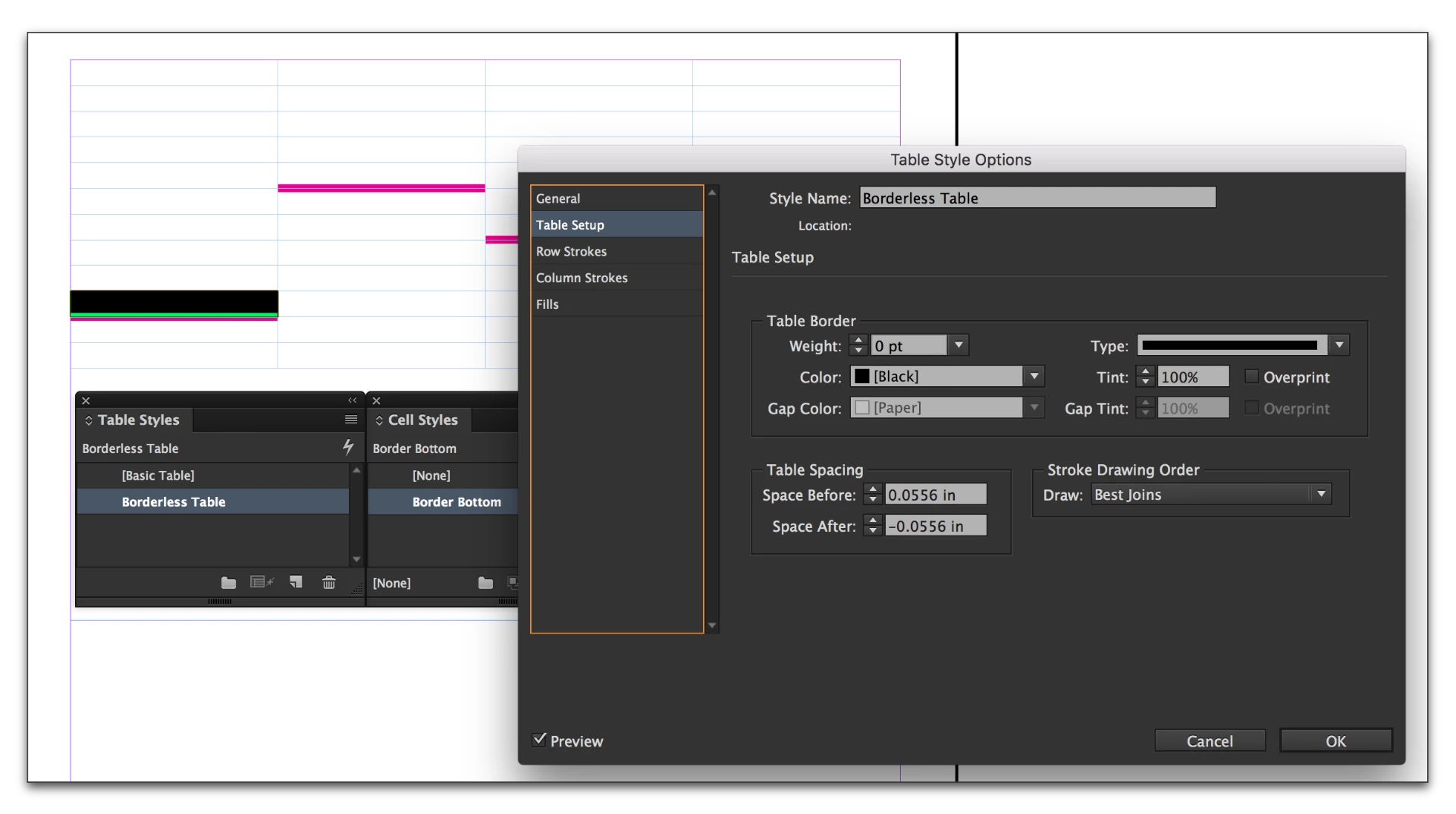
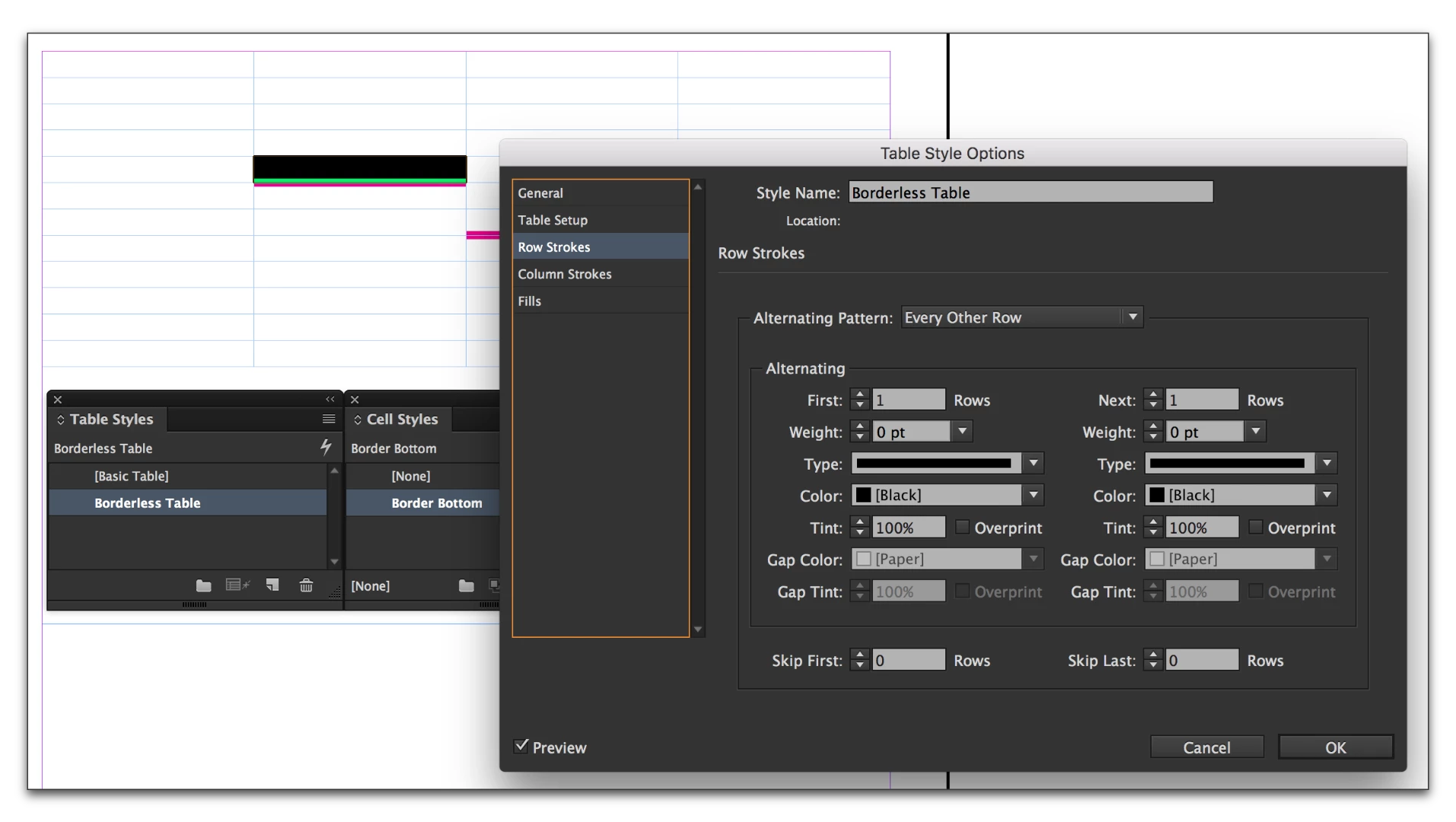
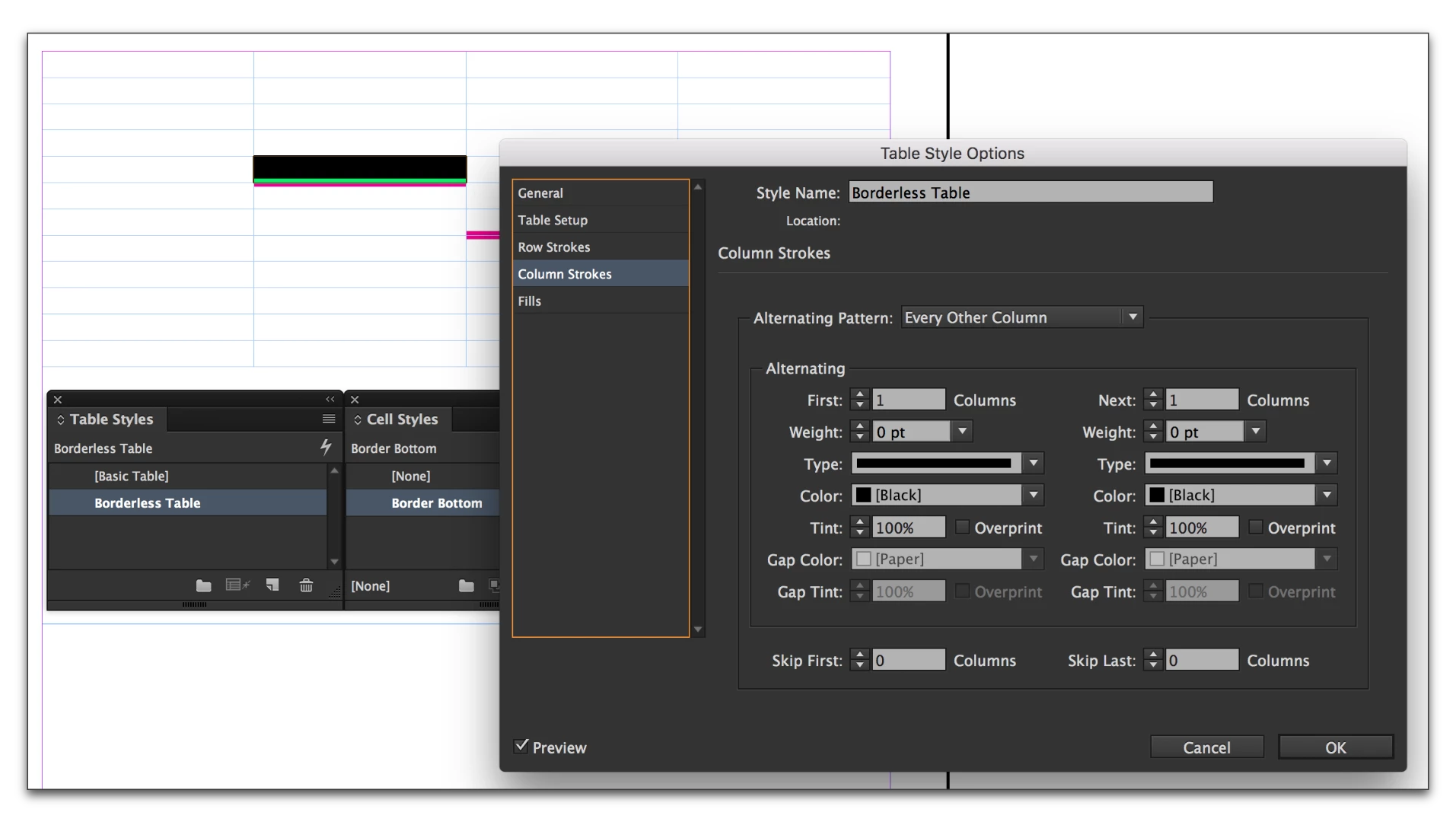
For example, I created a table style called borderless, all borders turned off, this works fine.
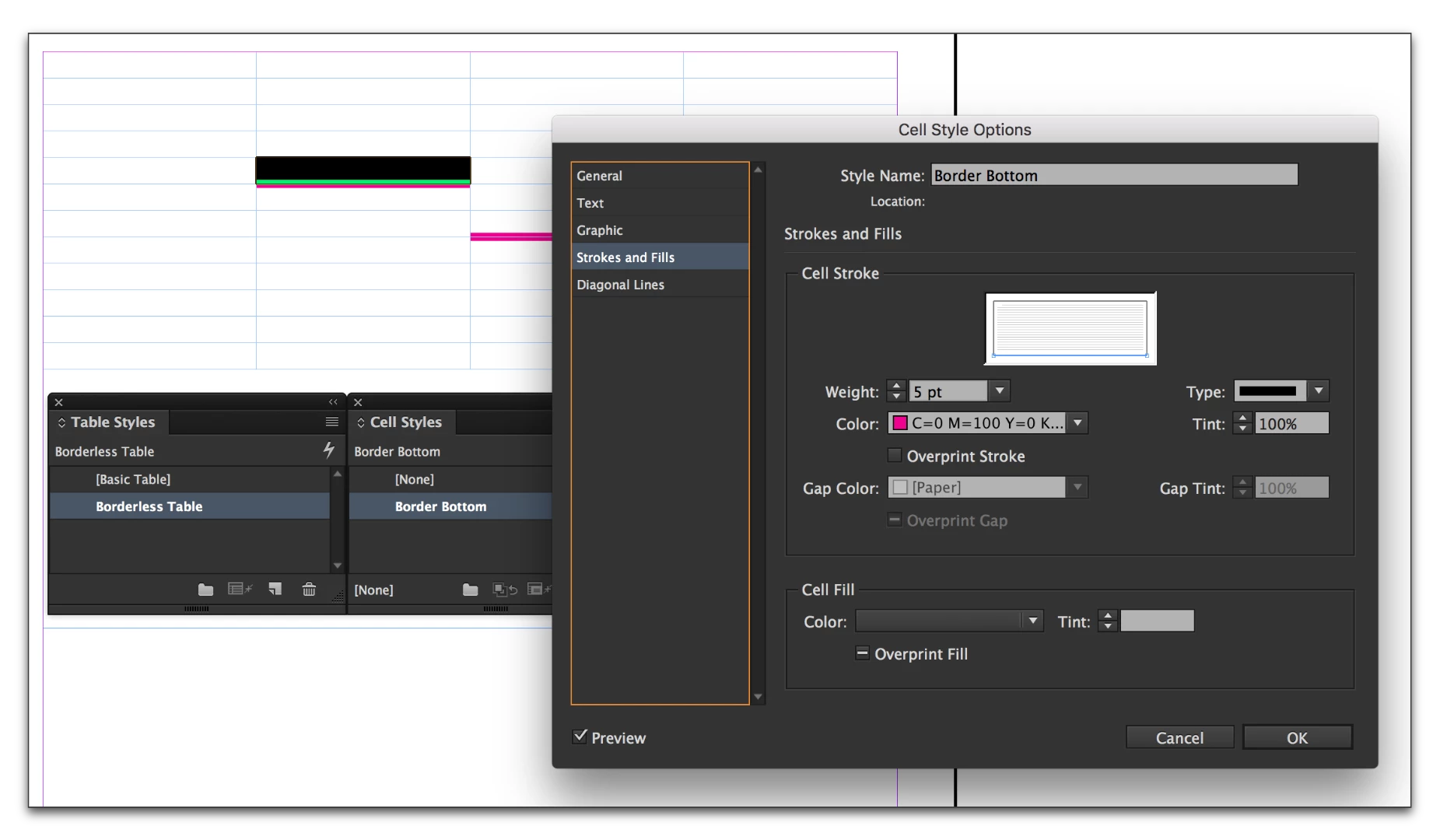
Next, I created cell a style called "border bottom" by un-checking the blue border lines for all vertical and top lines.
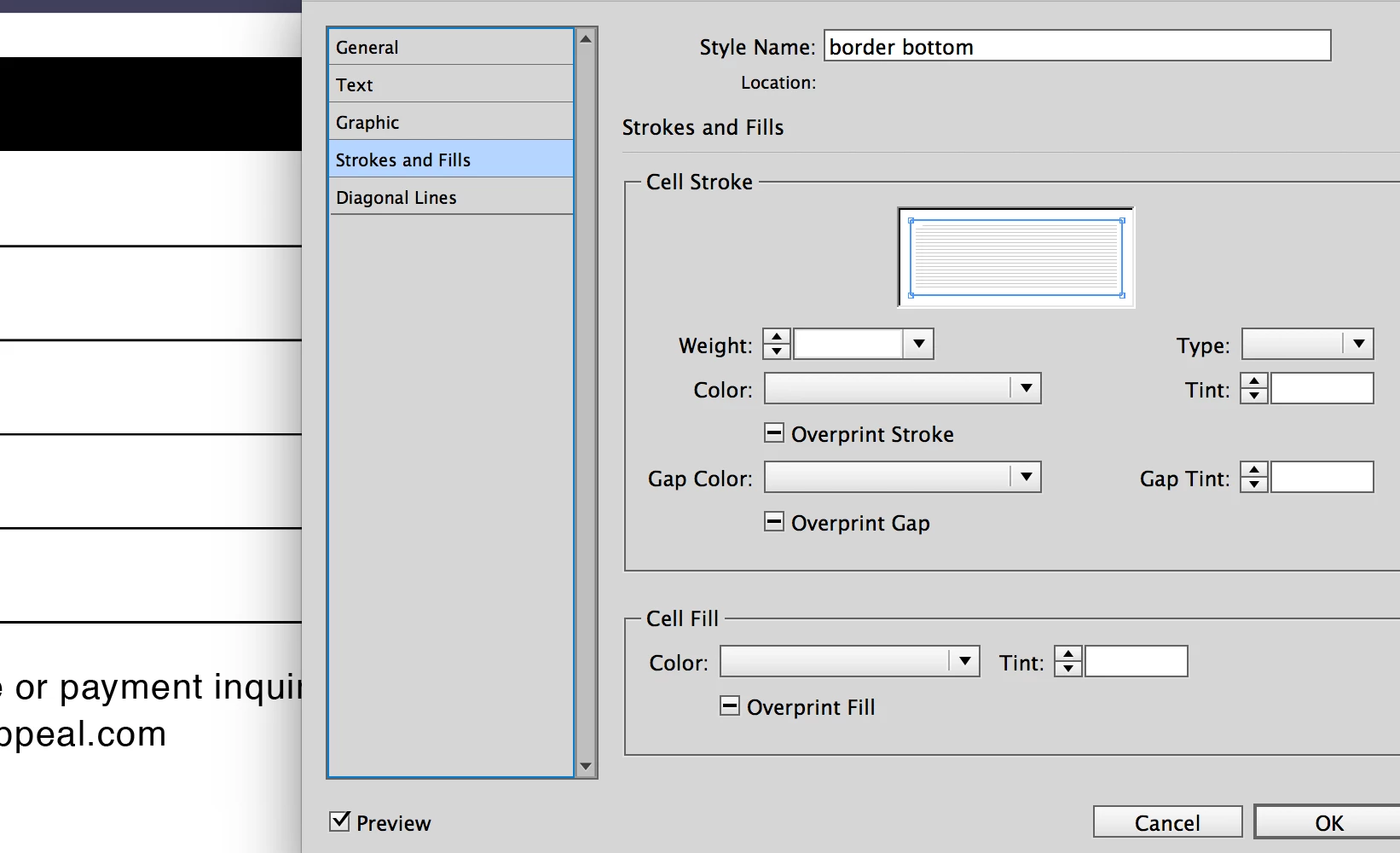
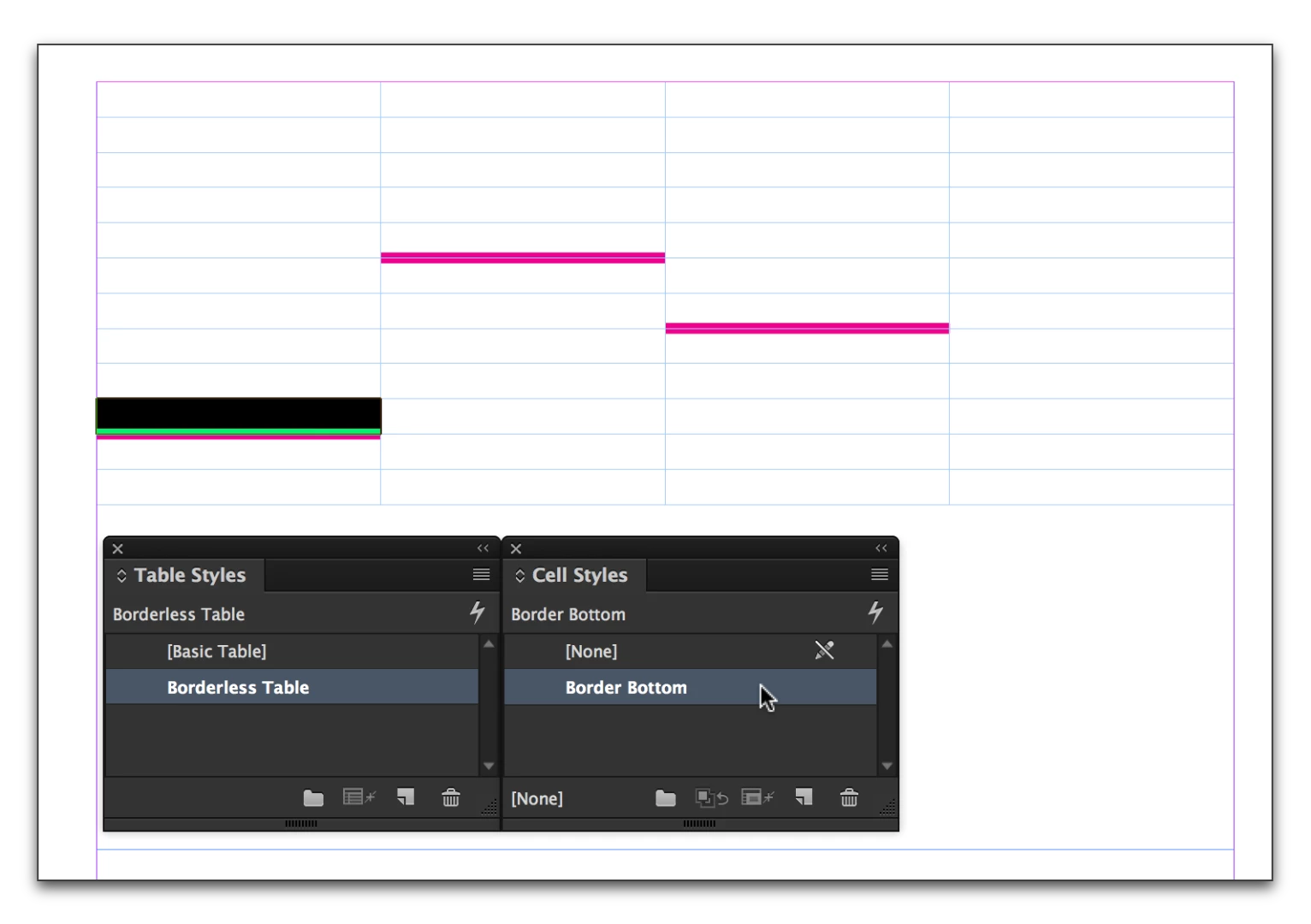
But..I am still getting the vertical borders, and when I go in to verify my settings in cell style options dialogue, it does not show what I have chosen, but it's as if I had not turned on any settings at all - it's a big blank.
It's the same with any of the table styles I've created, please see screenshot. I cannot see what is being applied as the dialogue doesn't seem to remember my settings.
Is this a glitch? This seems to be contrary to any other style settings in InDesign.
 AdChoices