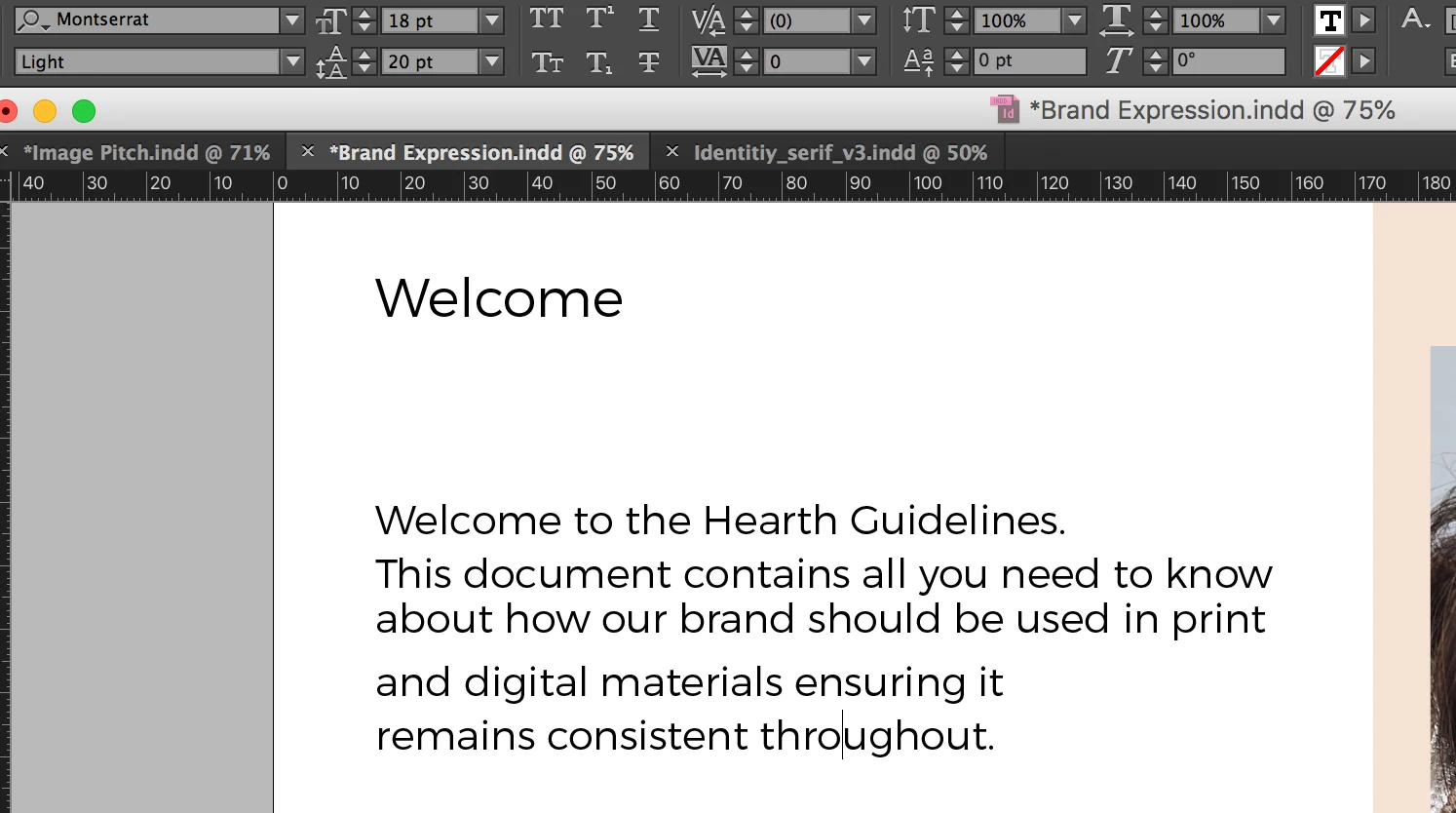
It's a common problem. It usually comes from having two leading values inside a given line of type in InDesign.
If this is the problem, it's easy to deduce:
1) Move your cursor to the very start of the line following the end of your offending paragraph. Hold down the mouse button and drag-select the entire line above it. This selects the entire line of type, from start to the end.
2) Check the leading value in the Control Panel. I'll bet you a nickel that it's blank. That means there are two (or more) leading values in the line above to the start of the following line.
3) Enter the leading value you want in the Leading edit box. Everything will snap to the line spacing you expect.
Now to the cause: either there is a space after the punctuation in that line with a different value than the rest of your paragraph, or there's a paragraph style applied that doesn't cover the invisible paragraph return character at the end of the paragraph.
To fix it, rather than deduce the problem, quadruple-click quickly -- one, two, three, four times -- into the offending paragraph and set your desired leading value/apply your desired paragraph style to get the value you're looking for.
Hope this helps,
Randy







 AdChoices