


Participant
January 28, 2023
Answered

InDesign CJK on M1 Mac freezes on Ventura 13.2

  • January 28, 2023
  • 4 replies
  • 1080 views

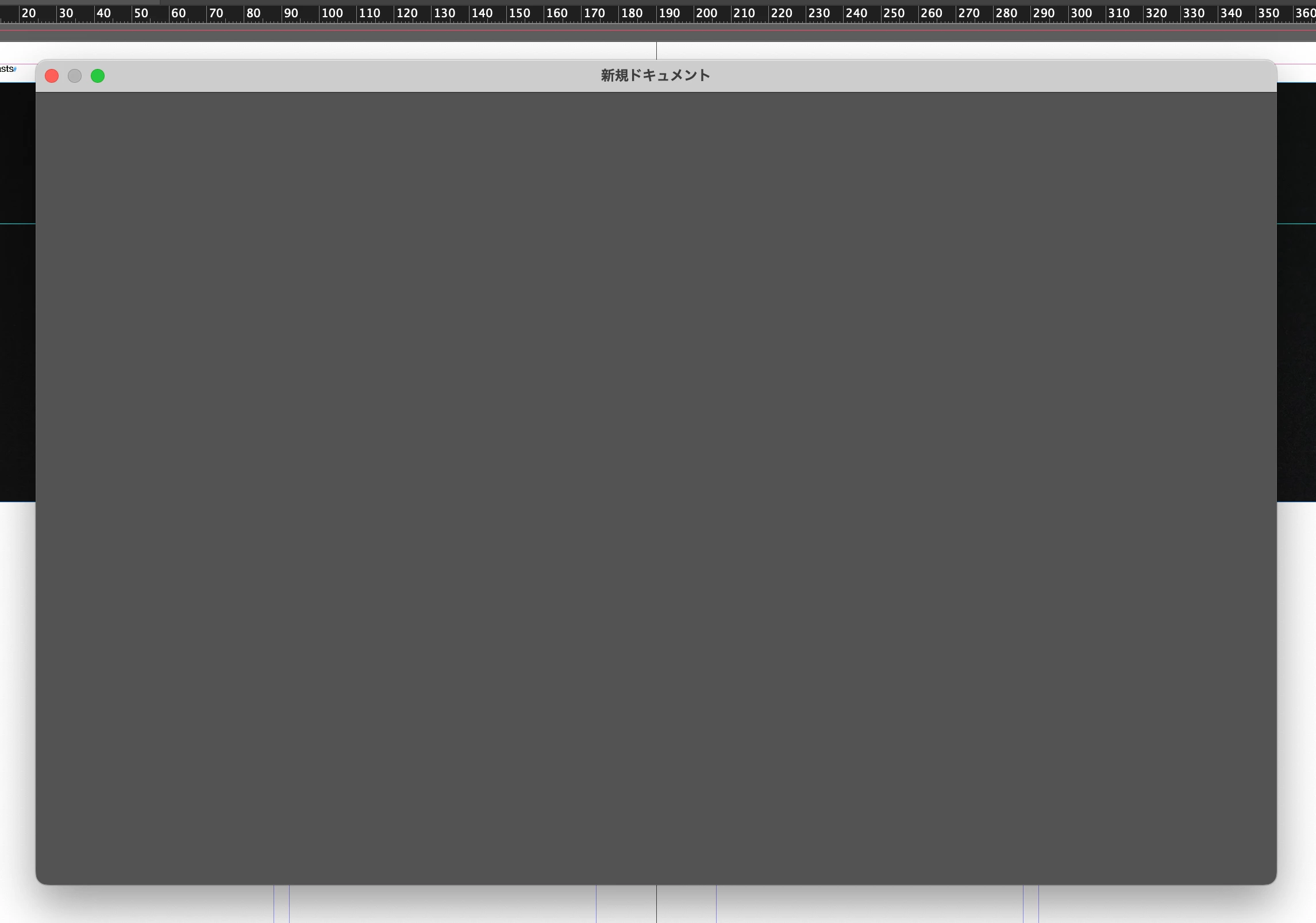
I just updated my M1 Macbook Pro to Ventura 13.2, and now when I open InDesign (CJK 18.1) it beachballs and freezes every time. I've tried uninstalling/reinstalling, used the Adobe cleaner tool, tried various versions (and beta), and all have the same issue. I can open the program, but if I try to make a new document it's a blank window and then freezes. I assume it's a compatibility issue with the latest version of MacOS Ventura, but I don't want to reinstall OS and I didn't have a time machine backup. 


If anyone knows a fix, I'd really appreciate it. 
This topic has been closed for replies.
Correct answer raymasaki

In case anyone was wondering, there was no diagnosable fix to the issue, and I ended up creating a bootable external hard drive with a clean instance of Ventura 13.2 and only installed InDesign 18.1 to test if it worked in isolation. It worked great on the external hard drive, so it was most likely caused by a background task of some other program I had installed that was affected by the 13.2 update. I couldn't figure out what specific program was causing the crashes, so I ended up factory resetting my computer and starting from scratch. Works fine now even though I had to reinstall everything. 

4 replies

Participant
March 10, 2023

Did you updated to macOS 13.2.1? I have same issue and I downgraded to macos 13.1 to solve it. But I don't know if upgrading to macos 13.2.1 will solve it.

Participant
February 21, 2023

Hello, did you solved your problem? I had same issue in my Macbook Intel with macOs Ventura 13.2 and I downgraded it to 13.1 wich is working perfectly. I received today a new software upgrade to 13.2.1 but I have still not upgraded it because I don't know if the problem continues on it.

raymasakiAuthor
Participant
February 21, 2023

No I couldn't find a fix, I'd recommend keeping 13.1

Participant
March 7, 2023

Thank you for respond me. You may recomend to try 13.2.1? Or keep stay with 13.1?

raymasakiAuthor
Participant
January 30, 2023

At this point I've: 

  • Uninstalled/reinstalled ID 18.1
  • Uninstalled with cleaner tool and reinstalled
  • Tried legacy/beta versions
  • Tried non-CJK i.e. English version 
  • Cleared all preferences and cache
  • Granted full disk access
  • Uninstalled CC completely and reinstalled everything
  • Tried safe boot mode
  • Created a new user with admin access


Adobe customer chat suggested I speak to Apple. I don't think I really have anything else left to try at this point besides removing Ventura entirely and starting fresh with Monterey. If anyone else has something I'm not considering, I'd love suggestions. 

raymasakiAuthorCorrect answer
Participant
January 31, 2023

In case anyone was wondering, there was no diagnosable fix to the issue, and I ended up creating a bootable external hard drive with a clean instance of Ventura 13.2 and only installed InDesign 18.1 to test if it worked in isolation. It worked great on the external hard drive, so it was most likely caused by a background task of some other program I had installed that was affected by the 13.2 update. I couldn't figure out what specific program was causing the crashes, so I ended up factory resetting my computer and starting from scratch. Works fine now even though I had to reinstall everything. 

Steve Werner
Community Expert
Community Expert
January 28, 2023

I would try restoring your InDesign preferences. Quit the application. Launch and IMMEDIATELY hold down Cmd  + Shift + Option + Ctrl keys. Confirm you want to delete preferences. Reinstalling doesn't delete preferences. 

Steve Werner
Community Expert
Community Expert
January 28, 2023

If you can't get the prompt about deleting preferences, you're not fast enough. Instead, use these longer instructions about restoring preferences and caches:


https://www.rockymountaintraining.com/adobe-indesign-rebuilding-preferences-cache/


My computer has almost the exact same specs as you except I'm not running CJK (I'm running Ventura 3.2 with no problems). Somehow I doubt the update to Ventura 3.2 would cause a language-specific bug.

raymasakiAuthor
Participant
January 29, 2023

Hi Steve, thanks for your response. Unfortunately, I've tried clearing preferences and cache and unfortunately still not working. I'm not using any plugins either, so I still don't know what it could be. I wonder if I have another software running in the background that could be interfering? 

If it's any more help, the home screen is taking a lot longer than usual to load i.e. stays blank for around 30 seconds before it becomes the usual "new document" window, but then will beach ball and I need to force quit.