Participating Frequently
December 2, 2023
Question

indesign colour seperations option greyed out

  • December 2, 2023
  • 3 replies
  • 399 views

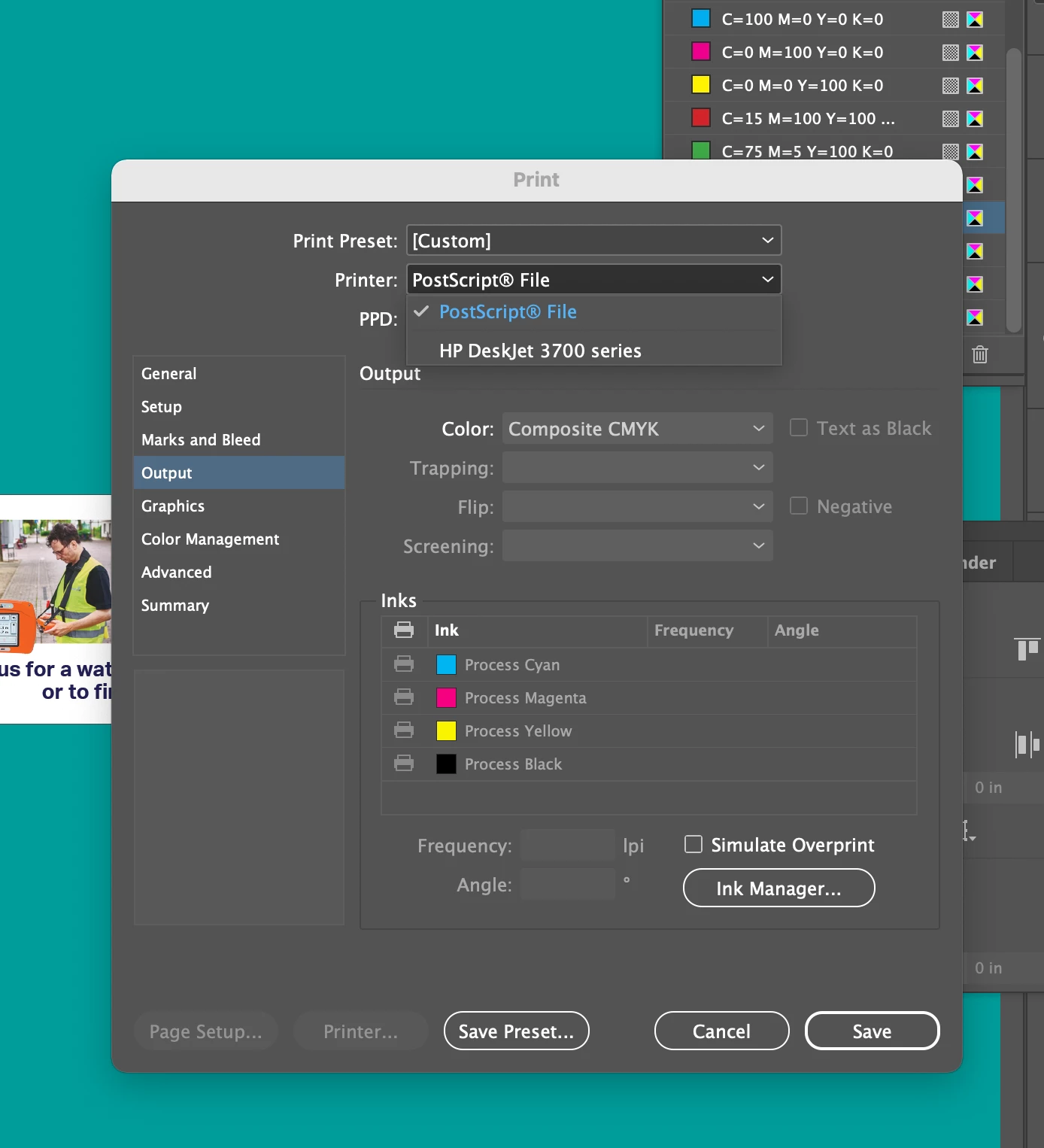
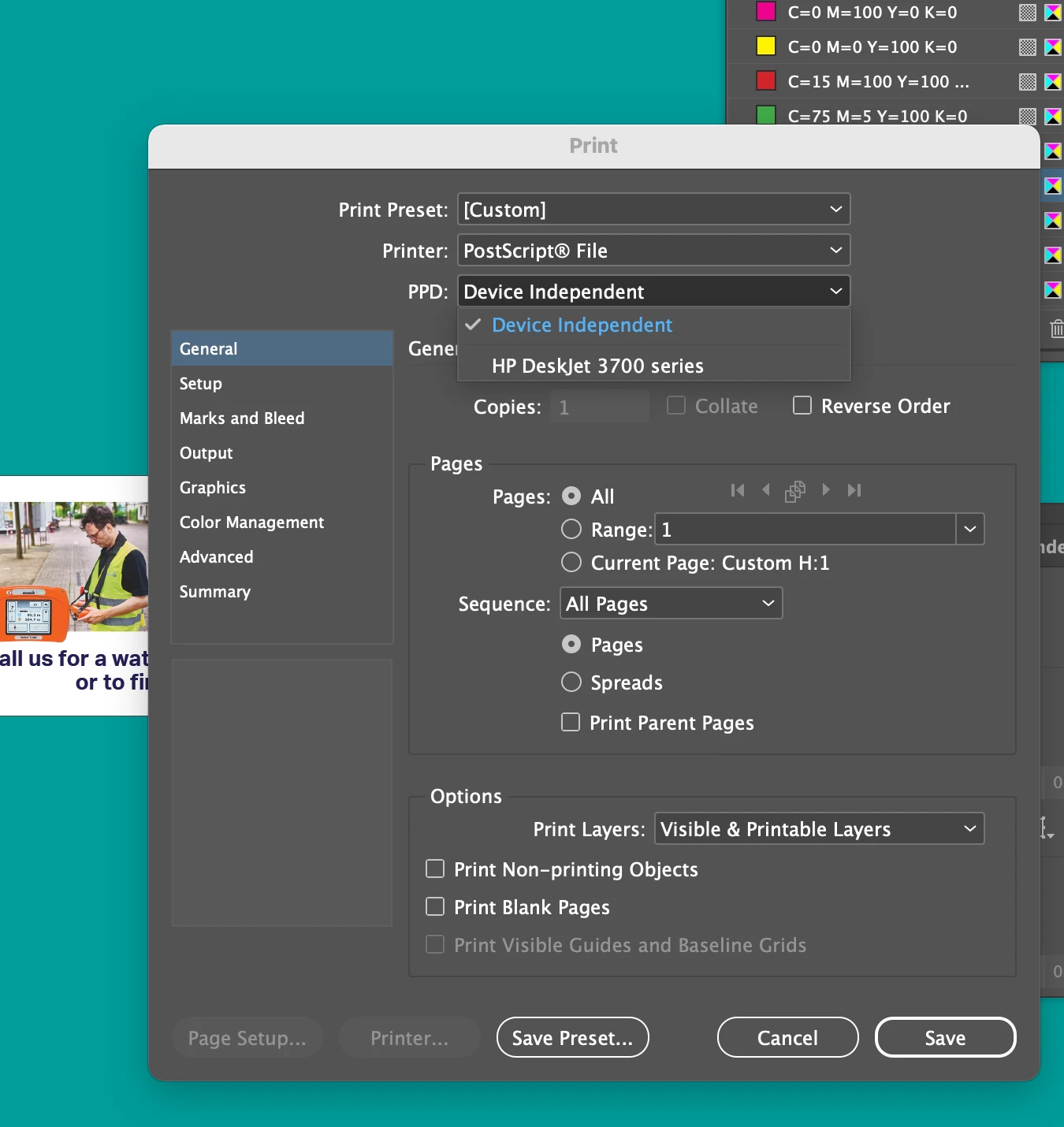
Hi - I am trying to print a colour seperations file to pdf. The colour seperations option is greyed out. There is no pdf option in the drop down menu. What do I need to do? Please help!
This topic has been closed for replies.

3 replies

JR Boulay
Community Expert
Community Expert
December 3, 2023

[MOVED TO THE INDESIGN DISCUSSIONS]

Acrobate du PDF, InDesigner et Photoshopographe
Participating Frequently
December 3, 2023

Thanks for the help!!! I actually tried the post script with my printer setting and it worked. I also added the adobe 9 ppd you shared and that worked also. 

Brad @ Roaring Mouse
Community Expert
Community Expert
December 3, 2023

Yes, technically it's possible to use your printer's PPD. Be aware that a printer-specific PPD might include hardware-specific routines in the PS stream that Distiller won't understand and may choke on. Hence it's better to use a more generic PPD like the Adobe PPD 9.0, as it's tuned for PDF creation.

Brad @ Roaring Mouse
Community Expert
Community Expert
December 2, 2023

There's no PDF option for "reasons" (too long of a story)..

That being said, to fix your issue, the one thing you need to change is to NOT select Device Independent.

If you had had any Postscript printers installed, you could use that PPD instead (as your Deskjet is NOT a PS printer, you can't use that). So, instead, do this:

Check this thread (https://community.adobe.com/t5/indesign-discussions/page-size-setup-greyed-out-on-print-booklet-feature/m-p/9904381) and download the Adobe PDF 9.0 PPD that's mentioned there and install it as instructed. Select that as your PPD when you print. This opens up all the options, including the ability to change paper size as well. e.g. if you have a letter sized document, but you want crop marks to show, you can define a custom page size of 9.5" X 12" so that they show in your resulting PDF.

There will be others that will jump on here and say "This is not the way to do things!!", but I am assuming you want quick and dirty separations for somehing low-tech. For instance, a friend of mine does T-shirt screen printing in his basement, and he needs separations like this to print out transaprencies on his non-postscript inkjet that he uses to make the negatives for his silkscreen masks. So, I do this exact process to give him a separated PDF for his designs he wants to print. Works great.


What is your intended use? Maybe there's a better way.