
Participant
June 29, 2026
Question

InDesign - custom shaped behind text

  • June 29, 2026
  • 1 reply
  • 0 views

I’m doing the typesetting for a book that needs custom shapes behind some words (think the angled rectangles of National Geographic Kids or a watercolor brushed color). The shapes need to scale in size according to the text (like paragraph shading or borders.
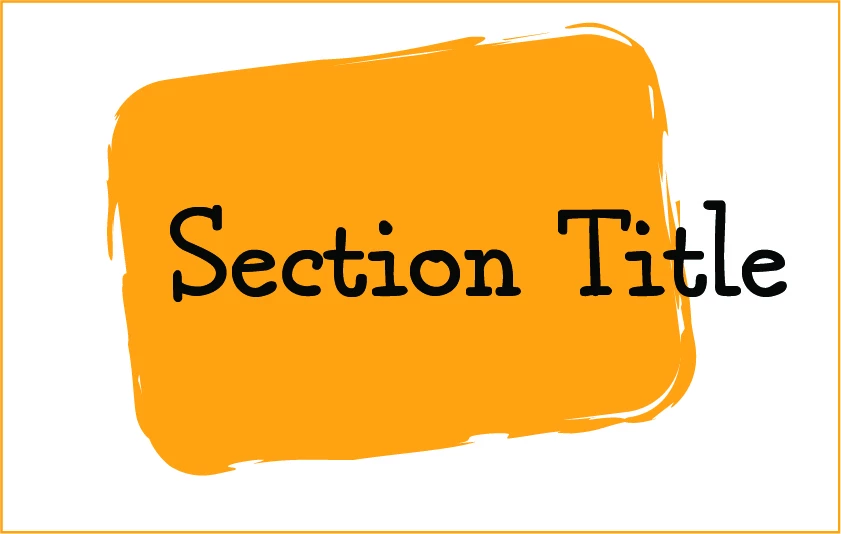
example of custom shape

Any advice would be most welcome!

1 reply

Peter Spier
Community Expert
Community Expert
June 29, 2026

Perhaps doing this as a bullet might work, and you can create the bullet using the IndyFont script.

See https://www.indiscripts.com/category/projects/IndyFont for details and a trial version that should allow you to make a single character font.