
Answered
Indesign data merge and QR code URL format
Hello
I have a problem...
Manual:
Add QR code
You can integrate a QR code in the merged document. Following are the different types of QR code fields that can be added via a Data Merge workflow:
- Plain Text
- Web Hyperlink
- Text Message
- Business Card
To generate the QR codes the data entries in the .txt or .csv files, which are used as Data Sources, are in the following format with a # sign on their column name:
- Plain Text: In the QR code Column enter the text as it is.
- Web Hyperlink: URL:<url> (For example “URL:http://www.google.com”)
If I do exactly as described
Name;#code
123;URL:http://www.google.com
I get the following:
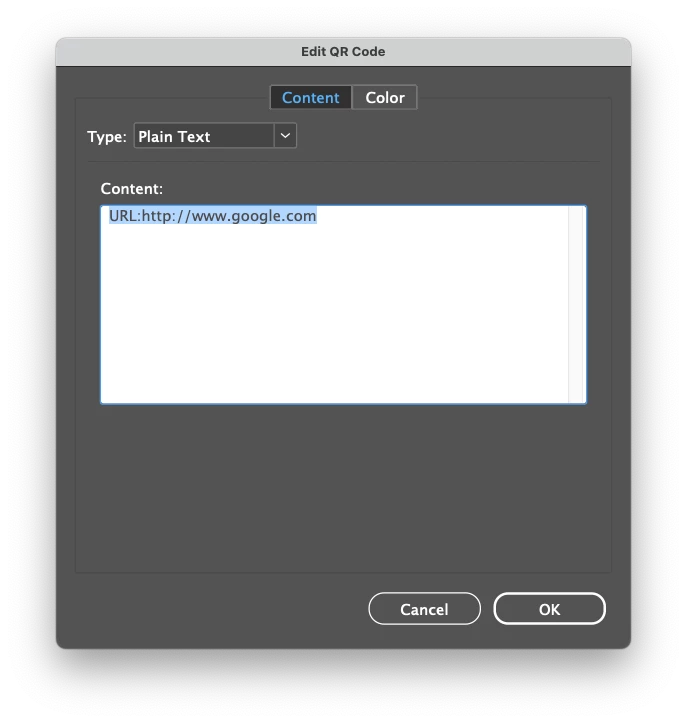 If I remove the URL prefix in database, I get (plain text)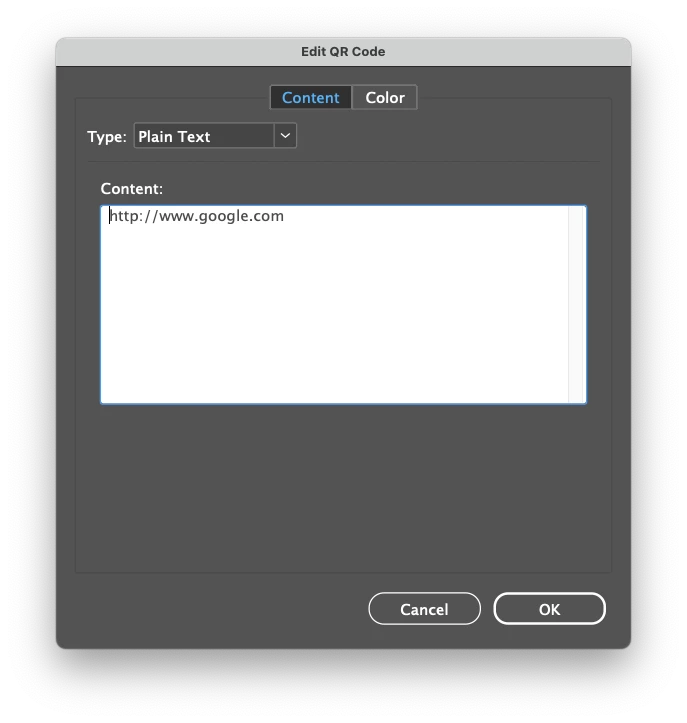
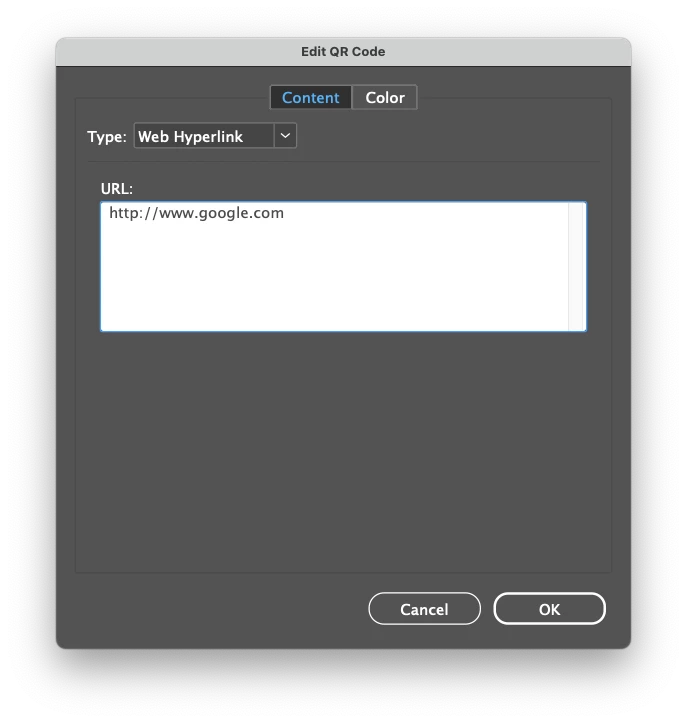
How to enter the website address in the database so that when creating QR-code in indesign, the type is Web Link?


 AdChoices