
Question
InDesign Data Merge Image Display Issue
Hello,
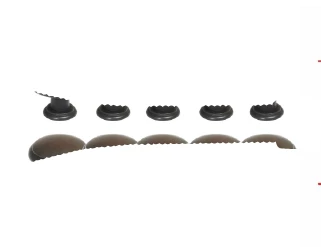
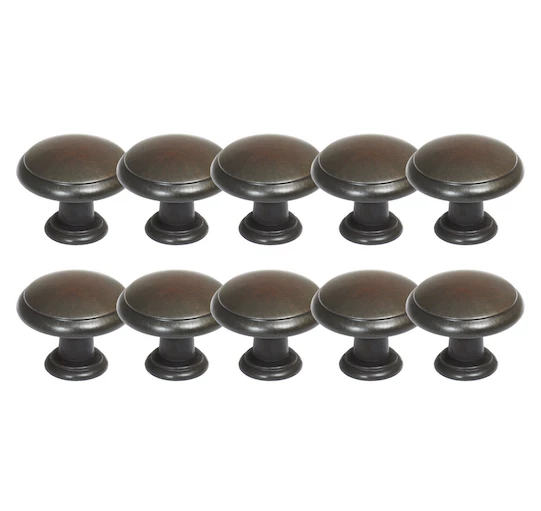
I have done many data merges before with images, and I never have had an issue in the past. This is happening for about 3/4 of the images that are being merged into the document. The image on the right is what they are supposed to show up as in the document, but they are getting cut off really funky like the image on the left. This has never happened before. I tried to create a new document and save the images differently but have had no success. Has anyone else experienced this or know what the issue is?
 .
. 
 AdChoices