
Participant
February 13, 2025
Question

Indesign Data Merge is driving me INSANE

  • February 13, 2025
  • 5 replies
  • 433 views

Hello everyone,


I lost a whole day trying to figure out what is happening here. 

I am trying to use the data merge function and it keeps behaving the wrong way.

This is my CSV (there is more fields but I cropped to give you an idea on a few items)

Instead of reading each line as a project it reads each cell one by one and apply them in order in the indesign layout. 

This is a test file to show you, so here are the fields
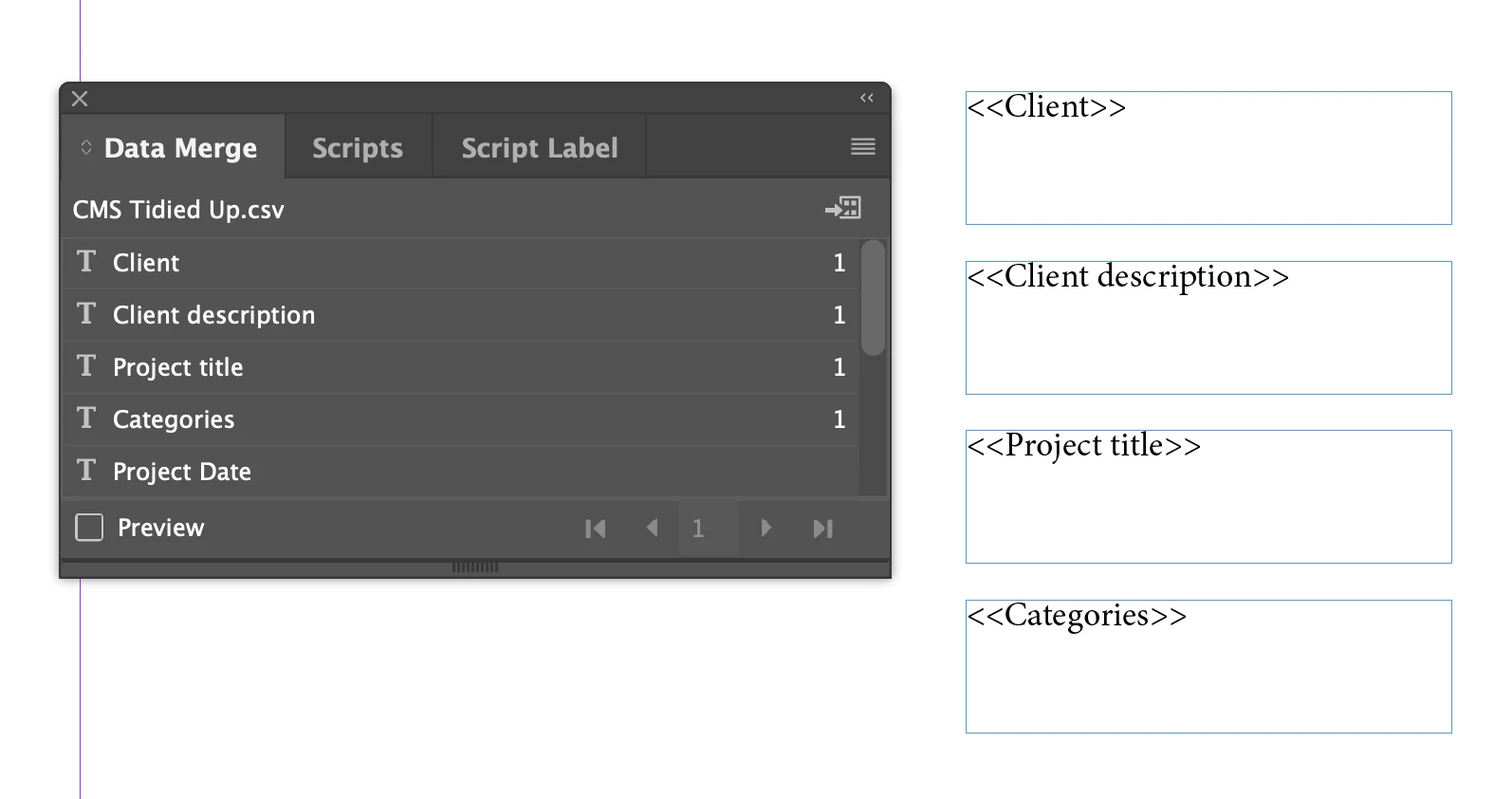
Then when I preview it looks ok
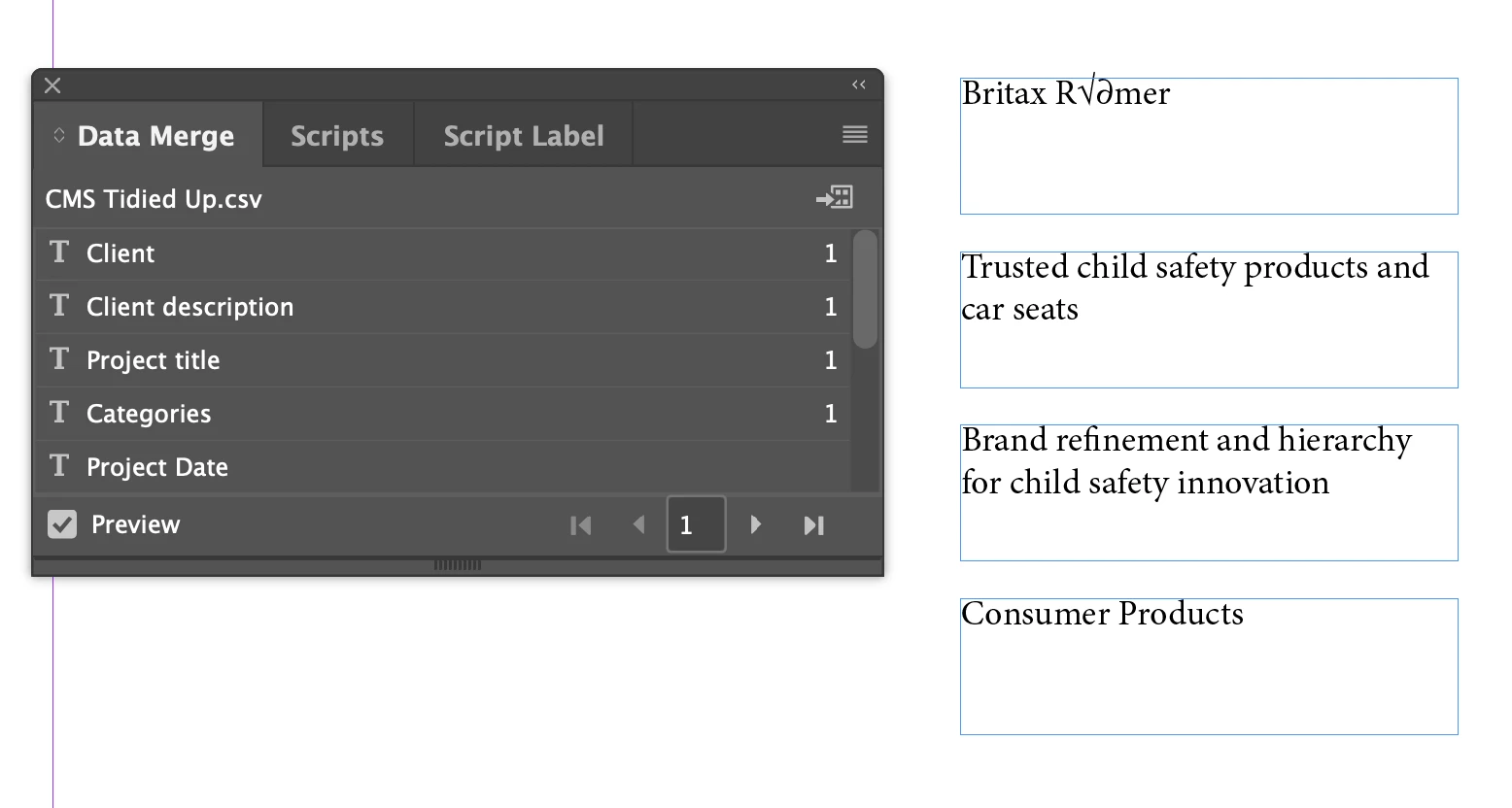
But then when I clock to preview each page it keeps reading the data from the first line of the CSV as a continuous stream of data
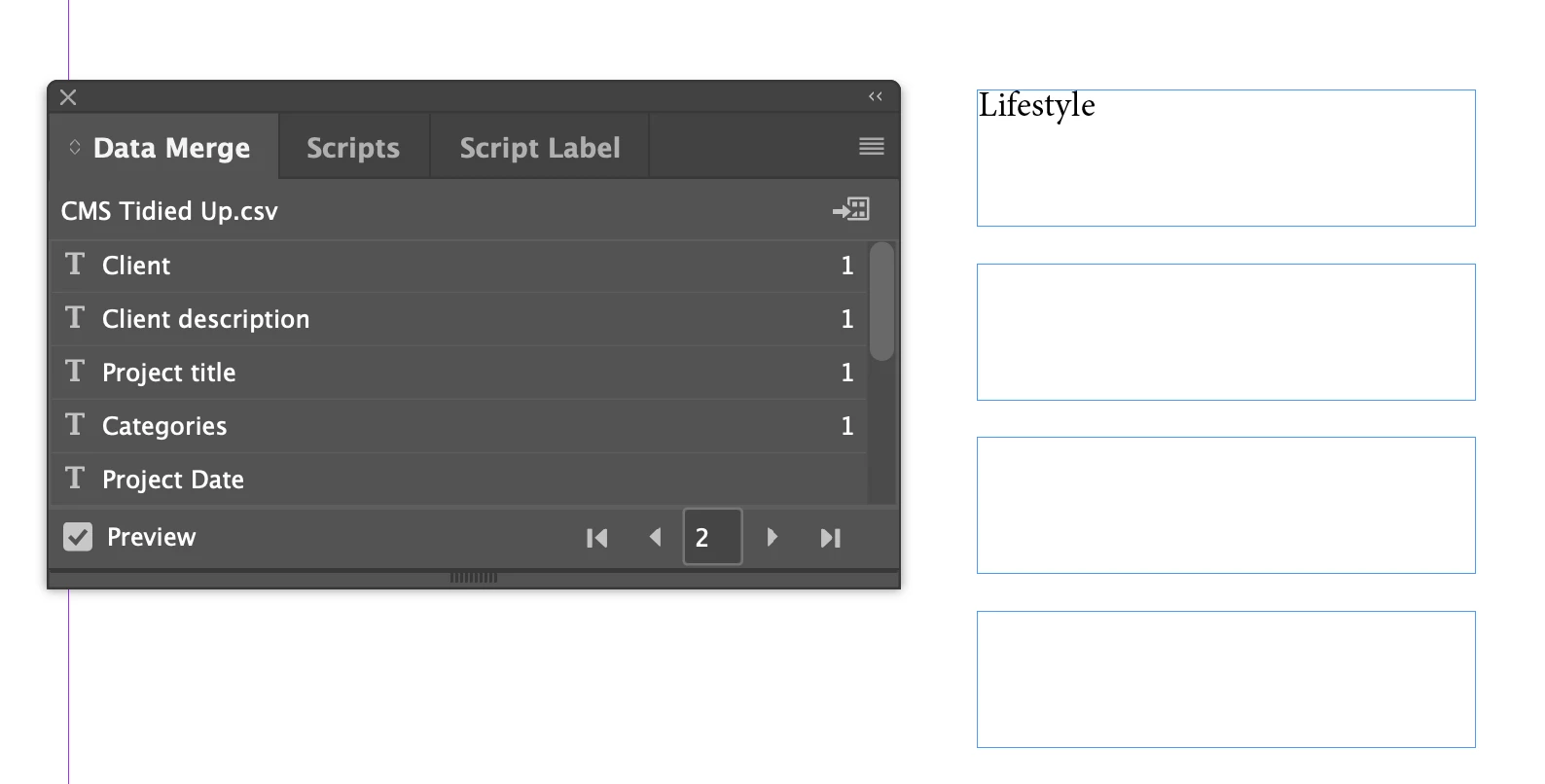
And this keeps ongoing until all the data from the first line has been read it moves on to the second line of the CSV and so on


This is driving me insane I have tried everything, different export options, different import options, it seems to be coming from how indesign wants to read the CSV as the CSV file looks fine. 

Any ideas? Please someone help me!

5 replies

Participant
February 20, 2025

Hello everyone, thanks for your replies trying to help, unfortunately I cannot fix the issue. Is there any plugins or third party app that could to the job? 

Robert at ID-Tasker
Legend
February 20, 2025
quote

Hello everyone, thanks for your replies trying to help, unfortunately I cannot fix the issue. Is there any plugins or third party app that could to the job? 


By @defaultw9r9qjqq2jn5


You don't need any plugins nor 3rd party apps. 


Link/thread your current TextFrames as one thread - move them to the Parent Page. Duplicate to the second page of the Parent page - if you have Facing Pages - link/thread both sets. 


On a normal page - create a bigger TextFrame and place your table there - or just copy&paste from Excel.


Apply dedicated ParaStyle to each column - by selecting whole column - if you move text cursor close to the top edge of the column, you'll see an arrow pointing down - in each ParaStyle, in the Keep section set "start in the next frame". 


Convert this Table to text - with "Paragraph" for both separators. 


Link this big TextFrame to the first TextFrame from the Parent Page - on the 1st normal page.


Reflow - with shift on the first TextFrame on the second page of the Document. 


Robert at ID-Tasker
Legend
February 13, 2025

@defaultw9r9qjqq2jn5 


On a different note - do you have any IMAGES / QR Codes there - or just text?


Participant
February 20, 2025

No images, just text, and also a URL field

Robert at ID-Tasker
Legend
February 20, 2025
quote

No images, just text, and also a URL field


By @defaultw9r9qjqq2jn5


Then import as a Table directly into InDesign. 


Robert at ID-Tasker
Legend
February 13, 2025

@defaultw9r9qjqq2jn5 


As @Peter Spier is suggesting - forget about preview - you can always export only range of records.


Peter Spier
Community Expert
Community Expert
February 13, 2025

Datamerge has a history of being buggie, particularly the preview function.

My recommendation is to first, rebuild the template (experience says if it's been damaged by running preview, it will never work correctly). Next, run your merge without previewing. Unless you have hundreds and hundreds of records, merges take so little time there's no real penalty to running one and abandoning it to make a repair to the template if required, and you can alsways do a test merge on a small range for big data sets.

Third, if you absolutley can't make that leap of faith and merge without the preview, IMMRDIATELY after the preview issue an undo command before you run the real merge.

Participant
February 17, 2025

Hi Peter, thanks I will try what you suggested. 


Mike Witherell
Community Expert
Community Expert
February 13, 2025

Are you making the correct .csv file exported out of Excel?

Make sure it isn't the first choice CSV that encodes it UTF-8.

Mike Witherell
Participant
February 17, 2025

Thanks for your reply, currently using Mac so I can only pick UTF-8, which encoding should I pick?