Inspiring
May 15, 2026
Answered

InDesign Displays Dull or Faded Colors Compared to Photoshop

  • May 15, 2026
  • 2 replies
  • 46 views

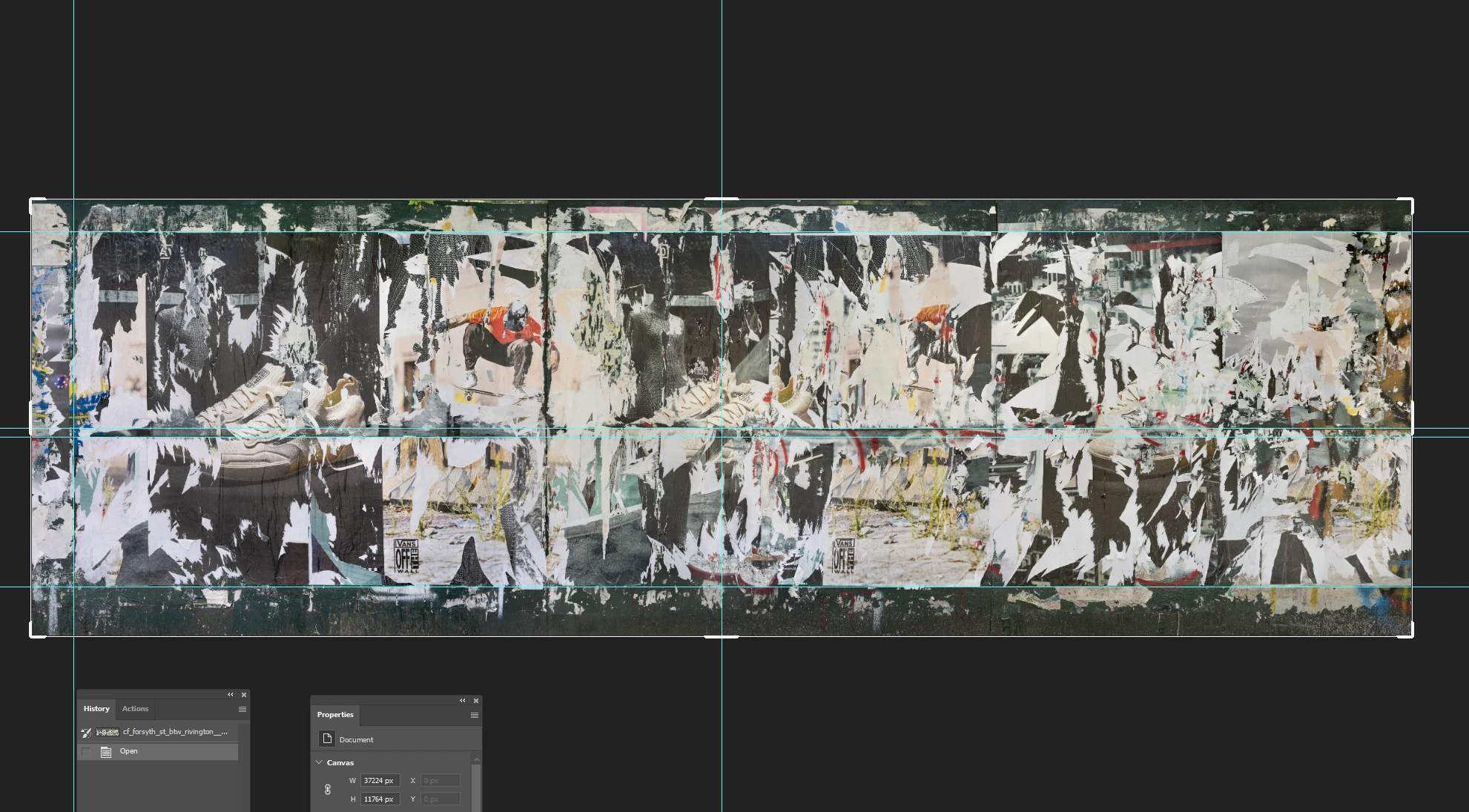
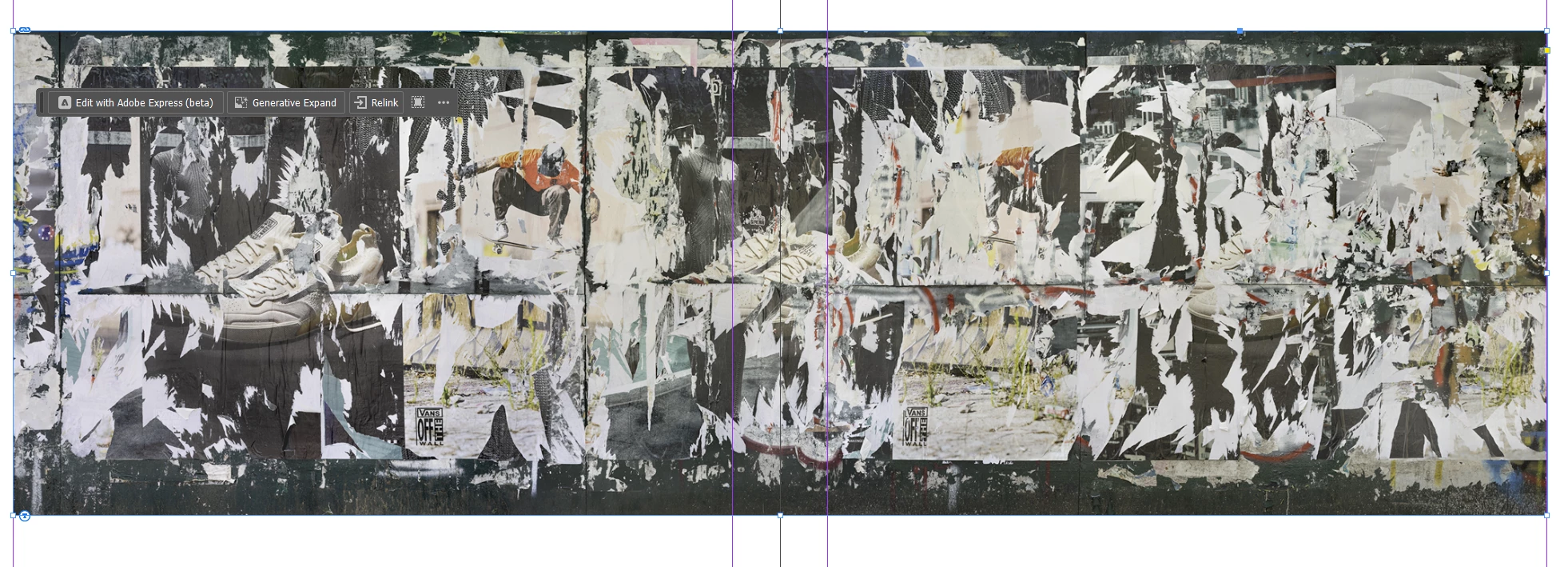
It’s somewhat difficult to tell in the screenshots below but if you compare the skateboarder with the red shirt on the top left in the first photo (in InDesign) you can see his shirt is faded in comparison to the jpeg opened in Photoshop.  The Transperancy Blend Space is set to Document RGB.  What might be the cause of this?  Thanks.  


    Correct answer Bill Silbert

    Make sure that all of the color settings (Edit>Color Settings) in both Photoshop and InDesign are set the same. I’ve seen this behavior when they were set differently in each program.

    2 replies

    rob day
    Community Expert
    Community Expert
    May 15, 2026

    Hi ​@Barton5C39 , Also for existing documents check Edit>Assign Profiles… for both the InDesign and Photoshop documents and make sure the documents’ RGB profile assignments match. And in InDesign make sure Overprint/Separation Preview is turned off, and View>Proof Colors is unchecked.

    Bill Silbert
    Community Expert
    Bill SilbertCommunity ExpertCorrect answer
    Community Expert
    May 15, 2026

    Make sure that all of the color settings (Edit>Color Settings) in both Photoshop and InDesign are set the same. I’ve seen this behavior when they were set differently in each program.

    Inspiring
    May 15, 2026

    Thanks for your reply.  Inexplicably, the problem corrected itself.  I made a few more edits, exported the file again, and the colors matched in InDesign and the exported PDF.  I didn’t change any settings, so not sure what happened here.  Regardless, it’s good to have your and ​@rob day’s information should the issue arise again.    

    rob day
    Community Expert
    Community Expert
    May 15, 2026

    Sorry, I thought your color problem was a difference between Photoshop’s and InDesign’s color display. 


    A PDF export’s color would depend on your PDF Export > Output settings, which could be anything. Is there a Color Conversion allowed? What’s the Destination? Are color profiles included with the export...