InDesign disregards Master text fields?
Hi all,
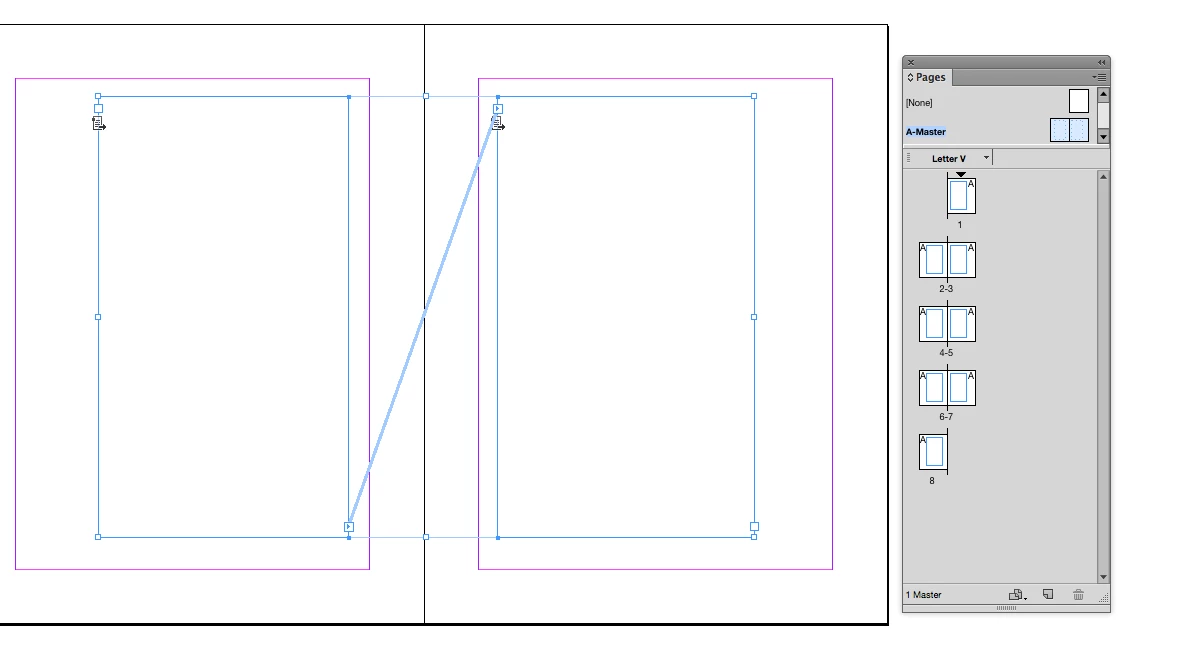
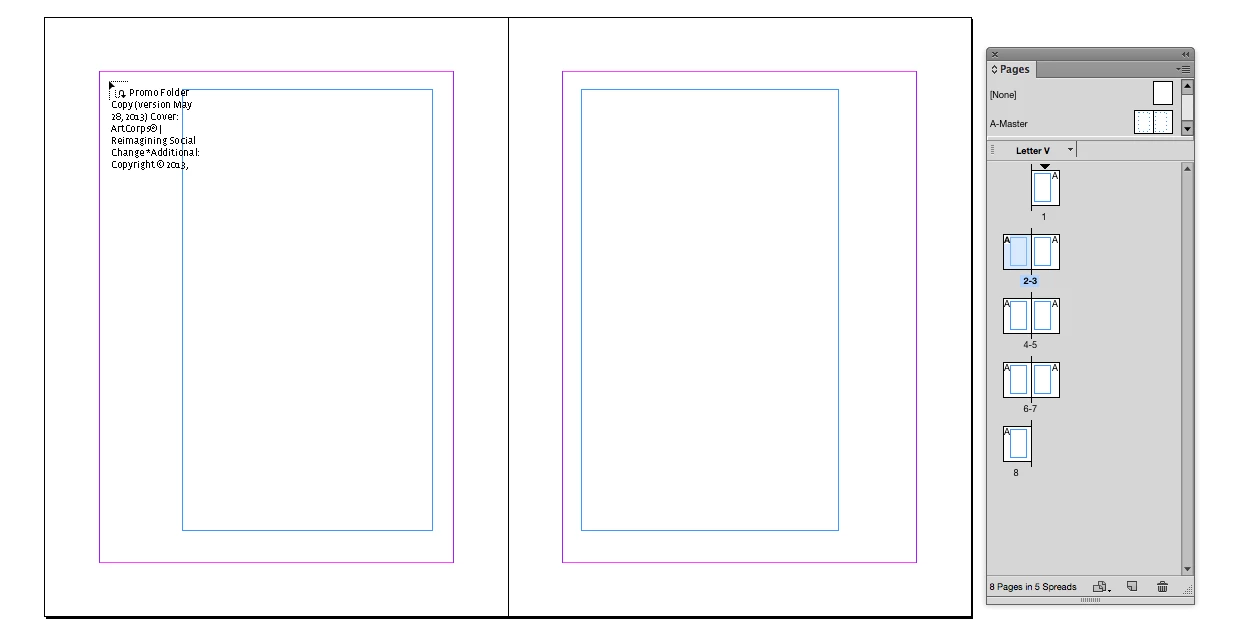
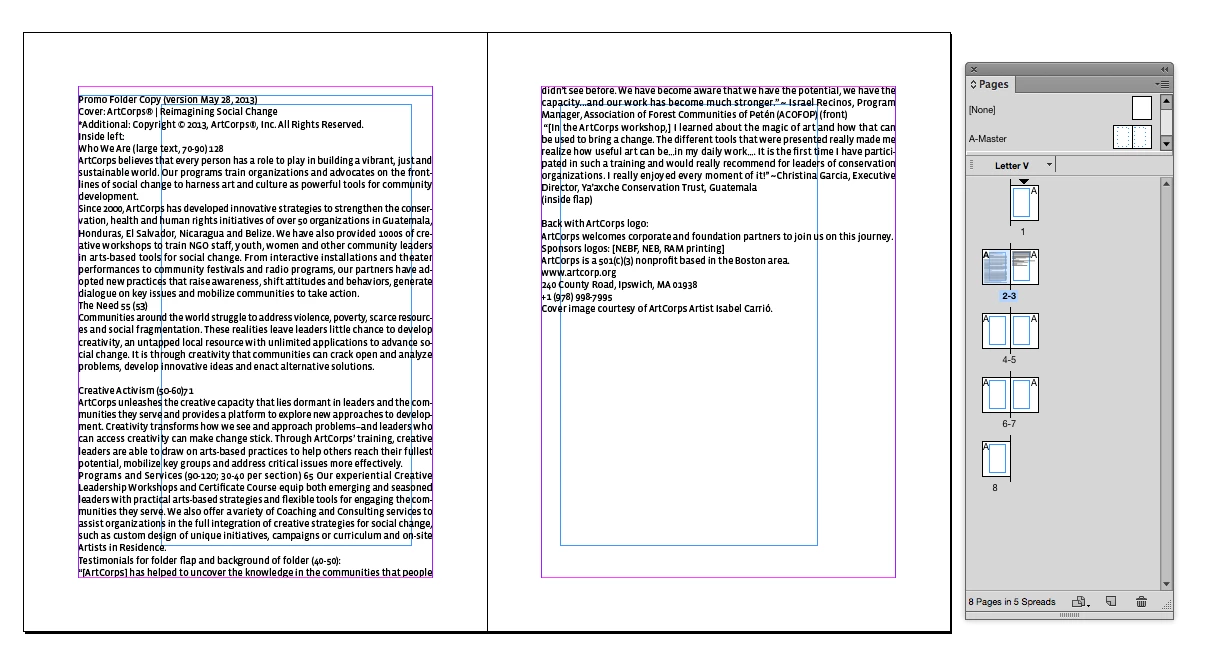
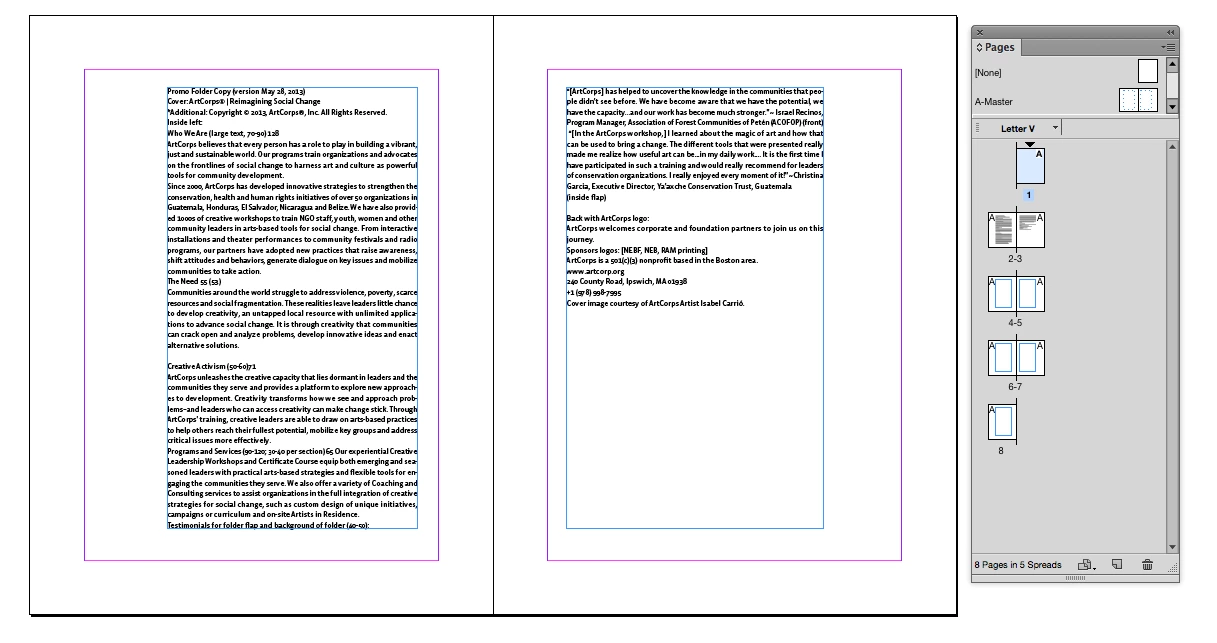
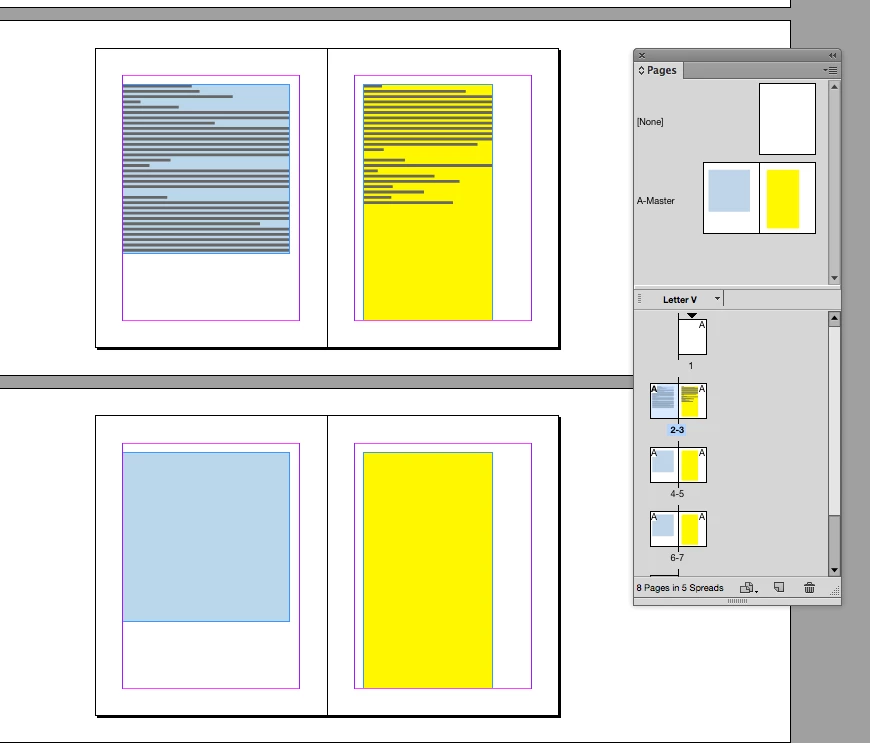
I am learning InDesign at school (using CS6) but I am now encountering a problem even my teacher doesn't know how to fix. First a bit of background. I've made several masters, one for each chapter, all later masters are copies from the first one with some minor headtext adjustments. Each master has their own main text fields. But, when I try to place text on a page, InDesign auto-creates a new text field sized margin to margin. It acts as though there are no text fields in my master. Also, when I place text in a correct text field (from before this problem occurred), any new pages made to correct for overflow text also get this new bulky text field, with the master's text field behind the new one, unused.
So far I've tried these things to fix it, but neither worked:
- Delete current text fields in master. Make new ones. Didn't work.
- Check master text fields for invisible text (blanks and such). There was no text in there.
- Create an entire new master (not copied from the others). Same problem.
- Create a new document, with new masters. Same problem.
- Make master text fields the "primary text flow" field. Didn't work.
- Put master text field in front of every other object on master (with object-arrange). No such luck.
I am at my wits end now, I could manually change the dimensions of each auto-generated text field but that would take ages and the teacher would subtract points from my grade as we're supposed to use the master text fields to place text on a page. But I've tried everything and the method they taught me in school just suddenly stopped working. It worked fine before... I have no clue what's changed. I didn't install any updates and can't remember any obvious changes in settings (though I did change InDesign's spelling check language...)
I hope someone of you can help me fix this.
 AdChoices