
Answered
InDesign > Edit > Transparency Flattener not sticky?
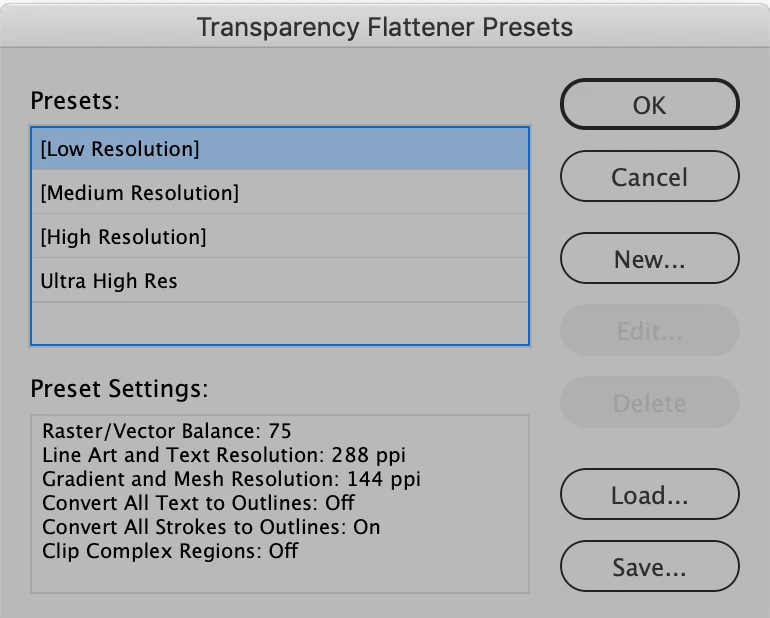
After a clean reinstall of InDesign today, I began the process of updating my settings and Workspace. But one setting isn't working the way it used to. InDesign > Edit > Transparency Flattener keeps reverting to [Low Resolution].
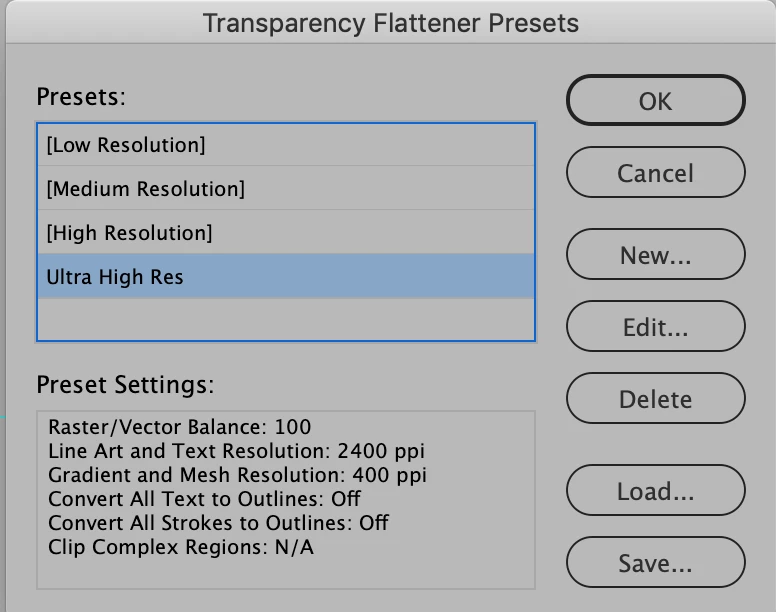
Our standard setting is here, and shown in the screen shot below.
- Raster/Vector Balance: 100
- Line Art and Text resolution: 2400
- Gradient and Mesh Resolution: 400
- The rest is off or N/A.
But after selecting this Preset, I noticed that it doesn't stick. It keeps reverting to [Low resolution].
Any ideas why? How can I get this preset to stick?


 AdChoices