
Answered
InDesign ePub to iBooks export question
Hello,
When I export my ePub file to iBooks - it creates a new file for every export.
Is there a way for the export to simply update the old file?
Thanks so much!
A

Hello,
When I export my ePub file to iBooks - it creates a new file for every export.
Is there a way for the export to simply update the old file?
Thanks so much!
A
Hi. Again, thank you for writing back.
Well. That was kind of dumb of me. However it doesn't seem to be changing the behavior of adding a new file each time. 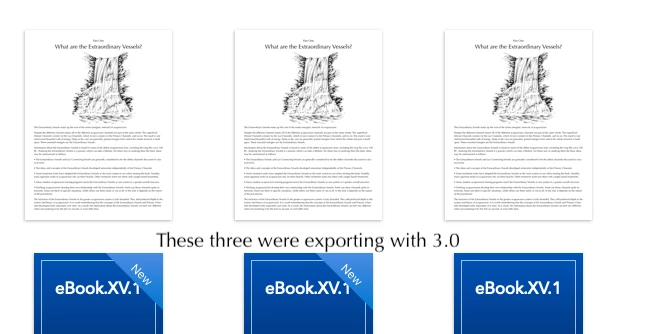
If it is not super obvious, I am teaching myself how to make a reflowable ebook.
Albert
That's a books issue, not InDesign.
If you're testing this stuff out, you'll need to delete the old files before loading the new one.
Already have an account? Login
Enter your E-mail address. We'll send you an e-mail with instructions to reset your password.
 AdChoices