
Participant
March 14, 2022
Answered

InDesign Export Error

  • March 14, 2022
  • 1 reply
  • 473 views

I'm doing my homework through InDesign CC 2020 and my homework dues tomorrow


When I try to export it into a PDF, it shows like this:
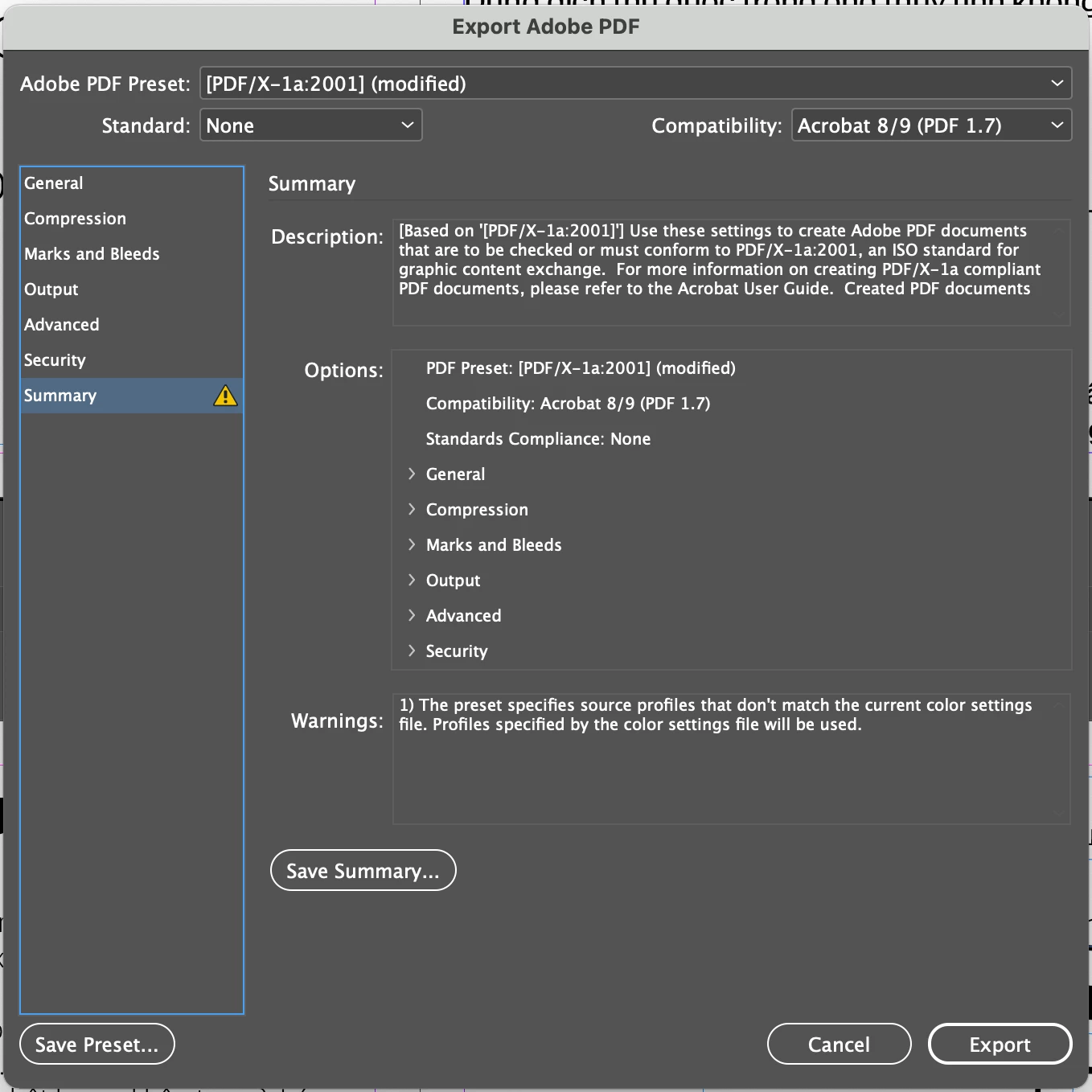
And when I export it, the program somehow automatically close and I see two files in the Desktop:
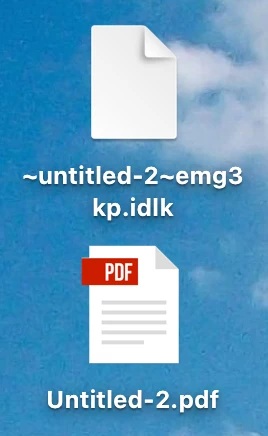
 When I click into the PDF files, it shows the PDF was corrupted.


I hope I could find someone to help.  Thanks


This topic has been closed for replies.
Correct answer Steve Werner

it shows the PDF was corrupted<


It would help if you could show us the message when you open the PDF file.


When I open the InDesign file, I'm not getting an error but there are missing fonts and graphics.


In case there is some hidden corruption in the file, I'd suggest saving as IDML: File > Save As > InDesign CS4 [or Later]. Then reopen the IDML file and try again.


1 reply

Steve Werner
Community Expert
Steve WernerCommunity ExpertCorrect answer
Community Expert
March 14, 2022

it shows the PDF was corrupted<


It would help if you could show us the message when you open the PDF file.


When I open the InDesign file, I'm not getting an error but there are missing fonts and graphics.


In case there is some hidden corruption in the file, I'd suggest saving as IDML: File > Save As > InDesign CS4 [or Later]. Then reopen the IDML file and try again.


Steve Werner
Community Expert
Community Expert
March 14, 2022

The second file is a marker which just shows that you InDesign file is open. It goes away when you close the InDesign file.