
beckyy83731649
Participant
January 30, 2020
Question

Indesign Exporting - Images low quality / Image cut off

  • January 30, 2020
  • 3 replies
  • 1110 views

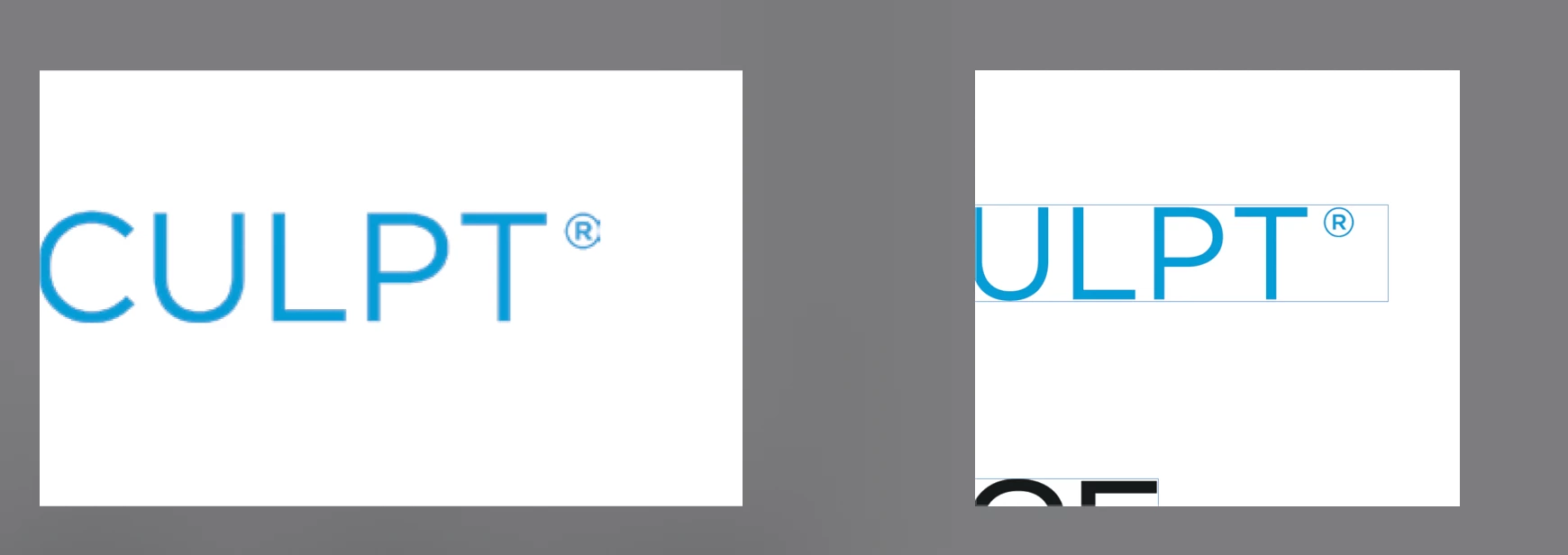
I am having an issue with images in my document being spliced off in the PDF output. Indesign shows it fully within the bounding box but it does not translate well. I have tried different ways (High Quality, Press Quality, etc) and I have disabled the compression aspects as well.
This topic has been closed for replies.

3 replies

Participant
August 26, 2020

Did you find a solution? I am having the same issue. Last time I had this issue, I needed to add whitespace around the image and then save it again. With the image I am currently working on, I cannot edit the image.

Bill Silbert
Community Expert
Community Expert
January 30, 2020

Are you using File>Export>Adobe PDF to make your pdf? I could see something like this happening if you were using the out of date method of exporting a postscript file (with the page size incorrectly set) and then using Acrobat distiller to create the PDF.

Community Expert
January 30, 2020

What file type is it? 

Are there any clipping paths/compound paths applied to the image itself if you open the image to edit it?

beckyy83731649
Participant
January 30, 2020

Its a PNG of a logo that there wasn't a vector file to be used. I been changing it to JPG and nothing. I have to save it as a PSD and manually move the copyright icon closer to try to make it somewhat work so far. But I never had an issue like this before.