
Participant
September 5, 2022
Question

Indesign file recovery

  • September 5, 2022
  • 3 replies
  • 523 views

A file I'm working on in indesign suddenly stopped working/

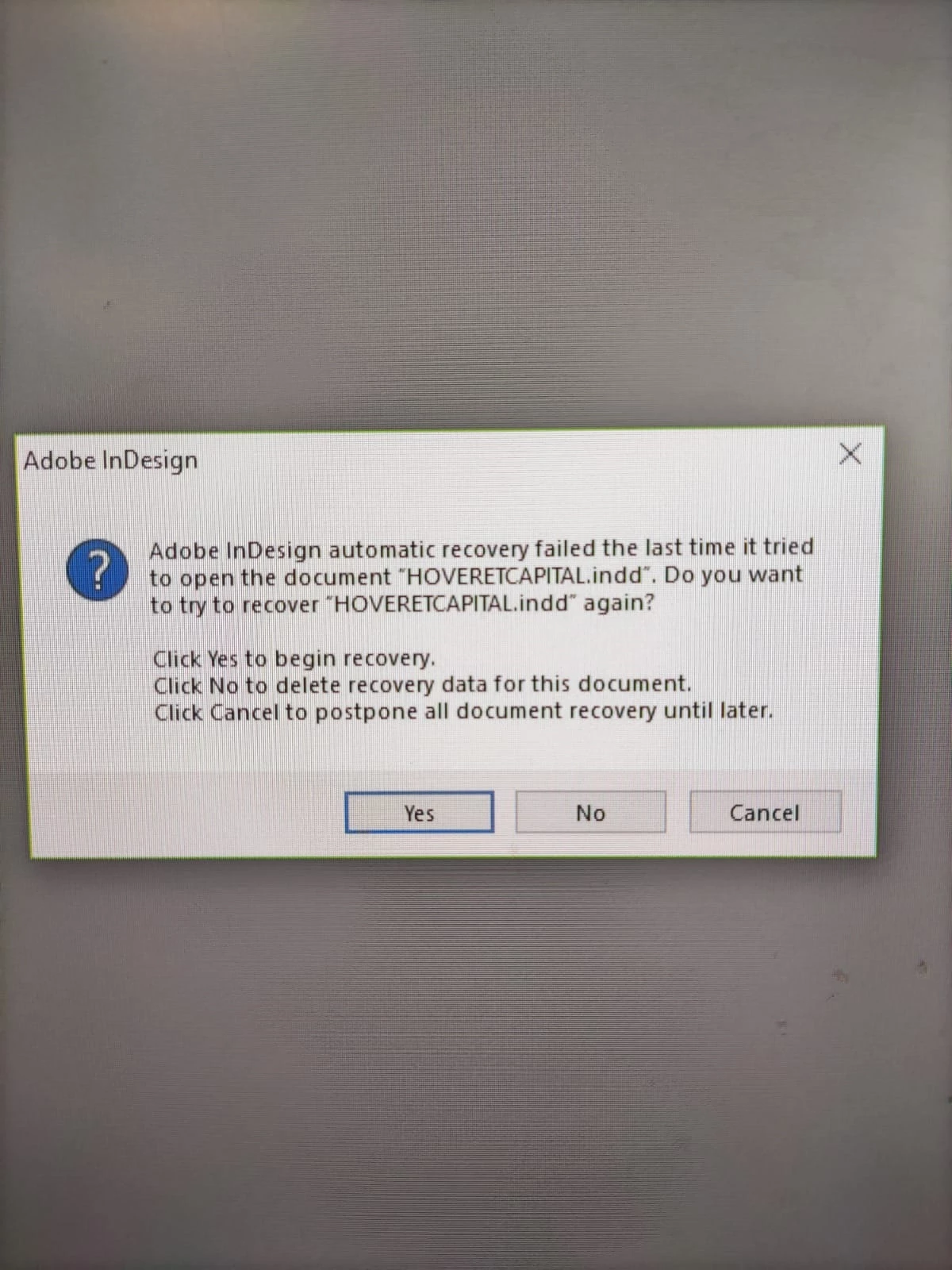
When I try to open it, apop up window appear saying:

It does not matter what I press (yes/no/cancel) It closes the progrem.

*this messege apear even when I just open the progrem or a different file.

How can I recover this file.

Any advise will be helpful

"
    3 replies

    Willi Adelberger
    Community Expert
    Community Expert
    September 12, 2022

    If this happen do not do any recovery. Delete all lock and recovery files. Keep only the original. Rename the file. Open it and save as IDML and open the IDML, save as INDD.

    If this does not work use the script blind open to save the file without opening it.

    // blindOpen_and_IDML-Export.jsx 
     
    var _file = File.openDialog("InDesign File"); // Select an INDD file 
    if(_file != null) 
    { 
    	var d = app.open(_file, false); // Open an INDD file without showing it 
    	d.exportFile(ExportFormat.INDESIGN_MARKUP,  File(_file.fullName.replace(/.indd$/i,'.idml'))); // Export to IDML 
    	d.close(SaveOptions.NO); // close without saving 
    } 
    Participant
    April 18, 2025

    Not able to get this to work - do you have to save it as a certain name? Or use it a certain way?

    Peter Spier
    Community Expert
    Community Expert
    April 19, 2025

    @Peter Spier


    🙂 I'm pretty sure @Kelsie27024650ii6d is just asking how to execute this script 😉


    @Kelsie27024650ii6d


    https://creativepro.com/how-to-install-scripts-in-indesign/


    @Robert at ID-Tasker  I think maybe you're right and I hope it works.

    Community Expert
    September 12, 2022

    If it's not able to recover the file then I am afraid we are in a bad state. Read the following article and see if you find something useful

    https://helpx.adobe.com/indesign/kb/indesign-document-recovery.html

    On another note don't you have the file saved apart from the autosaved copy that is failing recovery. In that case atleast you will have the file till the last saved session. In such a case we can remove the recovery data manually and atleast start work again

    -Manan

    -Manan
    BobLevine
    Community Expert
    Community Expert
    September 12, 2022

    You may need to recover it from a backup.