


InDesign File recovery from iCloud
Hi All,
All my work files are saved directly on icloud, so that there is a constant backup.
I have been working on the dInDesign document for a week now and saving it everyday. However yesterday, my InDesign got hung and I had to forcebly quit it. When I tried reopening the file, it said that the file name could not be found, do you want to postpone recovery? I pressed 'yes' hoping that when the icloud server is able to connect back, I will get my recovery file. But I still haven't been able to open it.
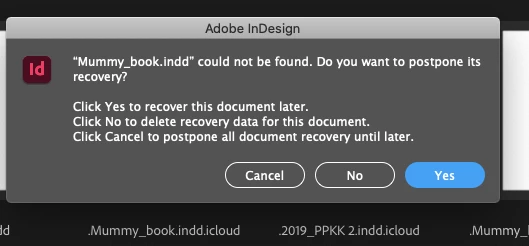
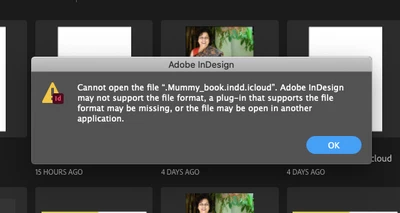
I have even tried to look for InDesign recovery folder through the suggested paths of user/library/cache/InDesign/InDesign Recovery through other help groups, but even after searching my entire laptop hard disk and iCloud, there seems to be no folder named 'InDesign Recovery'
Following were my attempts to look for that folder:
1.Path 1
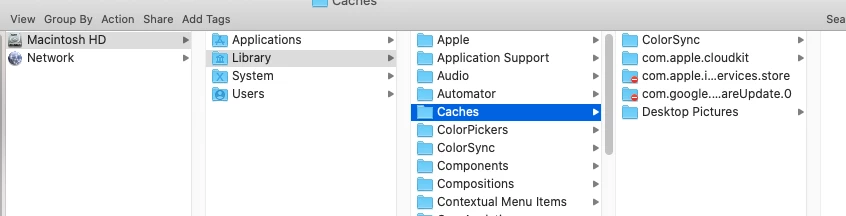
2.Path 2

When I go to my iCloud account through GoogChrome, I can locate and download the said file, but it is the older version which has atleast 4 days of work missing.
I really need help with this. InDesign's message of whether to postpone recovery, makes me feel that there is hope.
Thanks in advance for the help!
Deepti
 AdChoices