Participant
February 5, 2018
Answered

InDesign Files Won't Open File from Server on First Try

  • February 5, 2018
  • 3 replies
  • 3001 views

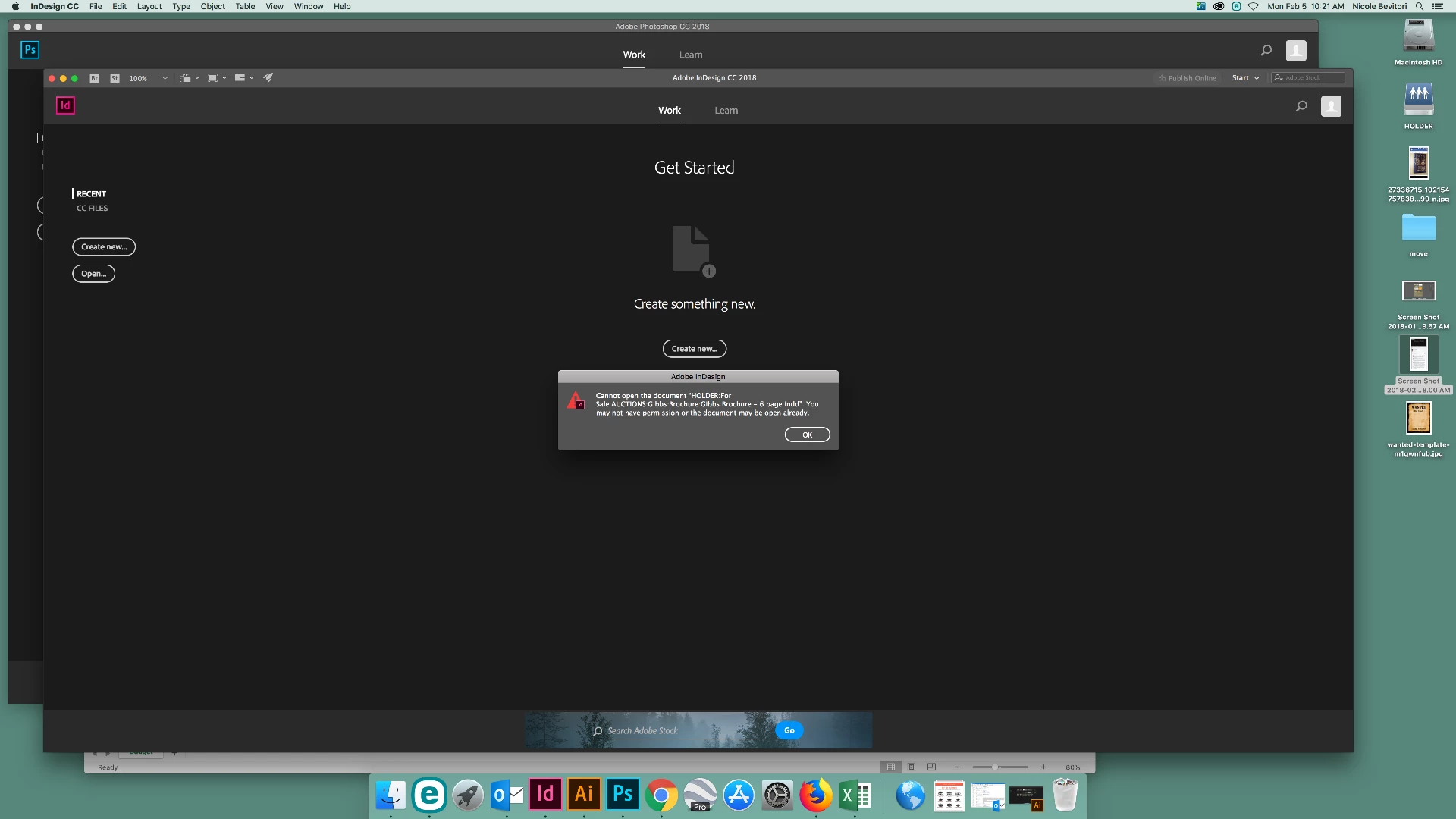
Whenever I try to open a document from our server the first time, I receive the error below:
I tried installing the plugin from support at this link: InDesign crashes while saving a file on a network drive that is supposed to fix the issue, however, it does not fix the problem for me.

Other errors I'm receiving...

If I export a jpg onto the server it saves with no data.

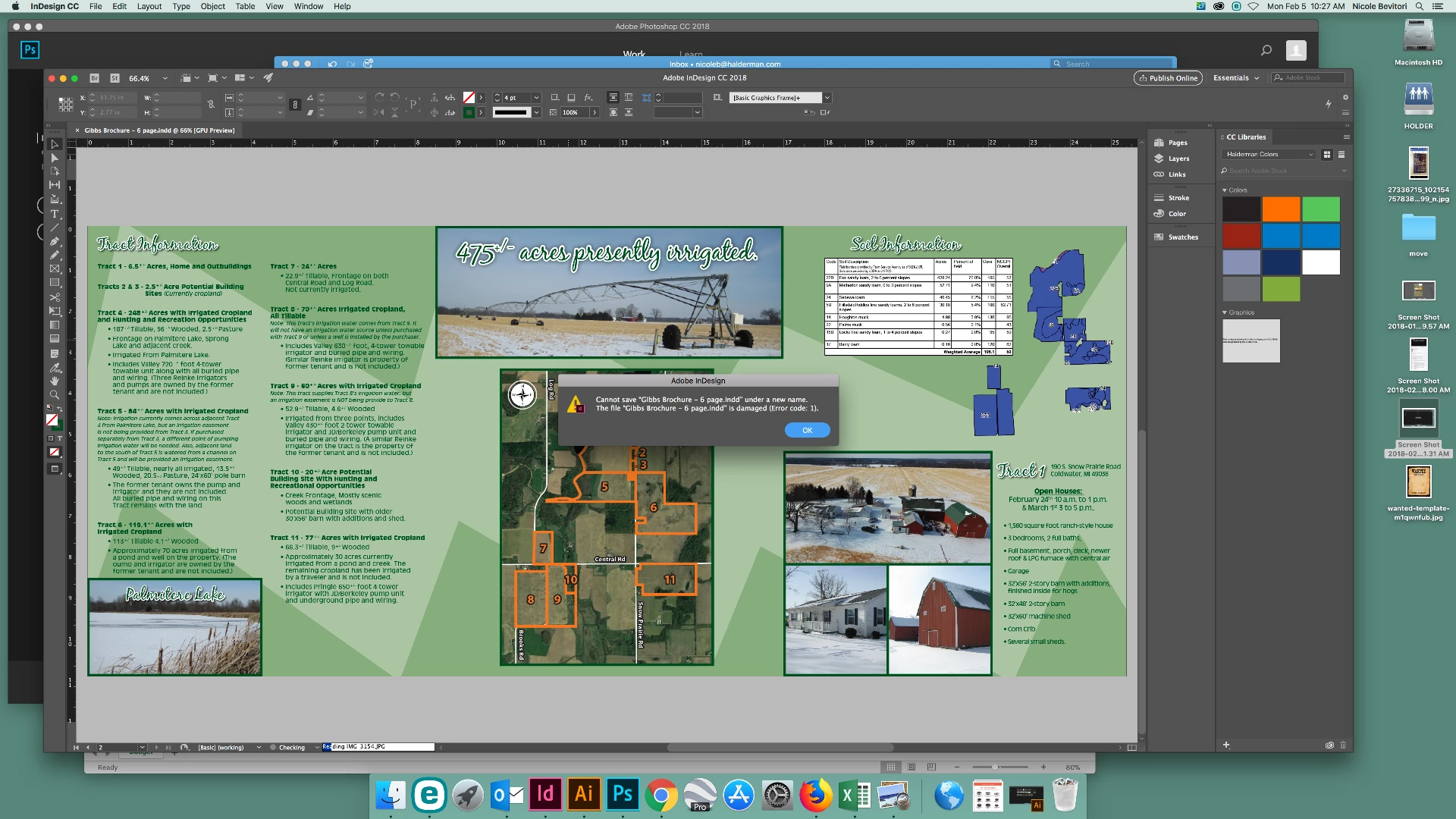
When try to save as with a document:
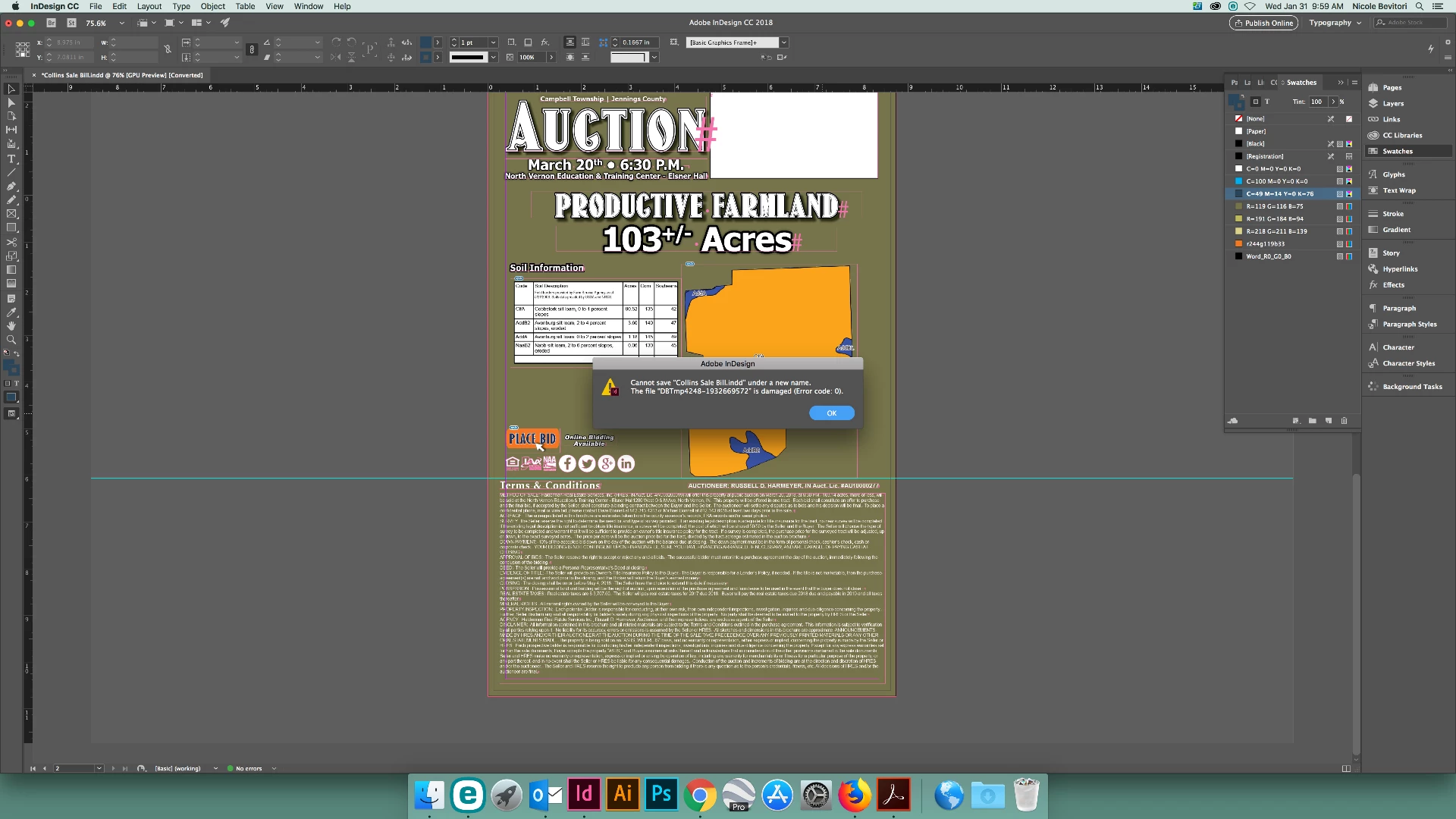
All of these issues do not exist if I work directly from my desktop.

    This topic has been closed for replies.
    Correct answer Haldermanmkt

    If anyone experiences this in the future, we use ESET Endpoint Antivirus and had to go in and disable the network media scanning module.

    3 replies

    Participant
    May 30, 2019

    We found a solution! Instead of opening files in Finder, try this:

    1) Go to the InDesign menu

    2) Select File > Open (O)

    3) Open your .indd file

    It's much less frustrating than opening files twice or working off the desktop.

    HaldermanmktAuthorCorrect answer
    Participant
    February 5, 2018

    If anyone experiences this in the future, we use ESET Endpoint Antivirus and had to go in and disable the network media scanning module.

    Steve Werner
    Community Expert
    Community Expert
    February 5, 2018

    It could happen if the server is mis-configured. Check with your IT department.

    Victoria OBrien
    Participant
    September 19, 2022

    Do you have any resources on how it should be configured properly for Mac/Microsoft users alike? To give to IT to double check just in case.