Answered
Indesign font problem
Hi!
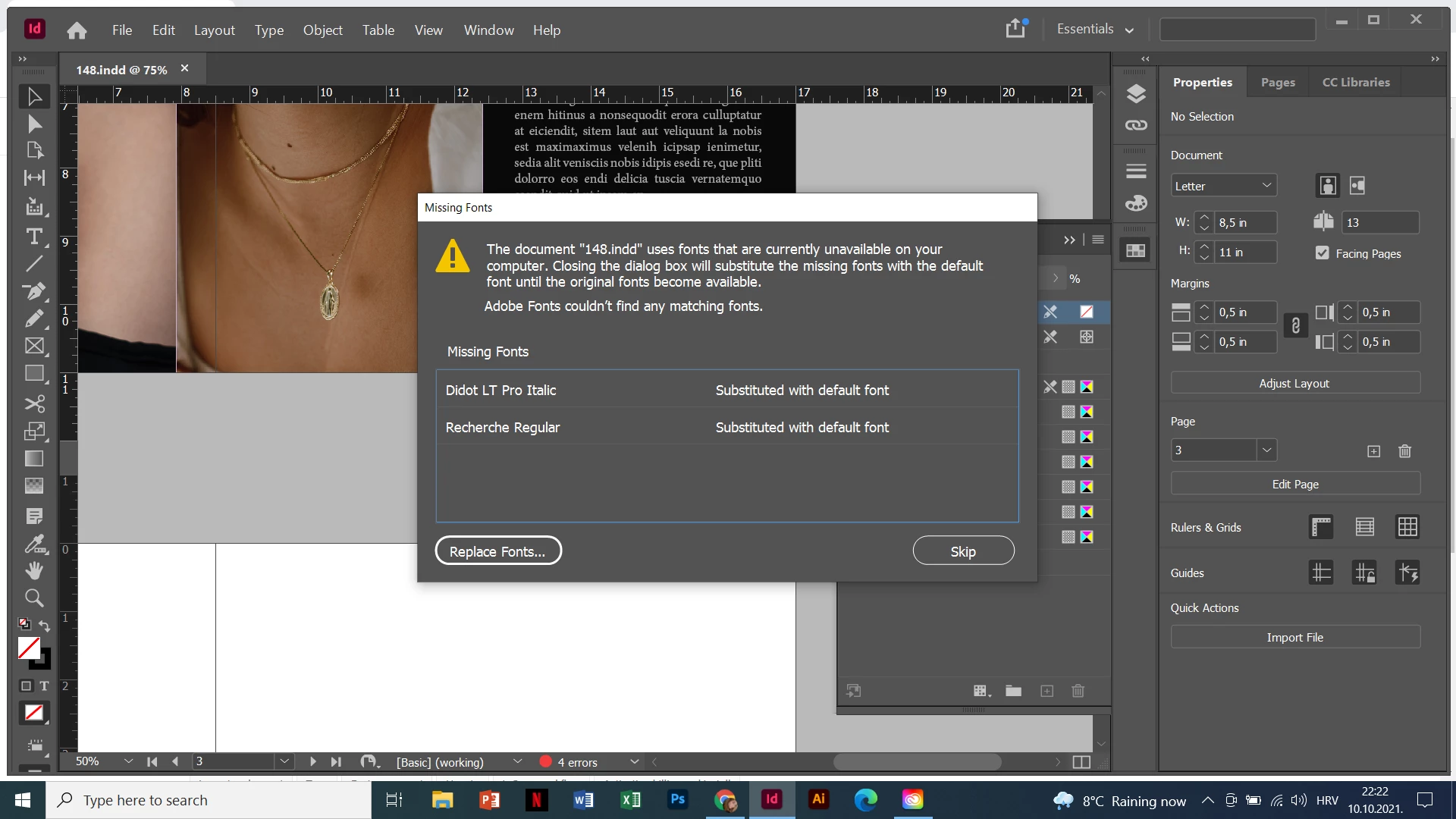
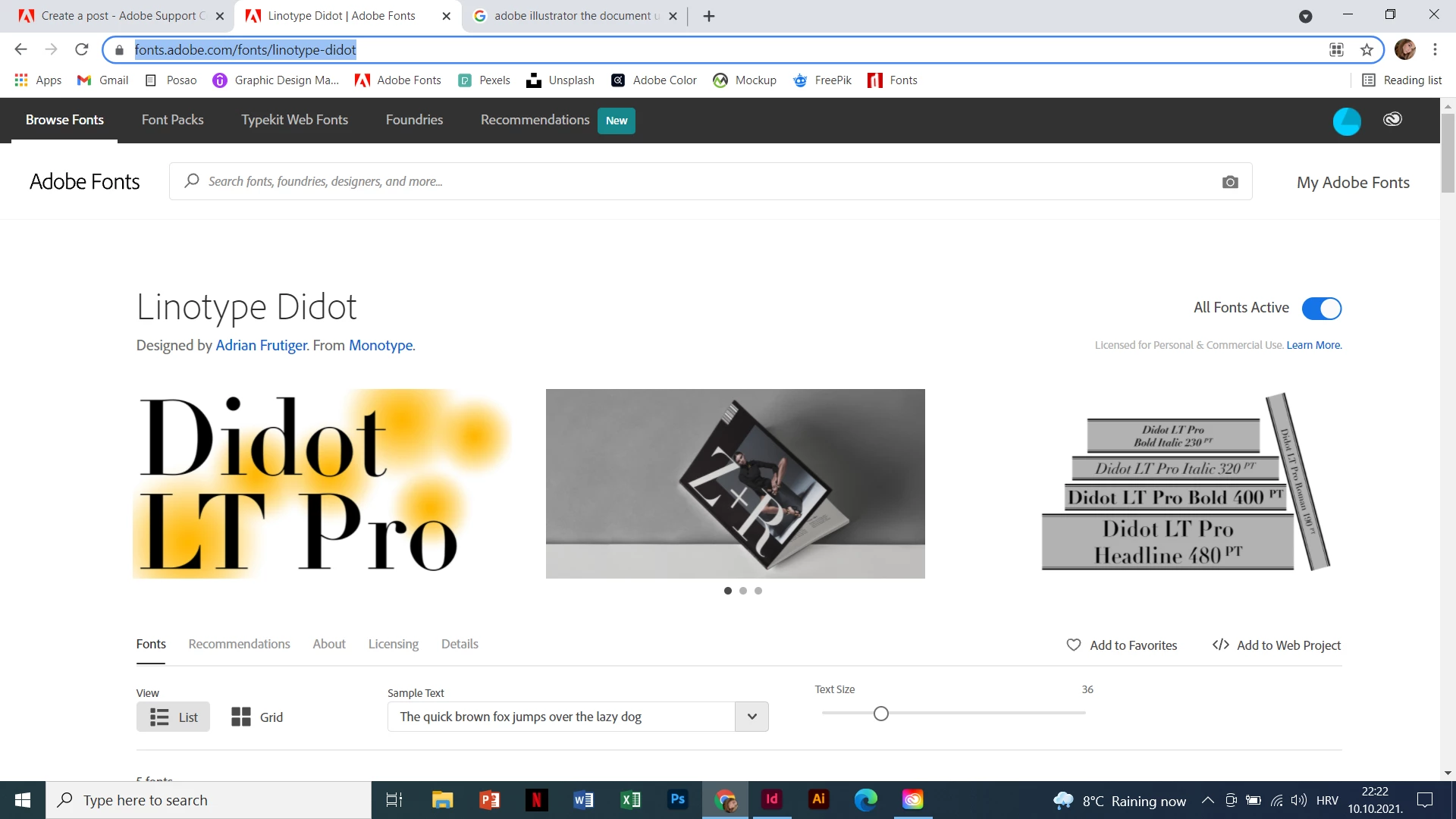
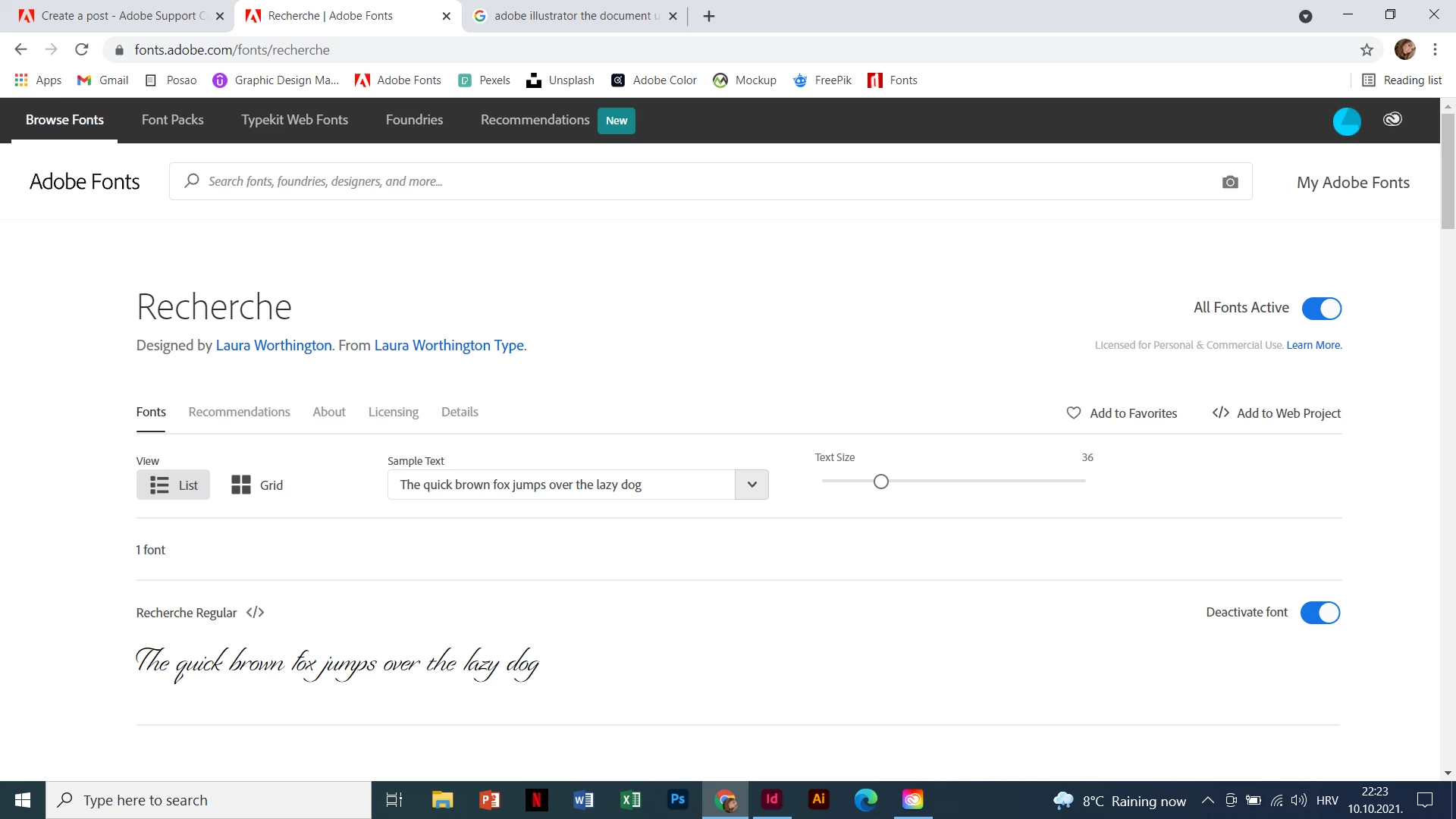
I have a problem with my Adobe Indesign. I used two fonts in my project and now it says that " the document uses fonts that are currently not available on your computer" but I have them installed on my computer.

Hi!
I have a problem with my Adobe Indesign. I used two fonts in my project and now it says that " the document uses fonts that are currently not available on your computer" but I have them installed on my computer.
Thanks, this helped. I realised that I need to opet Adobe Cloud first and then Indesign 😁
Already have an account? Login
Enter your E-mail address. We'll send you an e-mail with instructions to reset your password.
 AdChoices