
Answered
Indesign for Mac - Larger icons when in the 'Place' window
Hi all,
Please can you let me know how to increase the size of the Icons within the windown when you're placing images for Mac users, see below screengrab:
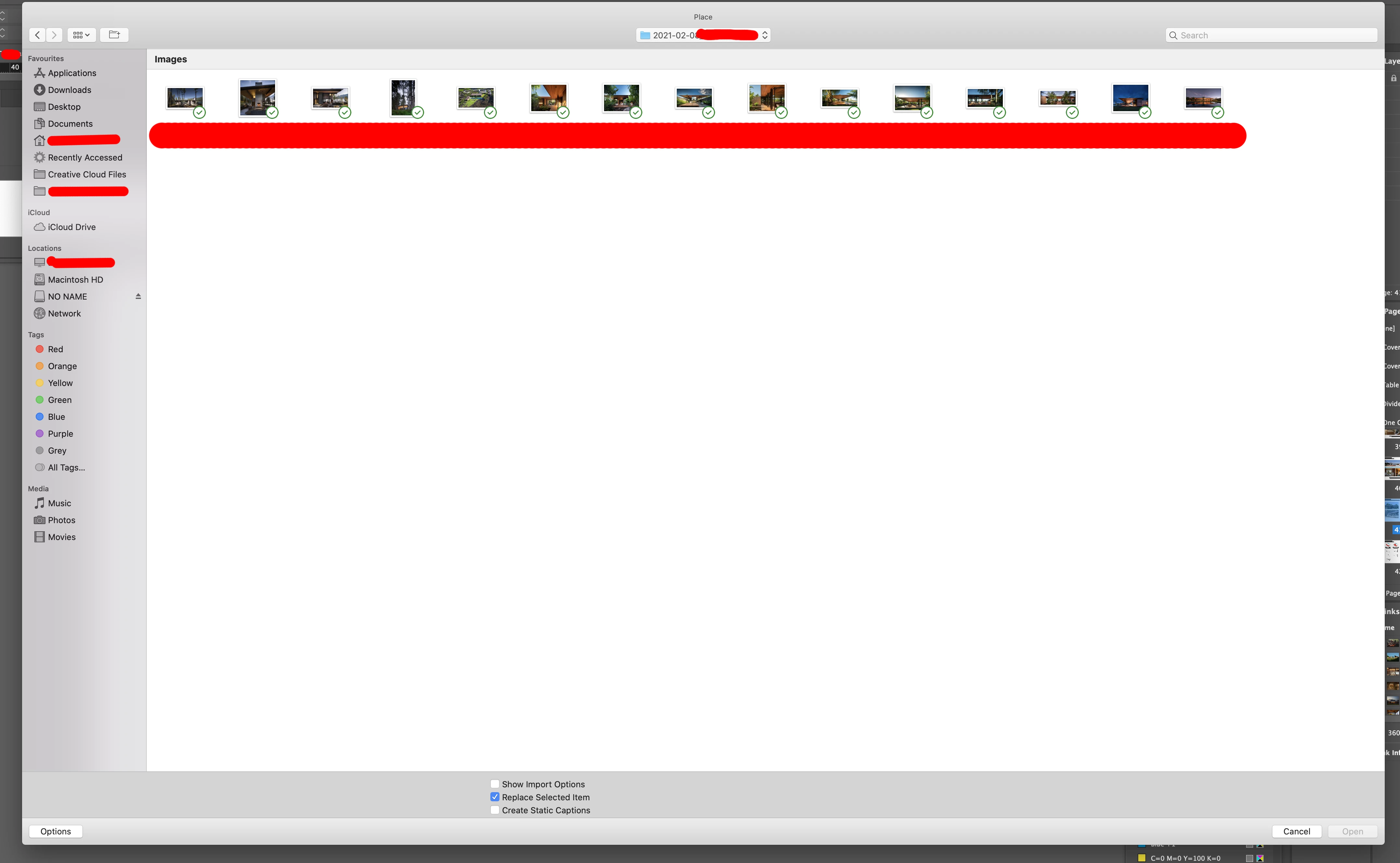
As I can't see the images well enough to make any choices here (outside of having another general mac finder window up with the icons scaled up within - as can be done easily within that UI - as a reference, and then flipping between the two, which of course is a messy way of working).
Apologies if it is a common and easy little button or scaler somewhere that I haven't seen! I imagine it's a common thing and sorry again for not being able to find it - but I couldn't find anything in any forum addressing this specifically.
Many thanks in Advance!
Nicholas
 AdChoices