
sarahg89416446
Participant
July 26, 2025
Question

InDesign GPU Performance not detecting NVIDIA GPU

  • July 26, 2025
  • 2 replies
  • 1259 views

Hi all,

I'm having an issue on Windows 11 with InDesign GPU Performance detecting the wrong graphics card. I've searched for an answer to this everywhere else I can think of without success. 

I have two graphics cards, Intel(R) UHD Graphics and NVIDIA GeForce RTX 4080 Laptop GPU:

  • InDesign is set to High Performance in Windows graphic settings.
  • NVIDIA GPU is set as the Windows system default.
  • InDesign is set to use the system default in NVIDIA control panel.
  • I just updated the NVIDIA driver.

But when I go to Edit > Preferences > GPU Performance in ID, it shows the Intel GPU:
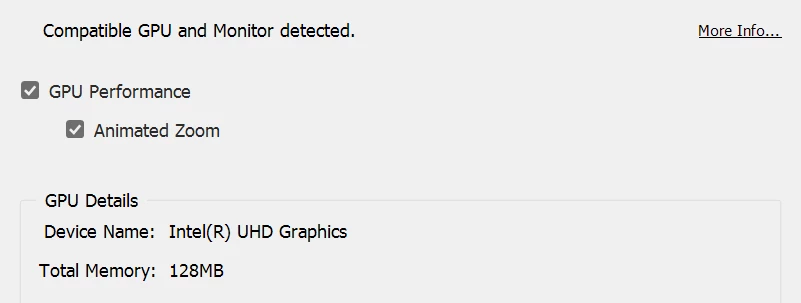
I can't figure out how to get ID to detect and use my NVIDIA GPU.

Display settings:
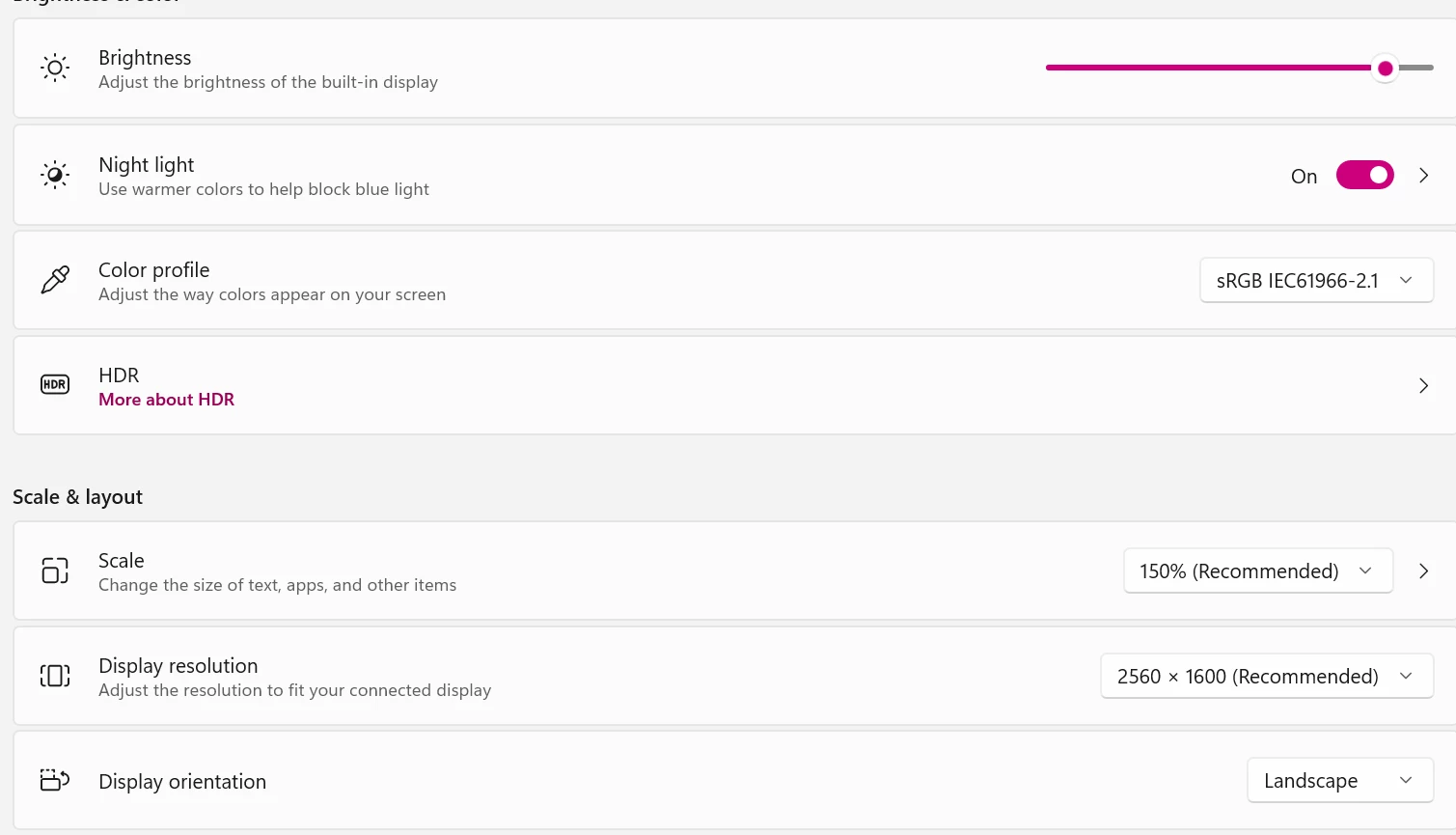
I found the IDSniffer file, but I'm not sure how to share it here. It's an enormous blob of text. Here are parts that reference the graphics cards: 

Top of the document:
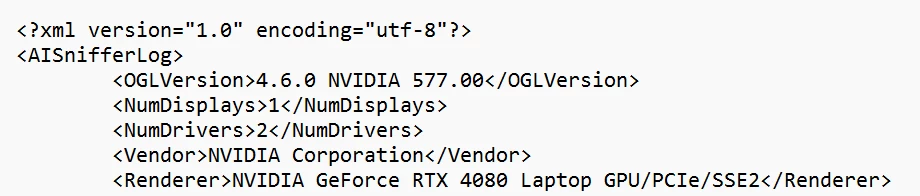
Then near the bottom of the document:
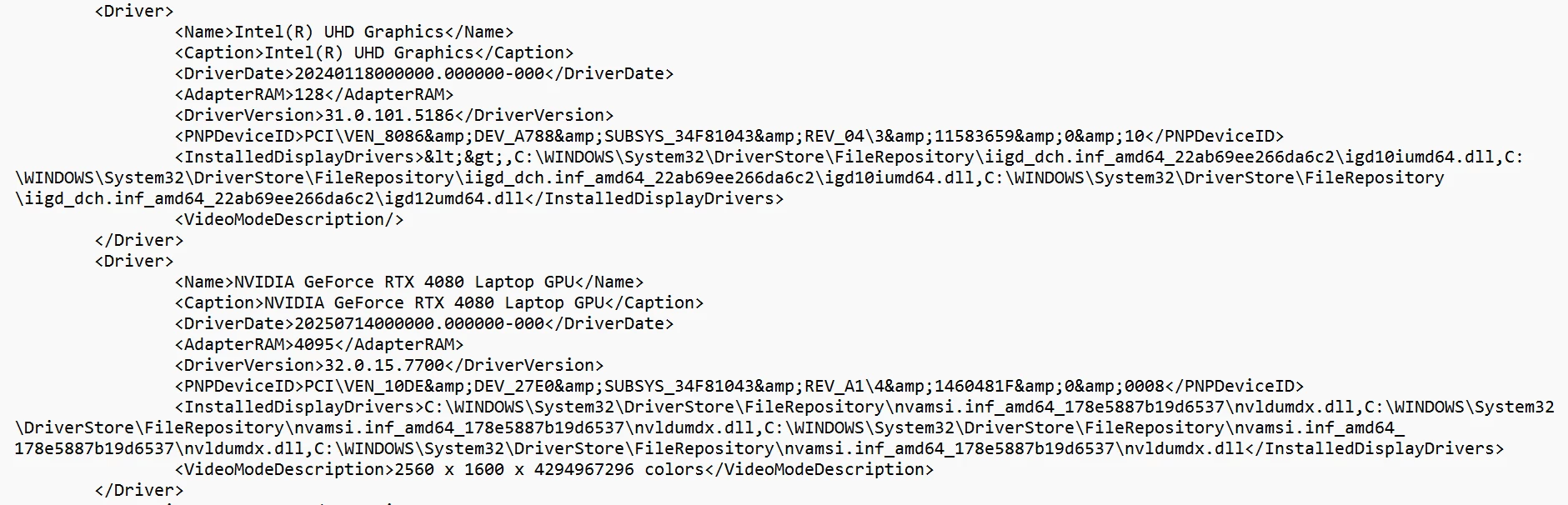
 

I'll be hugely grateful to anyone who can tell me what I'm missing.

2 replies

Dave Creamer of IDEAS
Community Expert
Community Expert
July 28, 2025

Do you have any monitors plugged into the motherboard or just the NVIDIA card?

I'm using _only_ my card and the internal Intel display adapter doesn't show up at all in the Device Manager.


David Creamer: Community Expert (ACI and ACE 1995-2023)
Mike Witherell
Community Expert
Community Expert
July 26, 2025

Maybe you could boot into the BIOS and turn off the lesser video system? That would leave only your big GPU card for Adobe software to see and interact with.

Mike Witherell
Anubhav M
Community Manager
Community Manager
July 28, 2025

Hello @sarahg89416446,

I'm sorry to hear about your experience. I hope Mike's suggestions helped resolve the problem. If not, please try running InDesign under a different administrator account  (Windows), and under that account, performing a clean reinstallation of the GPU(s) drivers (Intel / NVIDIA / AMD), setting the Graphics Preference to High-Performance for InDesign (https://adobe.ly/40DvIbF), and checking if it helps.

Looking forward to hearing from you.

Anubhav