Participating Frequently
August 14, 2022
Answered

InDesign 'hangs' on start up after 4 minutes

  • August 14, 2022
  • 1 reply
  • 563 views

Hi Community, 


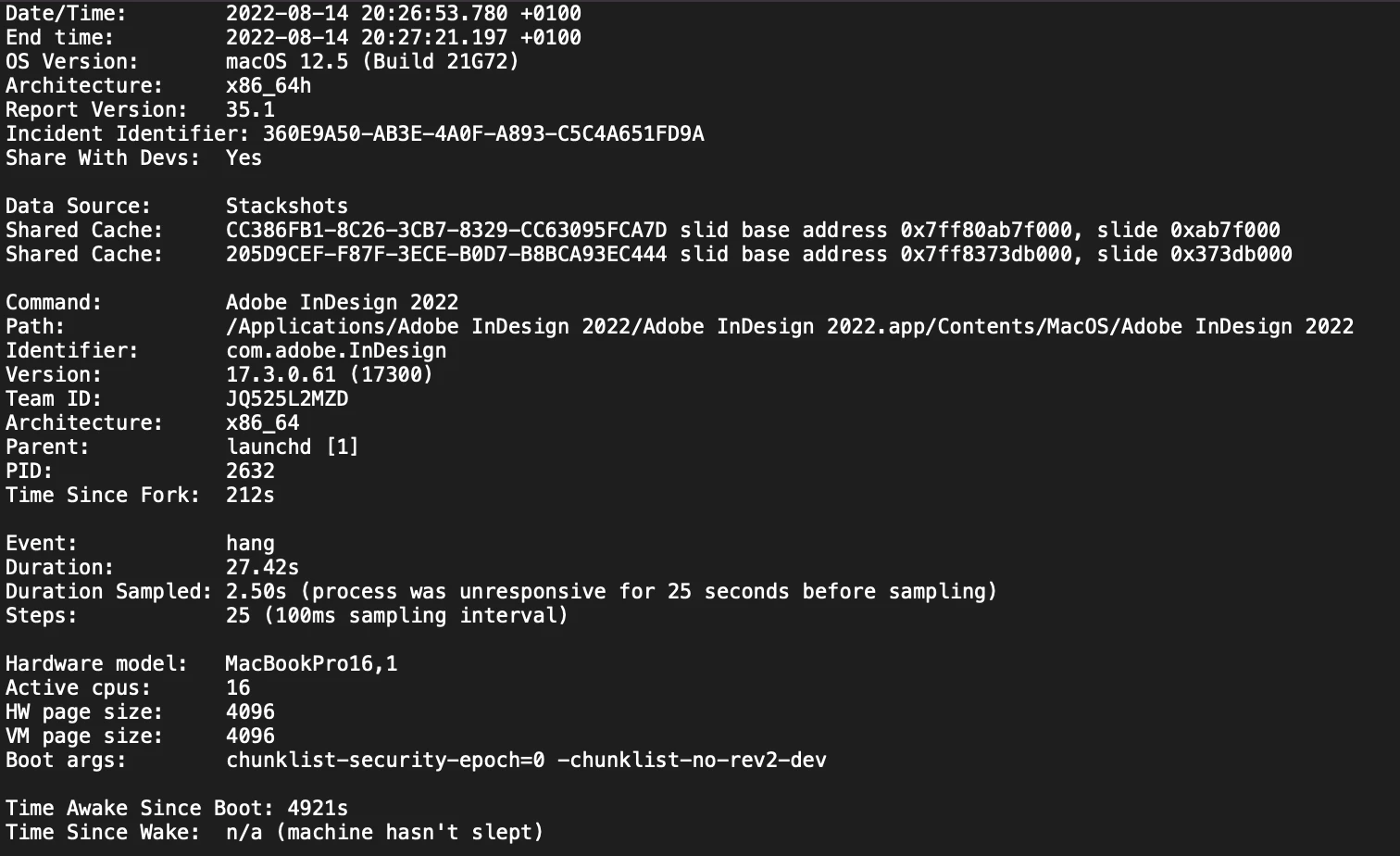
3 Days ago InDesign started to 'hang' after roughly 4 minutes of activity. To try and combat this I've deleted and redownloaded InDesign twice to no effect, I've Validated and fixed all broken fonts via the fontbook, I'm at a bit of a loss so any help with this issue would be most helpful. To note it's only InDesign that is affected and I'm up to date with all software. I've attached a screenshot of the crash report if this is any use.


Thanks, Adam.
This topic has been closed for replies.
Correct answer Derek Cross

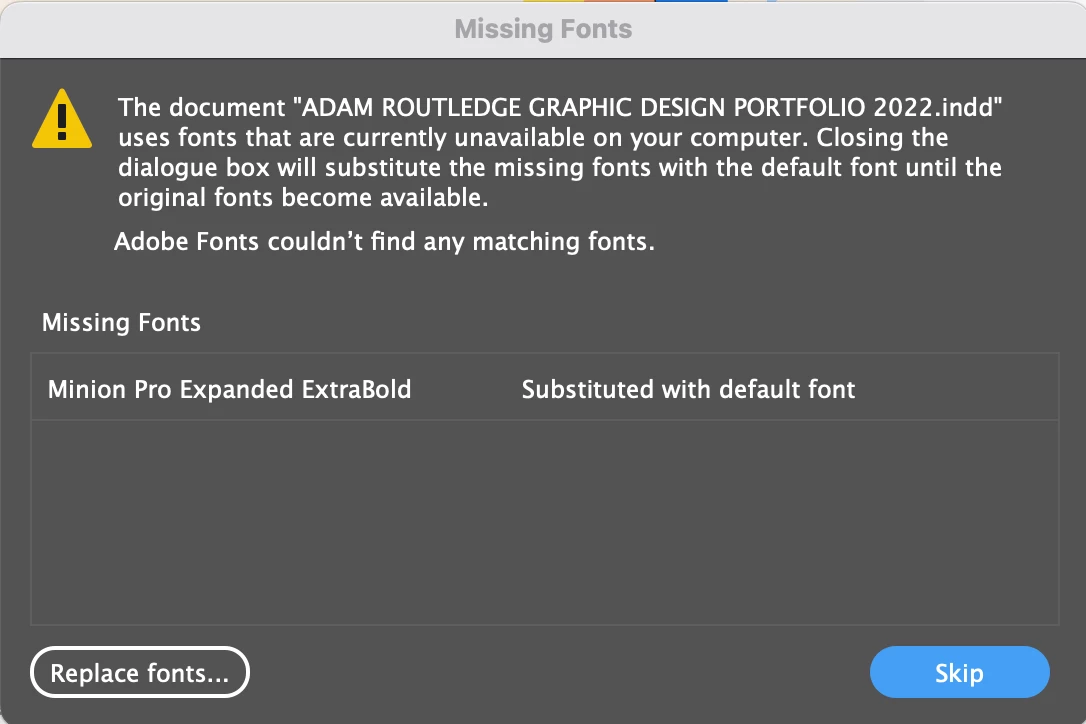
I don't know if this would be of any significance but when I open InDesign, this pop-up comes up with some files I try to access, the font in question doesn't exist? I'm also unsure how to remove the font from showing up on the options - it also doesn't exist in my MacBook Font book either. Furthermore, that font originated from Adobe Fonts.


I don't have any font managers running that I would be aware of, all fonts are downloaded from places like Dafont, Google Fonts or other websites where they are downloaded rather than managed, with others coming from Adobe Fonts.


Also with my GPU unticked it still has no effect


It might be worth using the Adobe Cleaner Tool to uninstall InDesign and reinstall it again. https://helpx.adobe.com/creative-cloud/kb/cc-cleaner-tool-installation-problems.html

1 reply

Derek Cross
Community Expert
Community Expert
August 14, 2022

How much RAM and spare hard disk capacity do you have?

Have you tried resetting the InDesign preferences?

Participating Frequently
August 14, 2022

RAM capacity is 32GB and I have 1TB of storage on my MacBook

I've tried resetting the InDesign preferences but each site I've visited, video I've watched keeps giving me a different set of key combinations, none that have worked yet, I'll keep trying resetting the preferences though.

Derek Cross
Community Expert
Community Expert
August 14, 2022

Have you got a third-party plug-in installed, such as a font manager?

Have you tried unticking using the GPU in preferences, then closing and reopening the application?