Inspiring
June 28, 2024
Answered

InDesign high quality view not working.

  • June 28, 2024
  • 1 reply
  • 586 views

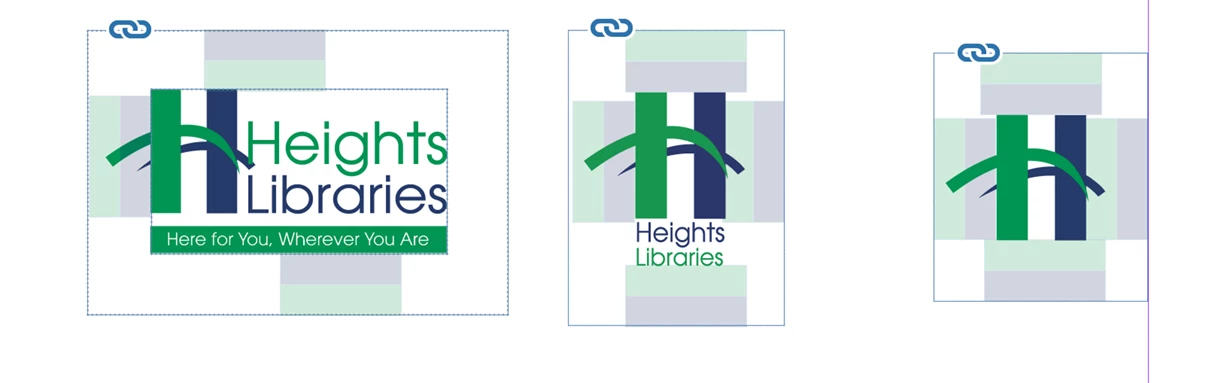
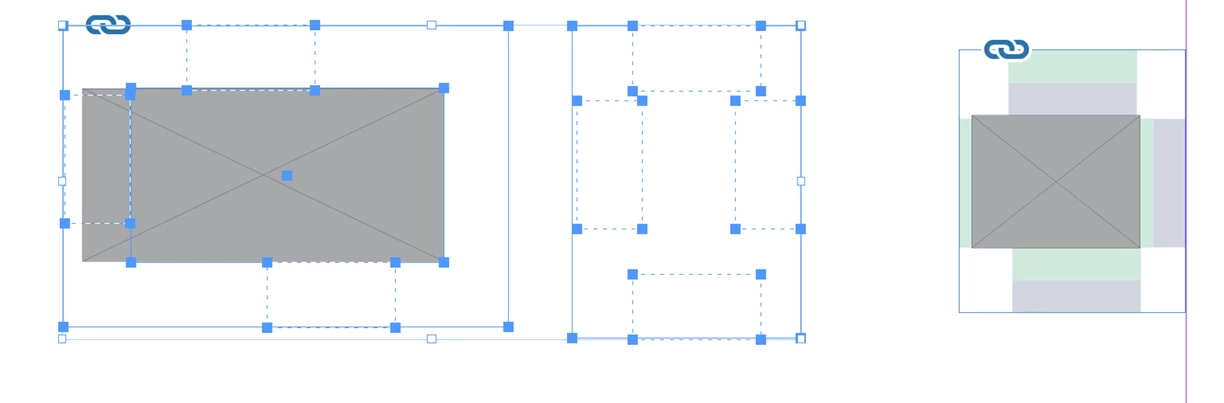
Can someone tell me how to fix this problem I have been having for a long time? High quality view is not working correctly. After shifting an image, it turns into a grey box. After nudging it I get the image back. 

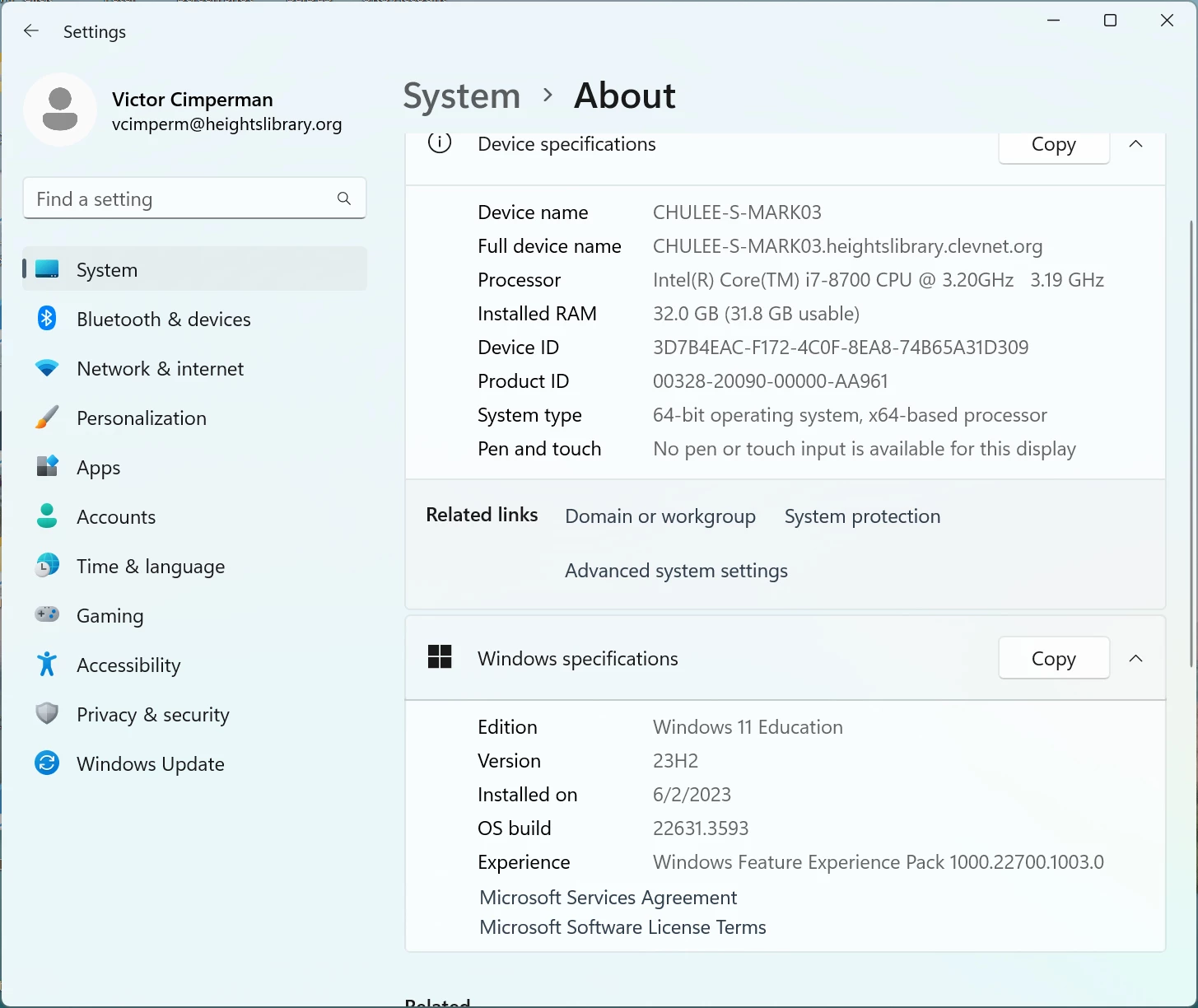
I also noticed InDesign lagging alot. See pictures for more detail about system and hardware. 

Thanks 

Victor
This topic has been closed for replies.
Correct answer vcimperm

Are the images in place embedded (cut/paste) or linked to external image files? I know there are oddities when ID can't fully update its previews of images from those outside files.


Files were all linked. 

I went through the list of items to check at the top of this post and it seems that my high res view setting and screen redraw are working now. Hope it stays this way. 

Thank you everyone for your help! Much appreciated! 

Victor

1 reply

Peter Spier
Community Expert
Community Expert
June 28, 2024

Weird stuff like this is often fixed by resetting Prefs and deleteing the InDesign cache. See Reset InDesign Preferences and Other Troubleshooting 

vcimpermAuthor
Inspiring
July 1, 2024

Thank you. I'll give it a shot.

vcimpermAuthor
Inspiring
July 8, 2024

Still testing. I was out for the holiday last week but so far it looks like there has been an improvement. I'm also using Connect Fonts from Extensis and want to look at that closely. There may be an issue with the font management tool and extensions.