
Participant
November 24, 2023
Question

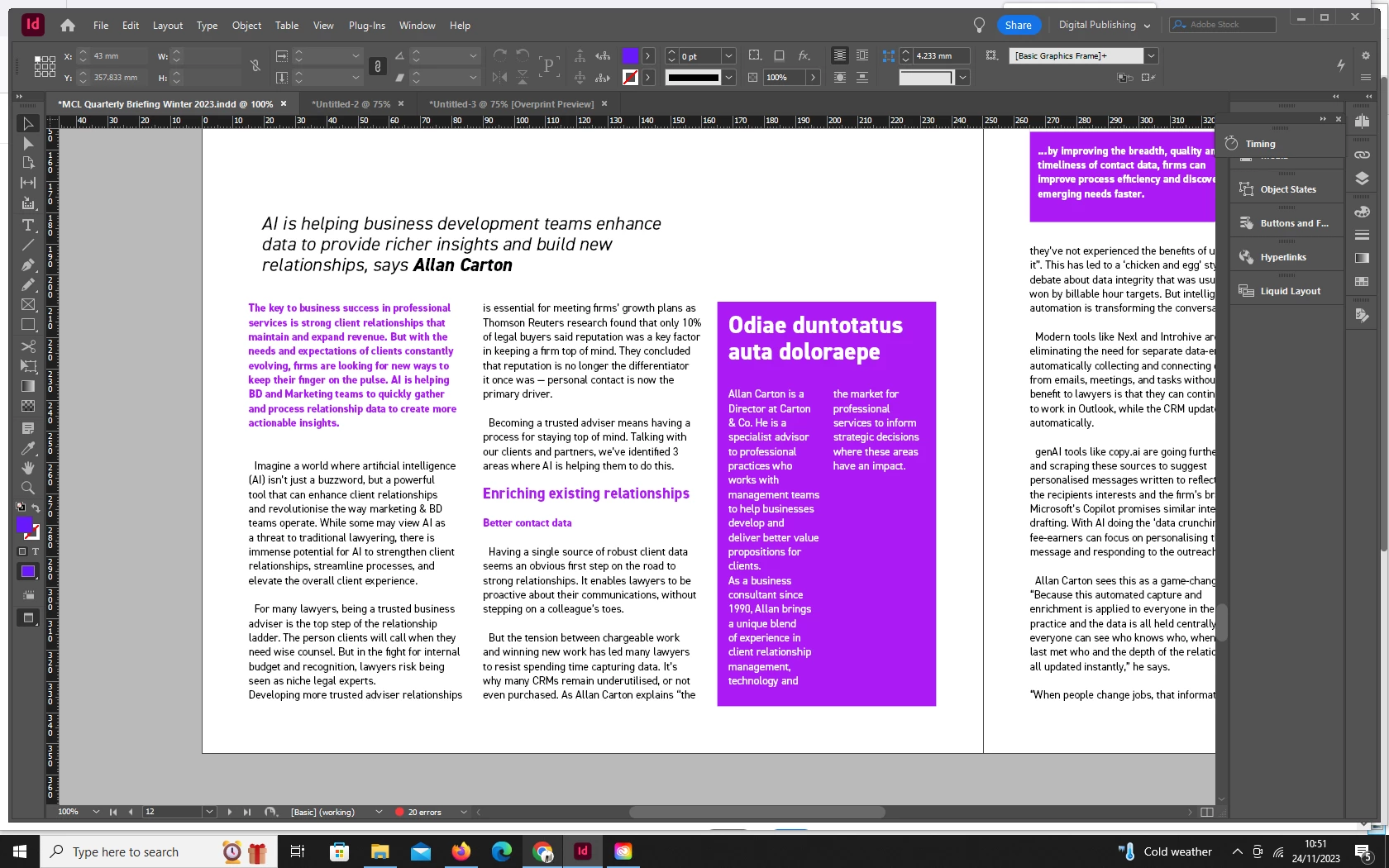
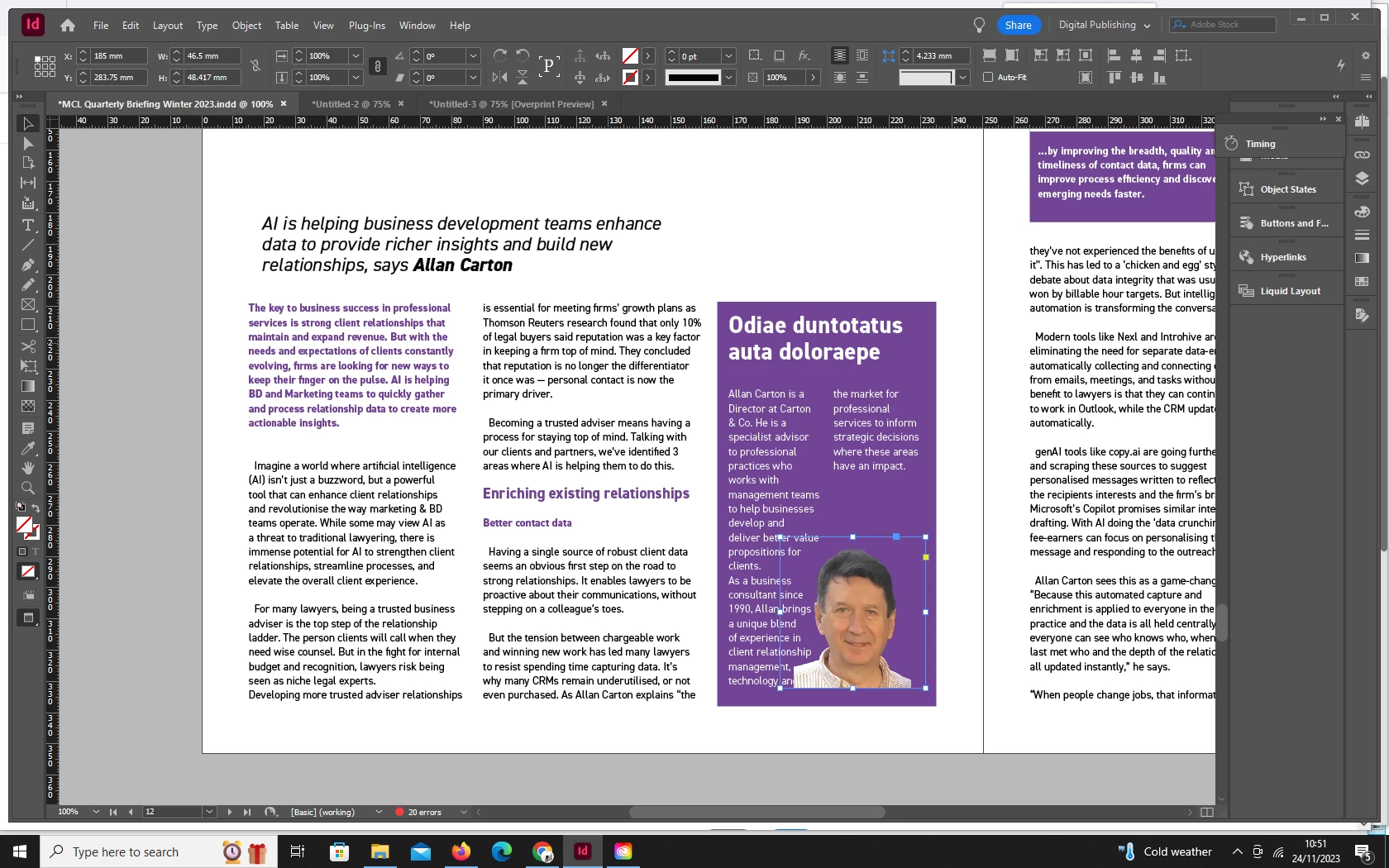
Indesign is changing my colours, making them duller

  • November 24, 2023
  • 2 replies
  • 240 views

I'm using an Adobe magazine template in Indesign and it keeps muting the colour palate I'm using, particularly when I place images on the page. It reverts to duller versions of the colours I want to use. I have tried changing the colour settings but it doesn't seem to make any difference. I have attached screenshots that demonstrate the change in colour with an image added. Any thoughts?  
This topic has been closed for replies.

2 replies

Steve Werner
Community Expert
Community Expert
November 24, 2023

Rob is correct. You'll file this here: Edit > Edit Transparency Blend Space. This explains it:


https://www.printingforless.com/Choosing-a-Transparency-Blend-Space.html#:~:text=Where%20Do%20I%20Find%20the,see%20this%20set%20to%20CMYK.

rob day
Community Expert
Community Expert
November 24, 2023

Hi @Molly222627848agn , Set your Transparency Blend Space to RGB, but if this is for print the purple color is not printable with process color.