But a lot of times Im working on a online catalogues and overprint preview is just not the best way to go
For online work are you setting your Transparency Blend Space to RGB? Does it happen if you set the Proof Setup to sRGB and turn on Proof Colors?
Also, looks like your capture is a Grayscale image. What file format is the placed image? Does it happen if you place .PSDs?
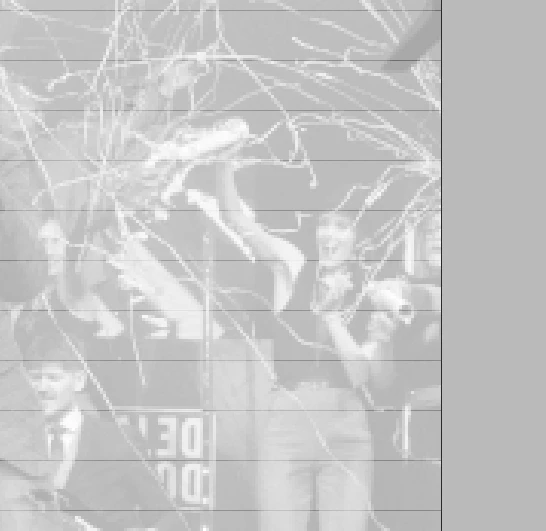
If i change Transpareny Blend Space to RGB the lines are still here. Changing proof setup and turning on Proof colors doesnt do anything either.
The Picture is PNG. I just noticed that the lines dont show up untill you actually lower the transpareny. The lines are only visible on the actual picture not the transparent background of the PNG image. Same thing happens with JPGegs and PSD files.
Thank you for trying but nothing makes a difference so far. The only thing that helped is setting scaling of windows and app to 100% (makes it too hard to use).
I dont get a problem with any other app on that scaling settings aswell. Looks like an InDesign malfunction.
Thanks again to both of you.



 AdChoices