
Answered
InDesign Javascript Pages Palette question...
Hi there,
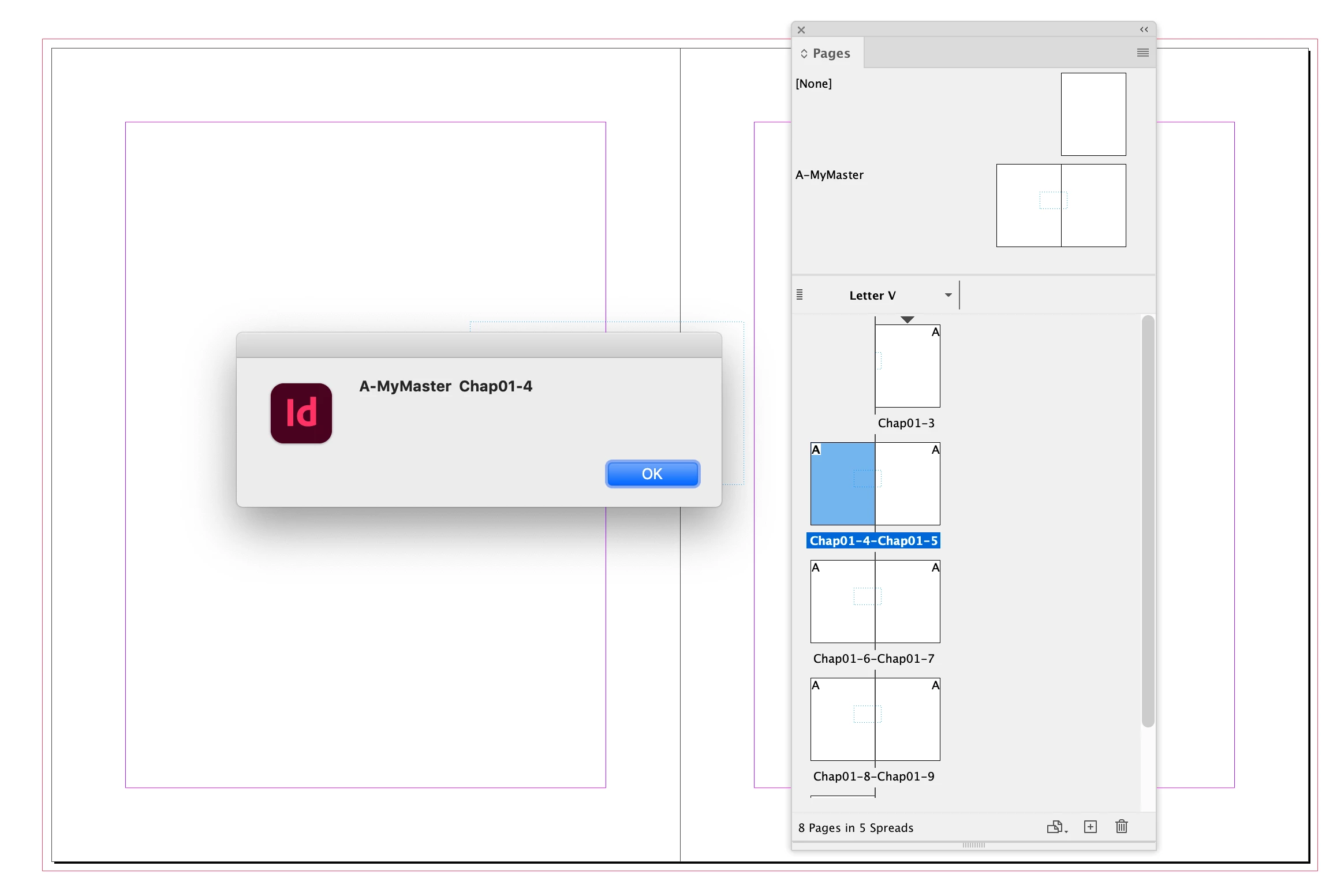
Is there a way to get the page names from the Pages Palette, under each page icon, using javascript?
I can access the page numbers however I need the page names.
Thanks.

Hi there,
Is there a way to get the page names from the Pages Palette, under each page icon, using javascript?
I can access the page numbers however I need the page names.
Thanks.
Thanks Rob 👍
I've just realised, I'm expecting the master page prefix too that's why I asked.
I'm presuming I can get that from somewhere and concatenate the two.
Thanks again.
var p = app.activeWindow.activePage;
alert(p.appliedMaster.name + "  " + p.name)
Already have an account? Login
No account yet? Create an account
Enter your E-mail address. We'll send you an e-mail with instructions to reset your password.


 AdChoices