Inspiring
October 30, 2025
Answered

Indesign JPEG export is broken since forever :(

  • October 30, 2025
  • 3 replies
  • 203 views

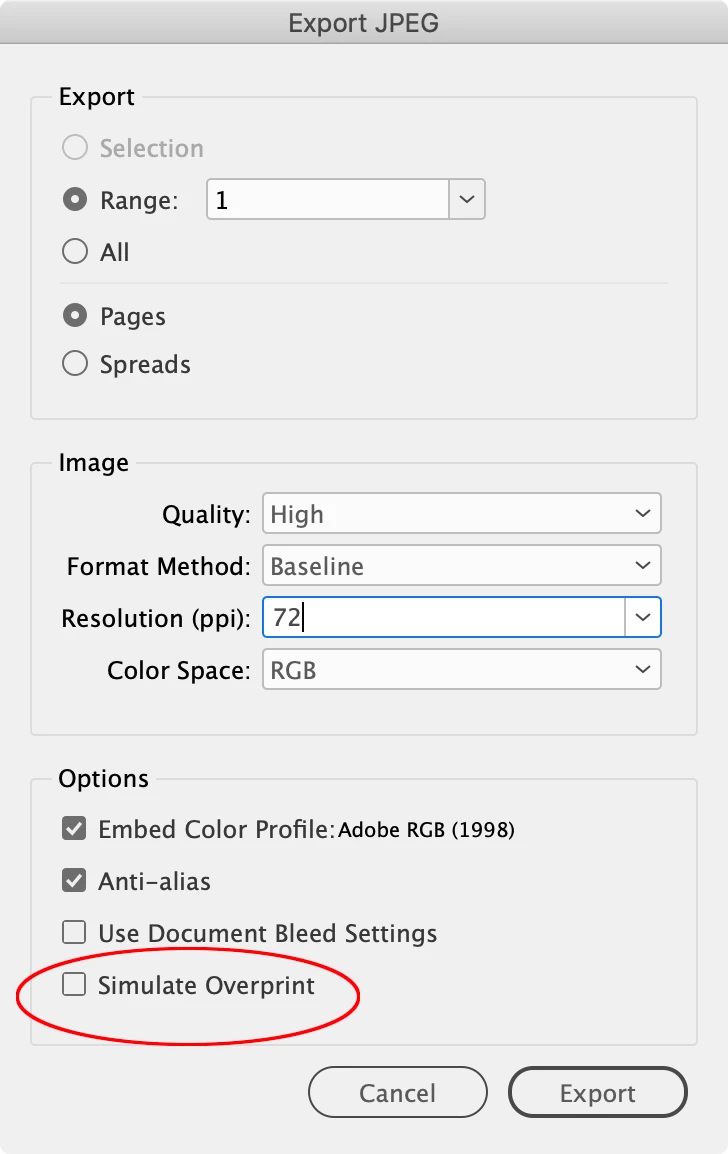
For as many versions as i can remember, RGB indesign export to JPEG makes an error and does some internal cmyk conversion when it shouldn't. This means a web intent indesign document will export a RGB pdf with the correct colour no problem, but export to RGB jpeg will destroy the colour. (see attached)


Yes. RGB transparency blending is enabled. Europe general purpose colour settings, with RGB embed profile.
It's RGBs-to-RGB, so no gamma or out of gamut  problems are relevant here. 


Why is this still not working  - am I the only one who uses this feature?
Correct answer rob day

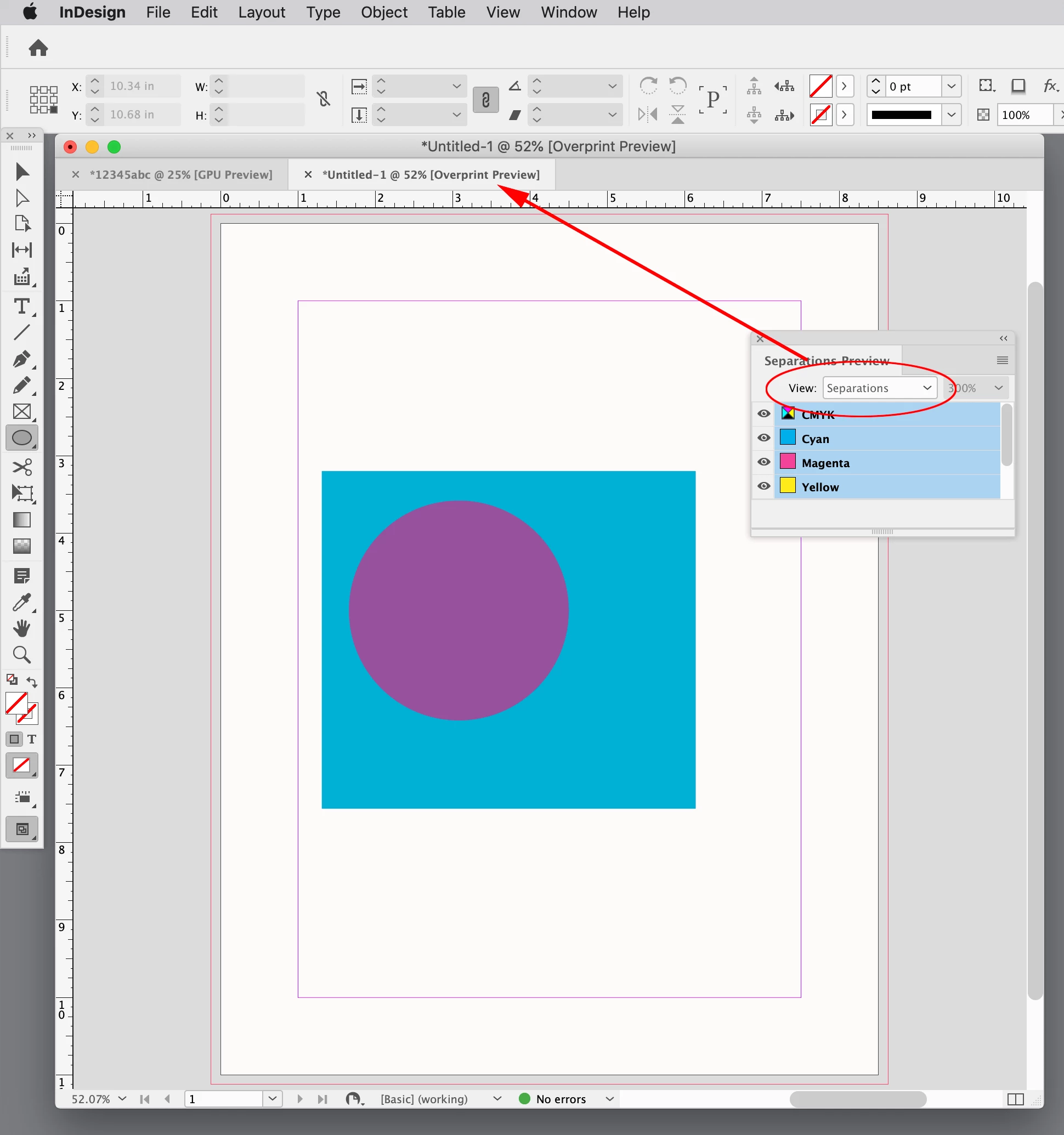
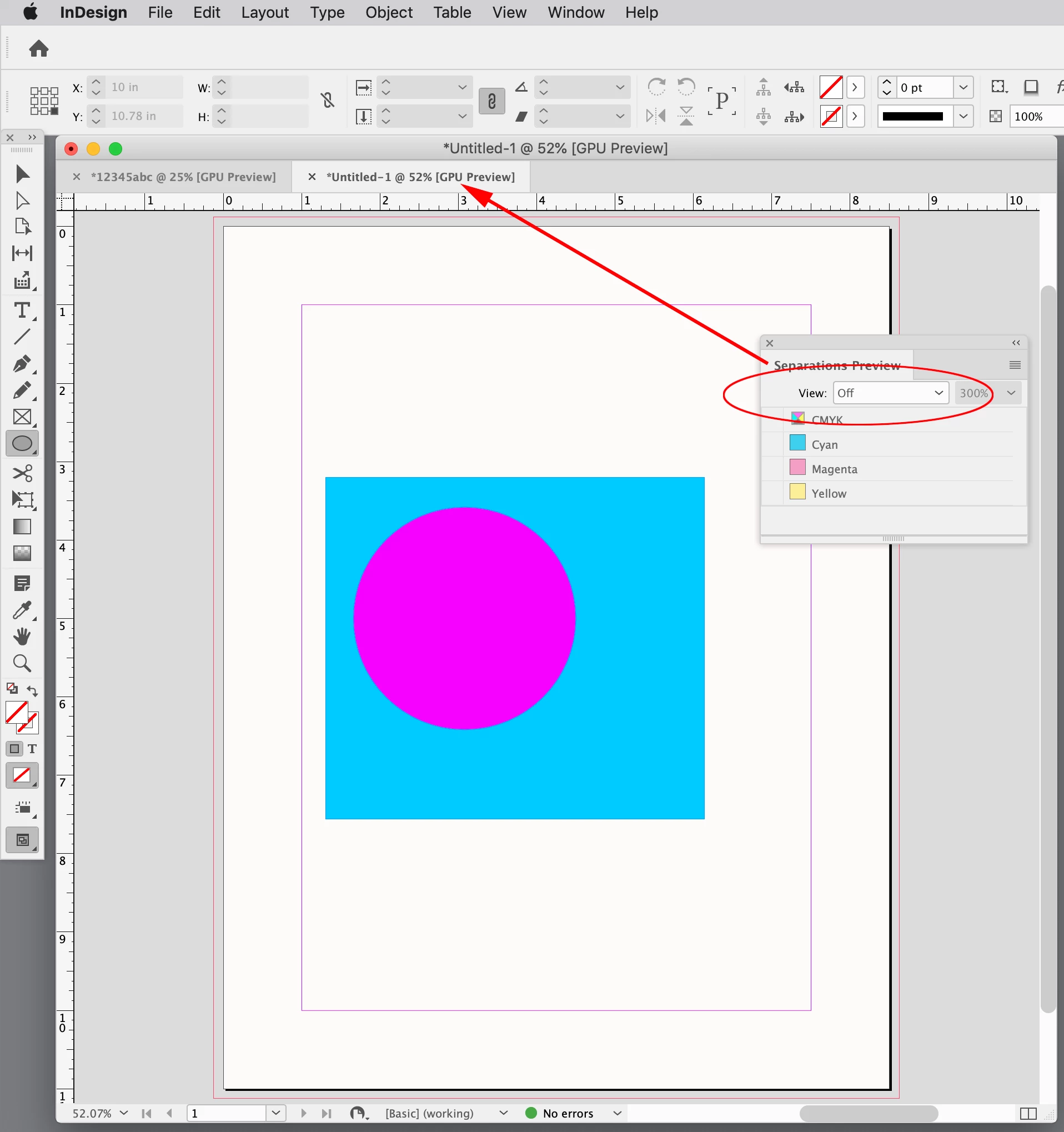
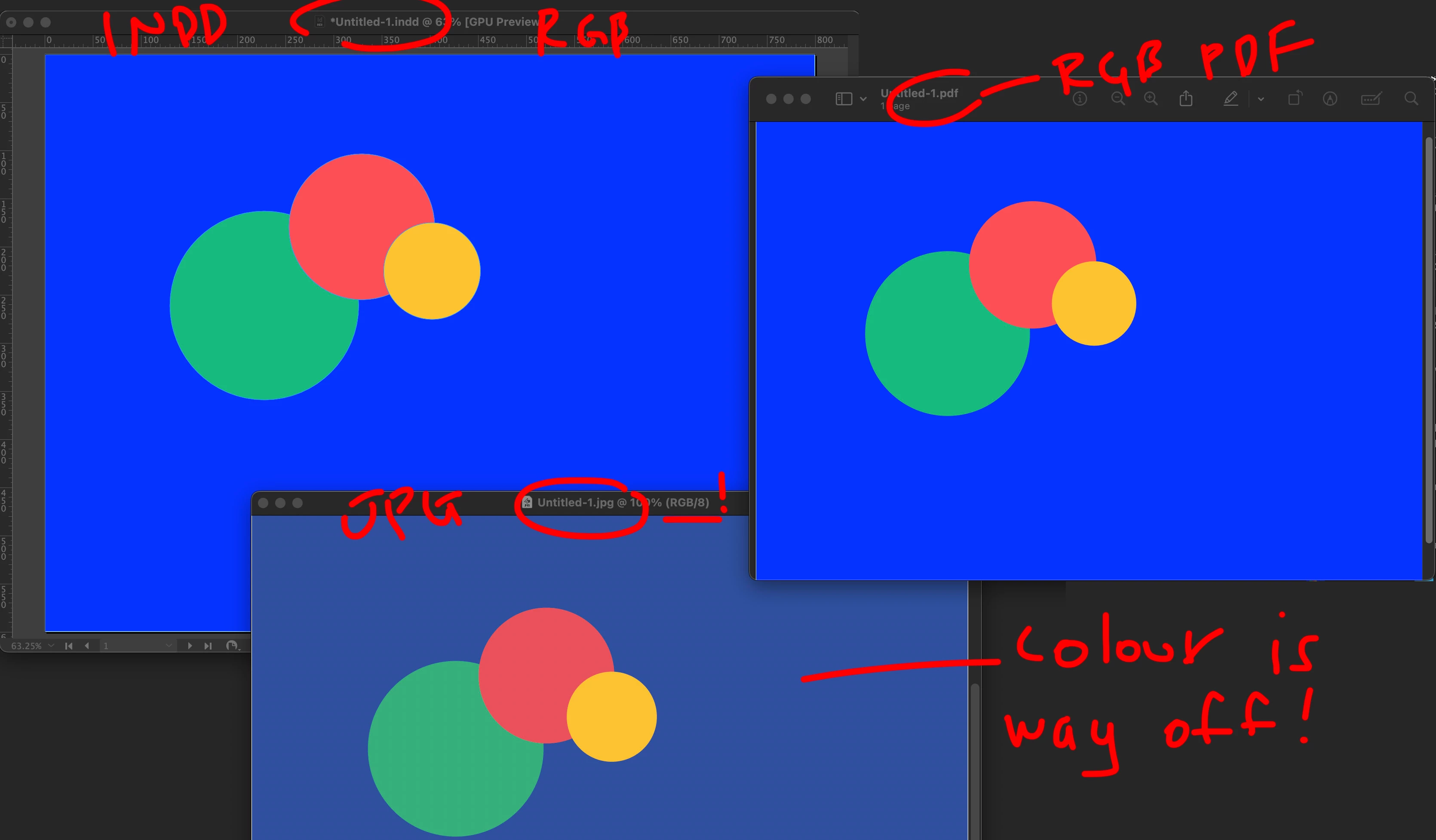
Hi @davetwo , Uncheck Simulate Overprint—Overprint is a CMYK only function:


3 replies

rob day
Community Expert
rob dayCommunity ExpertCorrect answer
Community Expert
October 30, 2025

Hi @davetwo , Uncheck Simulate Overprint—Overprint is a CMYK only function:


davetwoAuthor
Inspiring
October 30, 2025

Ah excellent. Thanks Rob, that fixed it!

@Adobe, if this function forces cmyk colours please disable the checkbox when outputting RGB or add a warning. I would not have guessed that this would be the culprit, as I would assume that the overprint would work the same way as multilply blending and turning it off would potentially mess with the intended blending in RGB too.

rob day
Community Expert
Community Expert
October 30, 2025

The JPEG setting should be sticky—uncheck it and it will stay unchecked until you recheck...

Community Expert
October 30, 2025

Can you share a screenshot of the export JPEG panel that shows the color space and embed color profile options?

davetwoAuthor
Inspiring
October 30, 2025

Thanks for the reply. My colour setings and jpeg export panel are attached. It's just using File>Export.

This concerns the latest Indesign release 21.0, but is NOT unique to this version. On Mac Sequoia 15.6.1

Abhishek Rao
Community Manager
Community Manager
October 30, 2025

Hi @davetwo,


Thanks for sharing the detailed explanation and visual reference. I tested this on my end but couldn't reproduce the color shift. Both the RGB JPEG and RGB PDF exports appear identical in color. Could you please confirm the exact version of InDesign and macOS you're using and share screenshot of your export settings, especially the color management options selected during export?

In the meantime, please try resetting your color settings to the North America General Purpose 2 or Europe Prepress 3 preset and test again to see if the exported JPEG maintains color accuracy. If possible, a short screen recording showing your export workflow would be really helpful to understand where the difference might be coming from.


Looking forward to your update.

Abhishek

davetwoAuthor
Inspiring
October 30, 2025

Hi Abhishek, in addition to new info in my post below I can confirm that resetting colour settings to North american or european prepress etc do not make any difference