andyp85260690
Known Participant
January 11, 2022
Answered

Indesign: Linked Illustrator files moving after saving

  • January 11, 2022
  • 1 reply
  • 488 views

Hi,


I have an Indesign doc with a linked Illustraor files with multiple artboards. Each artbord has been placed in the ID file and the artboards haven't been resized. Periodically, after editing the AI file and relinking it in Indesign, the links move meaning that I have to manually reposition each one. It's becoming a real pain. Does anyone know why this is happeining? Thanks in advance.


On a Mac, latest IOS (Monteray) and ID (17.0.1)

Andy
This topic has been closed for replies.
Correct answer SJRiegel

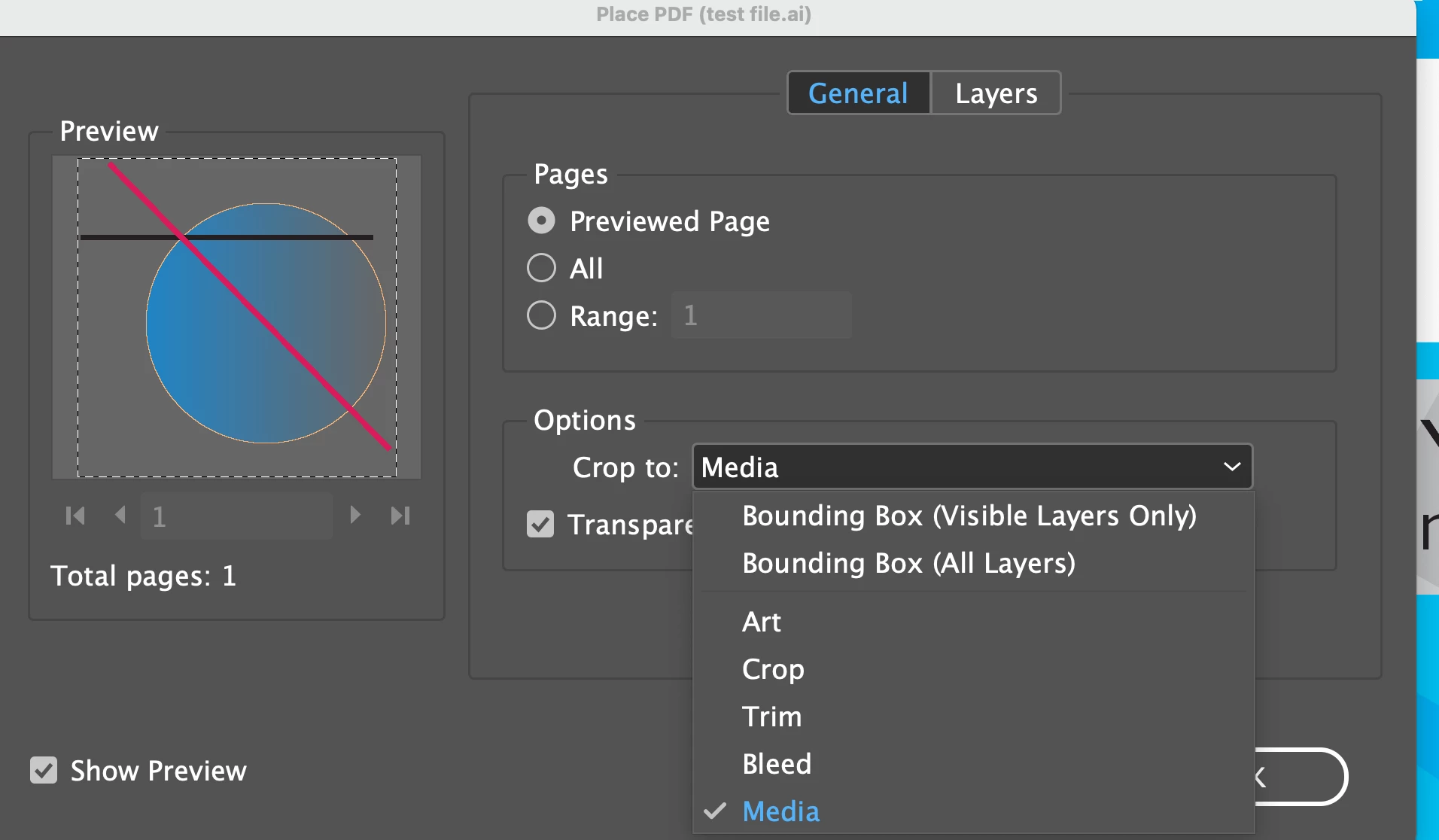
You can very likely fix this by changing the Crop to: preference when you first place the file.

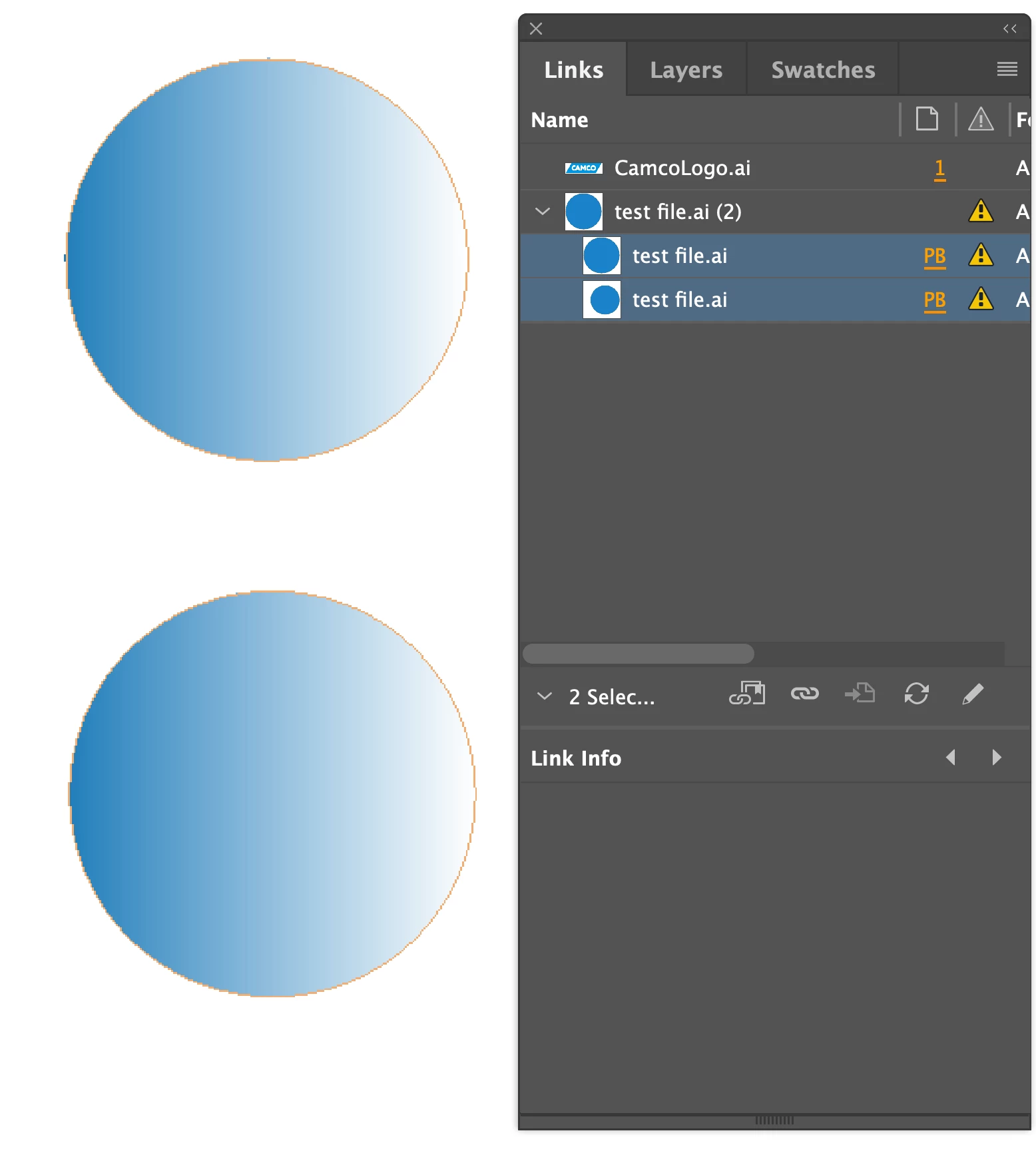
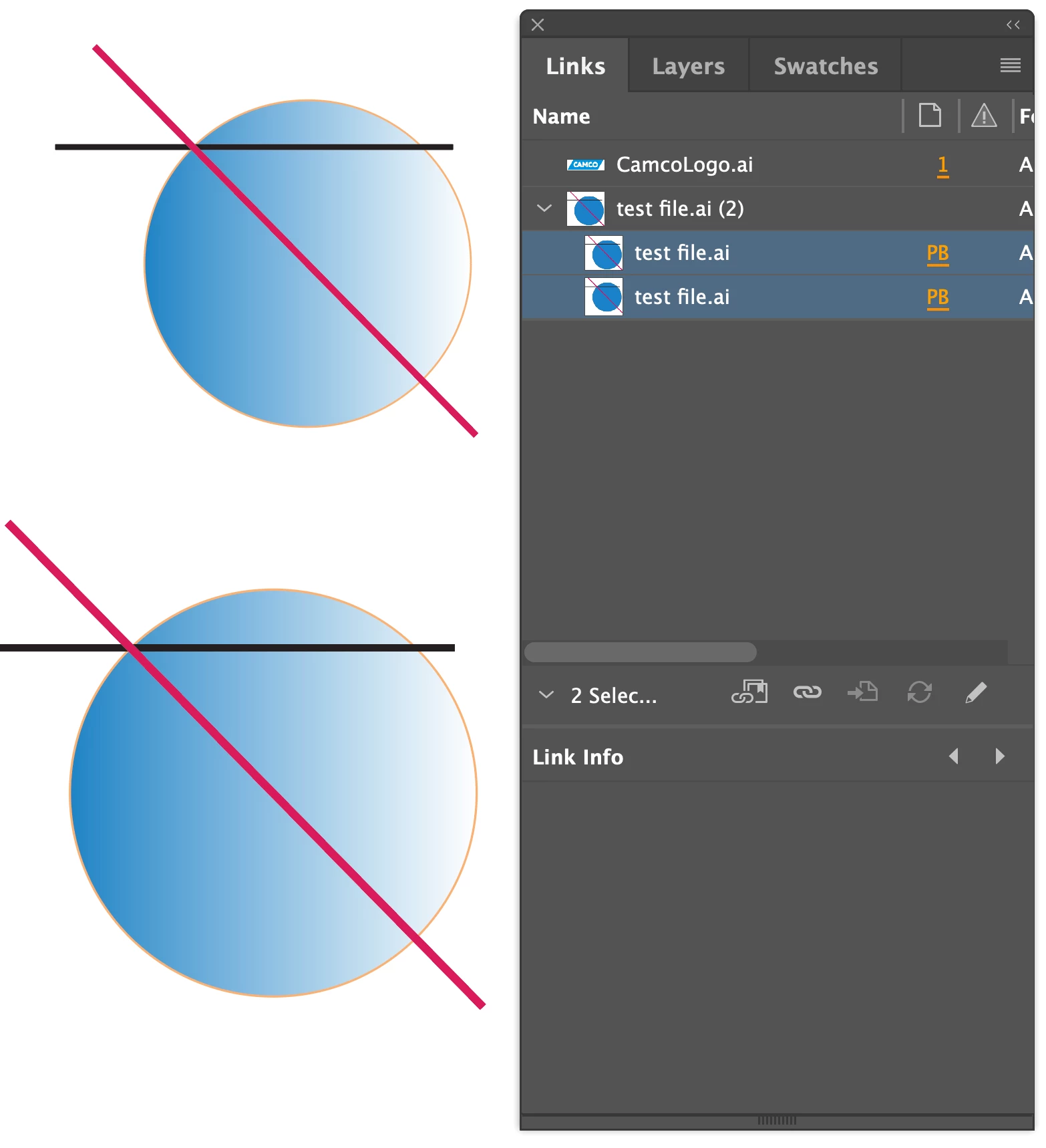
In this example, I placed the sameAI file twice. Once it was set to Bounding Box, next time it was set to media. 

I made some changes to the file that altered the dimensions of the art, but left the artboard size as is. When I updated the art in the Links panel, the one set to Media maintained its size (in percentage of the original) and positon.


1 reply

SJRiegelCorrect answer
Legend
January 11, 2022

You can very likely fix this by changing the Crop to: preference when you first place the file.

In this example, I placed the sameAI file twice. Once it was set to Bounding Box, next time it was set to media. 

I made some changes to the file that altered the dimensions of the art, but left the artboard size as is. When I updated the art in the Links panel, the one set to Media maintained its size (in percentage of the original) and positon.


andyp85260690
Known Participant
January 11, 2022

Thanks very much for the quick reply—I'll give that a try now. Hopefully the last time I'll have to touch these links!