
Participant
January 15, 2019
Answered

Indesign Master Page Content Shifts When a New Page is Inserted (Indesign CC 2019)

  • January 15, 2019
  • 2 replies
  • 2909 views

I want my master page item to stay on top of ALL my webpages. This is the way it is supposed to be place on every page in InDesign.
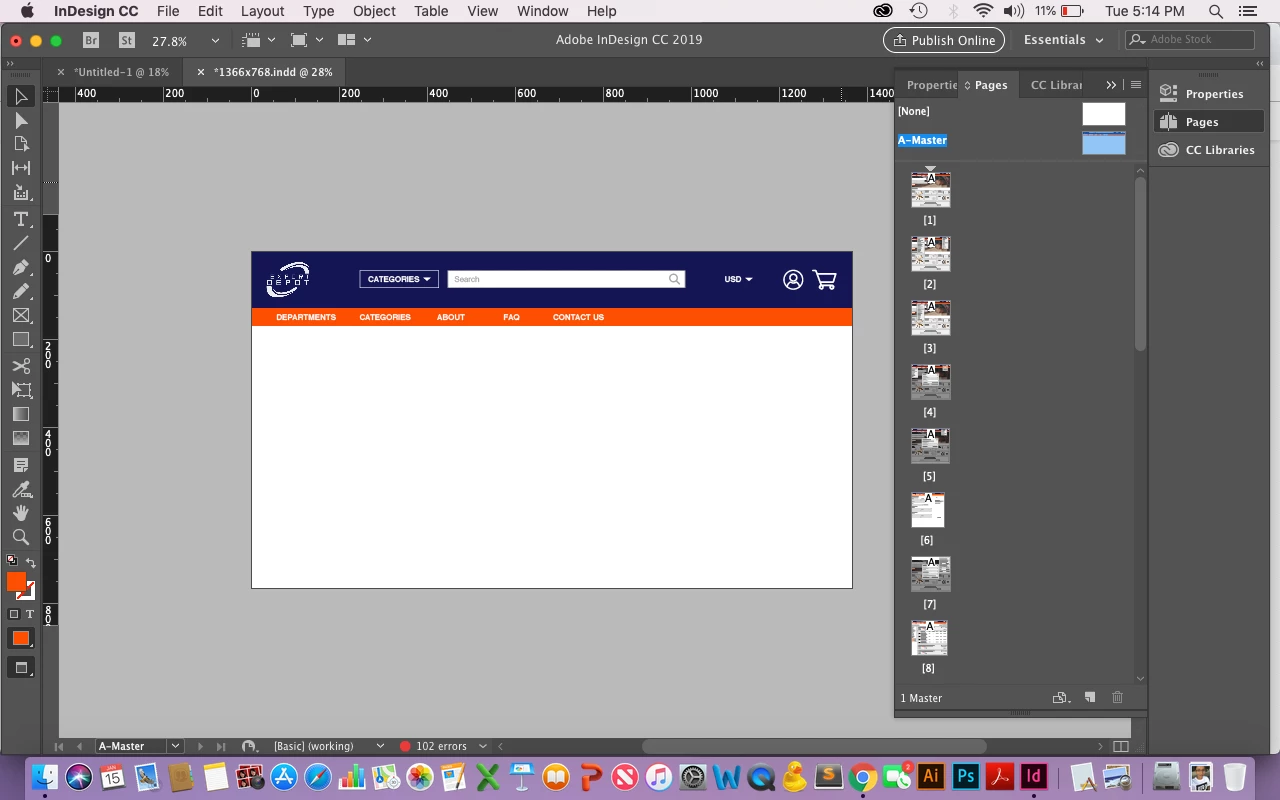
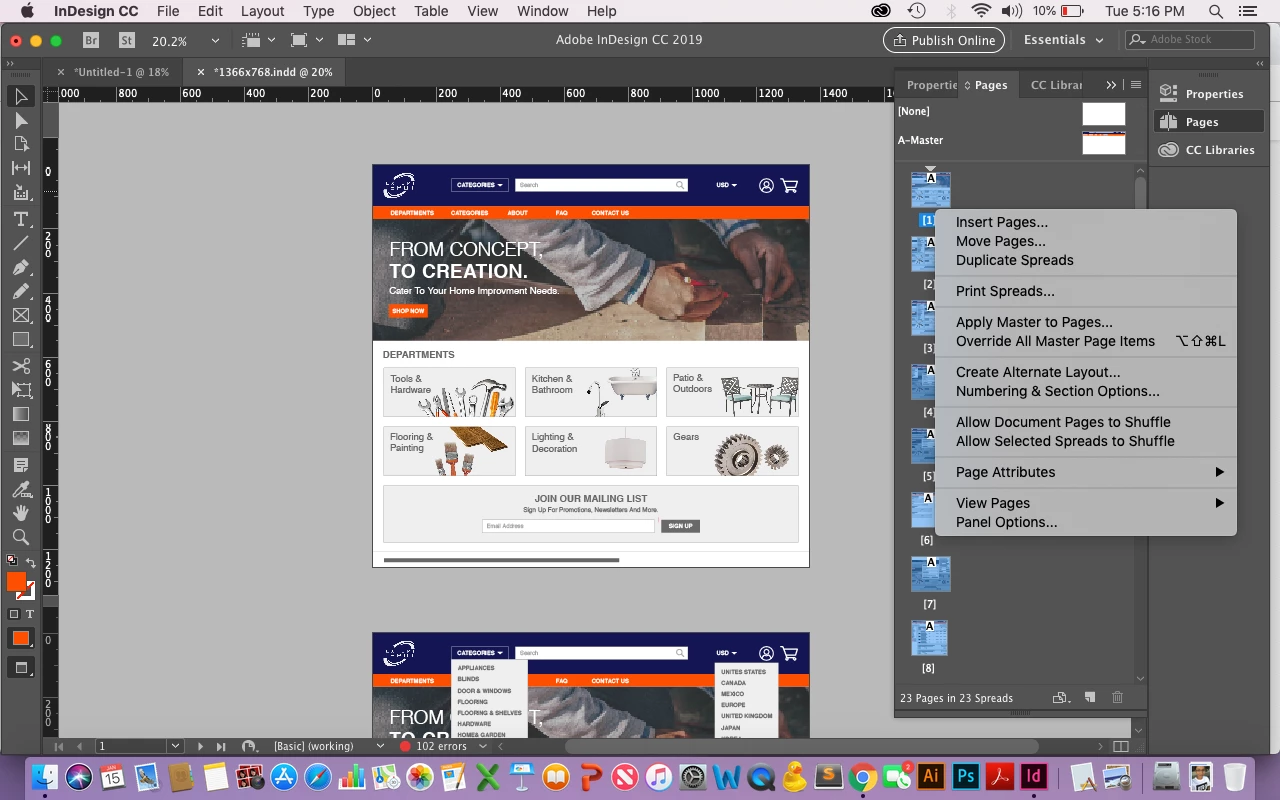
But whenever I need to add or insert a new page. My entire top navigation bar is bumped down on all the following pages. Below is the result. Can people tell me what is causing that to happen and how this can be fixed?
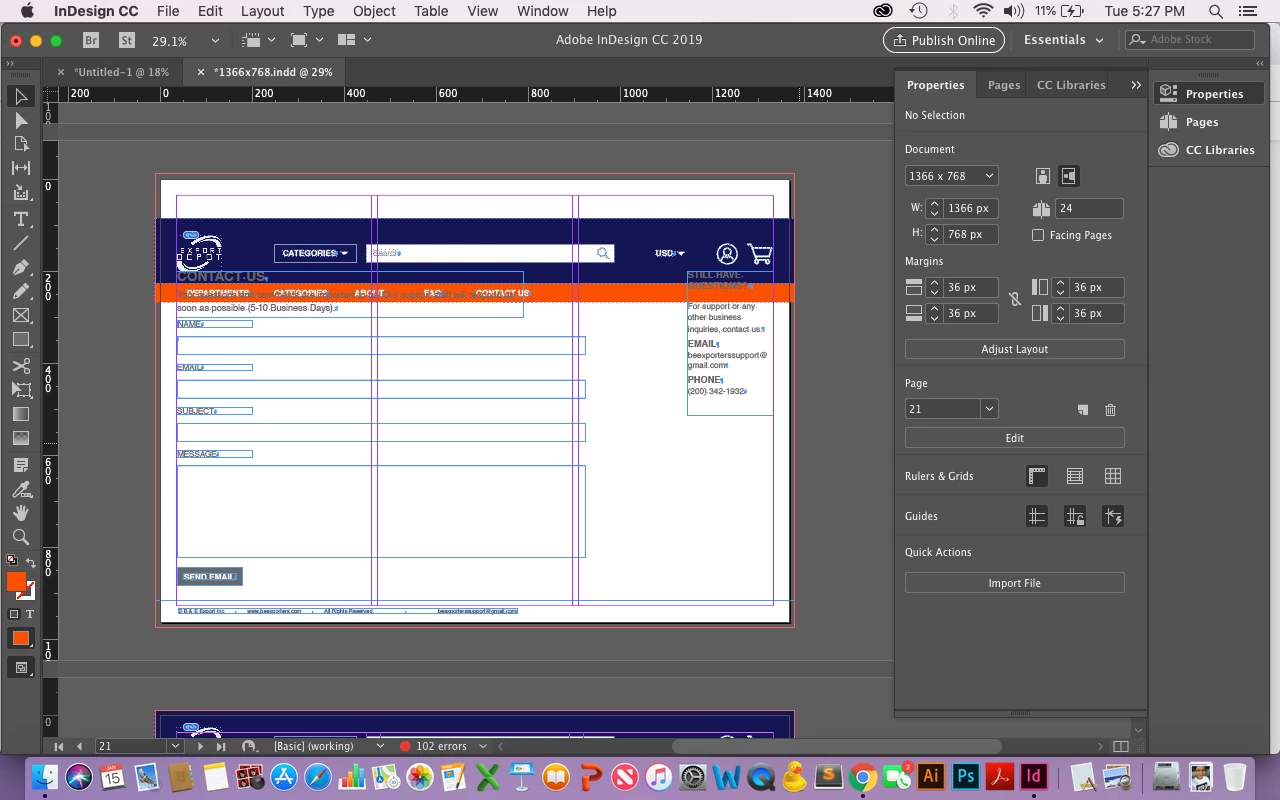
Thank you!

    Correct answer Laubender

    loralucy2  wrote

    There is no workaround?

    Creating new master pages for all individual sized pages would be an option.

    You could do a master page from a document page:

    1. Select the document page in the Pages panel

    2. Go to the panel's flighout menu and do:

    Master Pages > Save as Master Page ( my wording, I'm on a German InDesign )

    Alternate Layouts where every alternate layout is of different size would be another one, but that would perhaps mean starting over with a new document from scratch.

    Regards,
    Uwe

    2 replies

    Known Participant
    August 22, 2025

    Has this been addressed? I'm having the same problem. 

    Community Manager
    August 22, 2025

    Hello @jenniferl20391402,

    I'm sorry to hear about your experience. Could you share more details, like the version of the OS/Illustrator installed, along with screenshots/a screen recording of your exact workflow and the problem, so we can better assist you?

    Looking forward to hearing from you.
    Anubhav

    Known Participant
    August 22, 2025

    I am on macOS 15.6, Indesign 20.5. I have varying page sizes, adjusted manually using the page tool and items I want to remain consistenly docked to the top of the page on a parent page. If I add a page before the page in question, the parent page objects for the page in question shift so the new page size is centered within the parent page, effectively moving the parent page objects off the page. I cannot create parent pages for each size because there will be over 100 pages, each size to fit their own content. I'm not sure why the parent page boundaries are resetting when I add a new page before it.

    loralucy2Author
    Participant
    January 17, 2019

    There is no workaround?

    Community Expert
    January 17, 2019

    Have you manually adjusted the page size with the page tool.

    For example, if you originally set your document up to a page size. Then change the page size with the page tool - then it won't match the master page size.

    Try dragging your master page to down to one of the pages in the pages panel to apply  Learn how to use master pages in InDesign

    That's the first thought on this issue.