
Question
InDesign not Exporting all pages
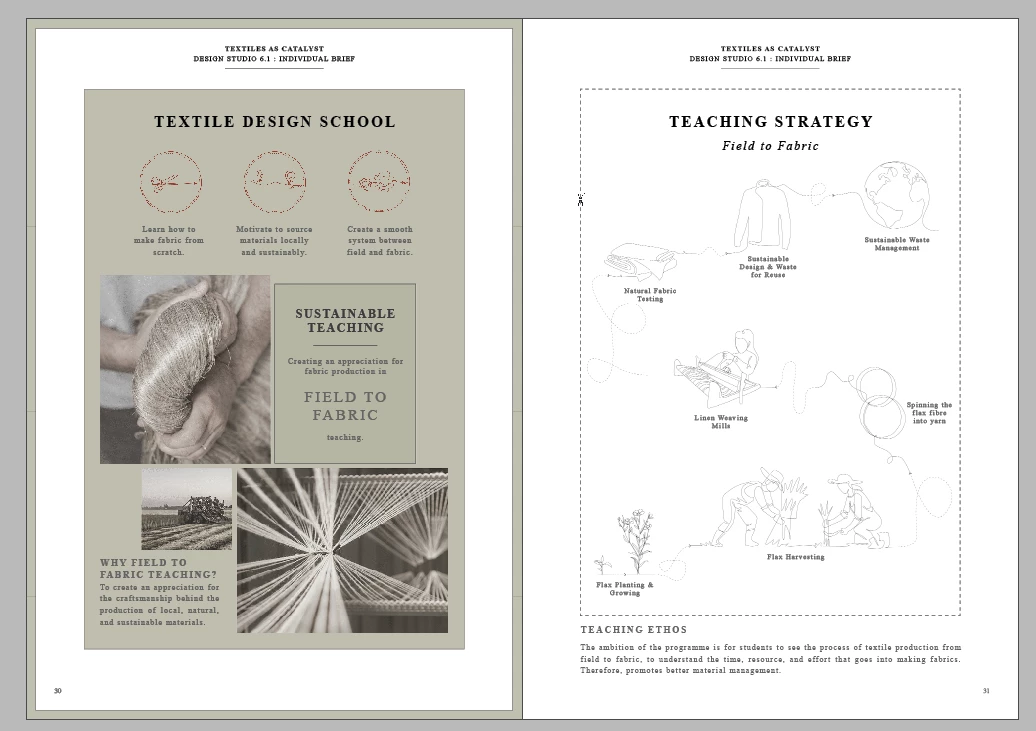
Hello, I am trying to export a document from Indesign using standard High Quality Print setting (I have also tried Press Quality RGB) and this spread seems to lose some images and the text. The document is about 100 A4 pages with high quality graphics but nothing higher than I have exported before. All images are linked correctly and I have relinked them to be sure. All other pages in the document are exporting fine it is just this spread. I have attempted to copy across to a new document and continue to have the same issue. I am not sure if this spread is corrupt somehow but I am not sure how to fix it.
Any advice would be greatly appreciated!



 AdChoices