
Participant
April 29, 2024
Answered

InDesign not opening after update to 19.4 on 4/28/24

  • April 29, 2024
  • 4 replies
  • 969 views

As of today, 4/29/24, I have been unable to launch InDesign after an update. I'm running on Windows 10. After quite a bit of reasearch I have done the following recommended remedies:

1) Restarted my computer - No help

2) Deleted preferences on startup - No help

3) Uninstalled and reinstalled the app - No help

4) Ran CC Cleanup and reinstalled - No help

After each try I clicked to run and the opening graphic comes up for about 10-15 seconds and then drops off. 

Anyone else having the same problem or might have other ideas?


Adobe does not seem to have a point of contact to actually go direct to the source for answers.
This topic has been closed for replies.
Correct answer leo.r

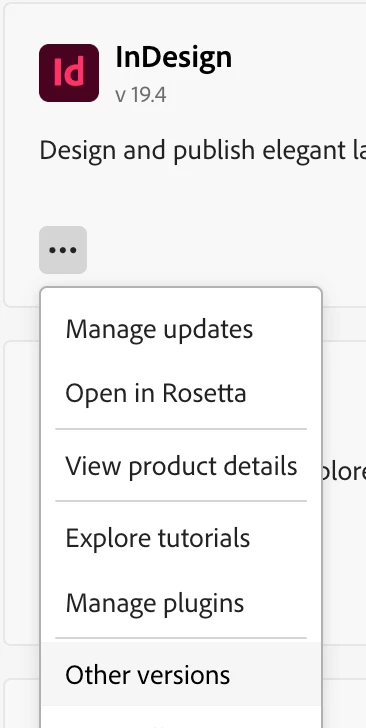
what if you revert to 19.3 - will it make a difference?


4 replies

Zen Creative Agency
Known Participant
June 9, 2024

Same problem here, I downgraded to 19.3 and it works. But I should be able to use 19.4, as I'd like to use the new features. Come on Adobe, get your *$%^& together, please!

Participant
May 8, 2024

Same on MacBook Pro M2.

I wonder where did they test this update, since it's not working on any platform.

Participant
May 7, 2024

Same issue for me, and I tried various troubleshooting methods too. If I revert back to 19.3 it opens fine. But we want to use it for Cloud Documents so we need the update, or to continue using Beta. 19.4 is working fine on my coworker's computer however, so we don't know why it's not working on mine. 

leo.r
Community Expert
leo.rCommunity ExpertCorrect answer
Community Expert
April 30, 2024

what if you revert to 19.3 - will it make a difference?


Participant
April 30, 2024

Had not thought of that. Uninstalled 19.4, reinstalled 19.3 and it came right up. No idea what the issue is with the update, but it does not like my computer.