Participant
August 26, 2017
Answered

inDesign or PS for photo invitations?

  • August 26, 2017
  • 2 replies
  • 1397 views

Hello I want to start creating invitations for birthday parties, etc. These would be printed on either photo paper or cardstock in either 4x6 or 5x7 sizes. The problem i am having is not knowing what program works best for this. Currently photoshop is what i an using but saving to print is where i am getting lost. The examples of what I plan to do are below. Also, how much bleed space should i leave?
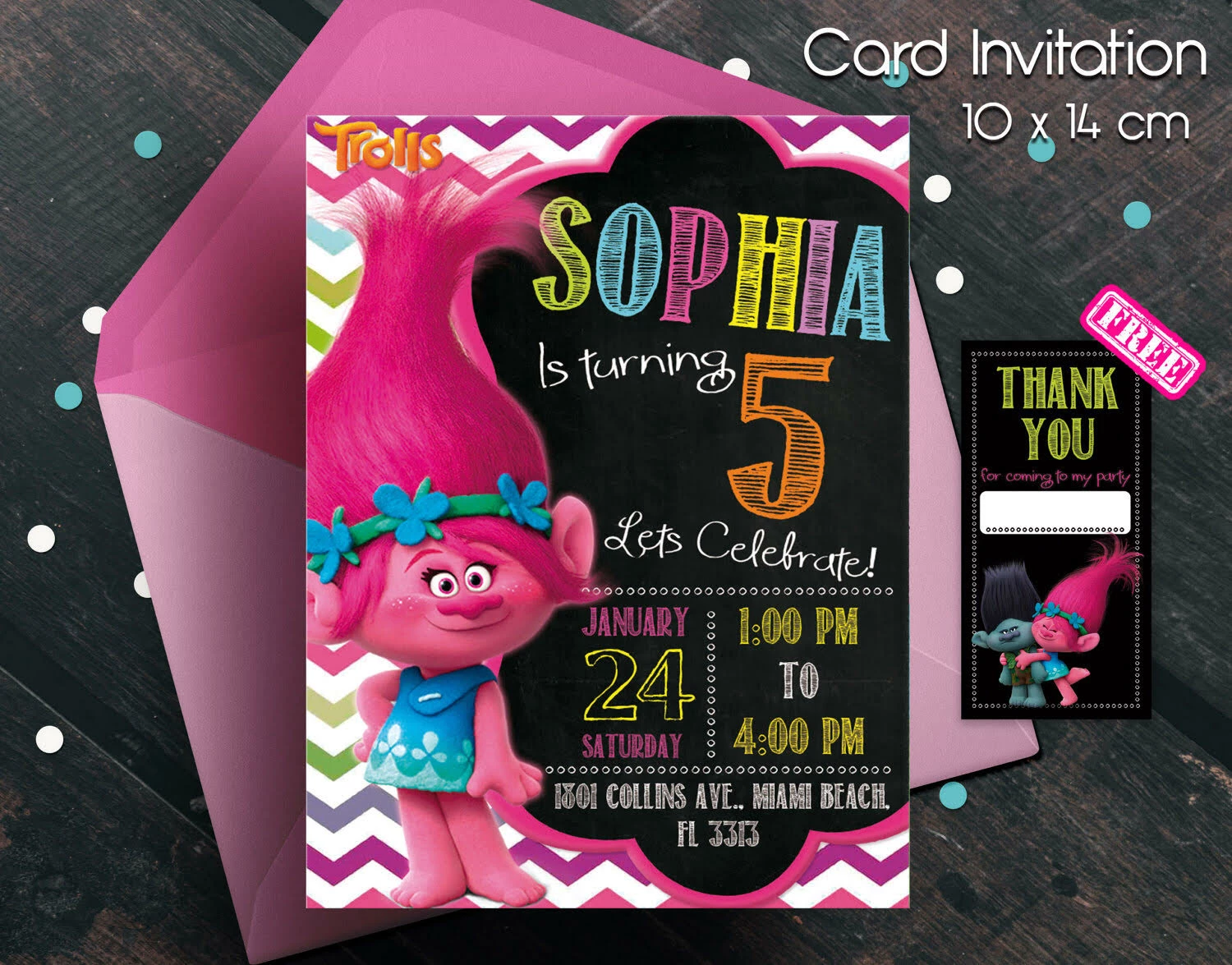
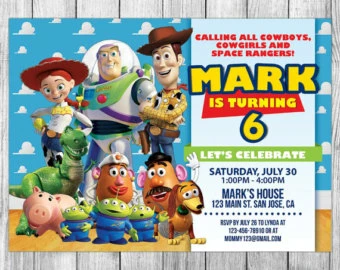
This is what I managed to replicate in Photshop:
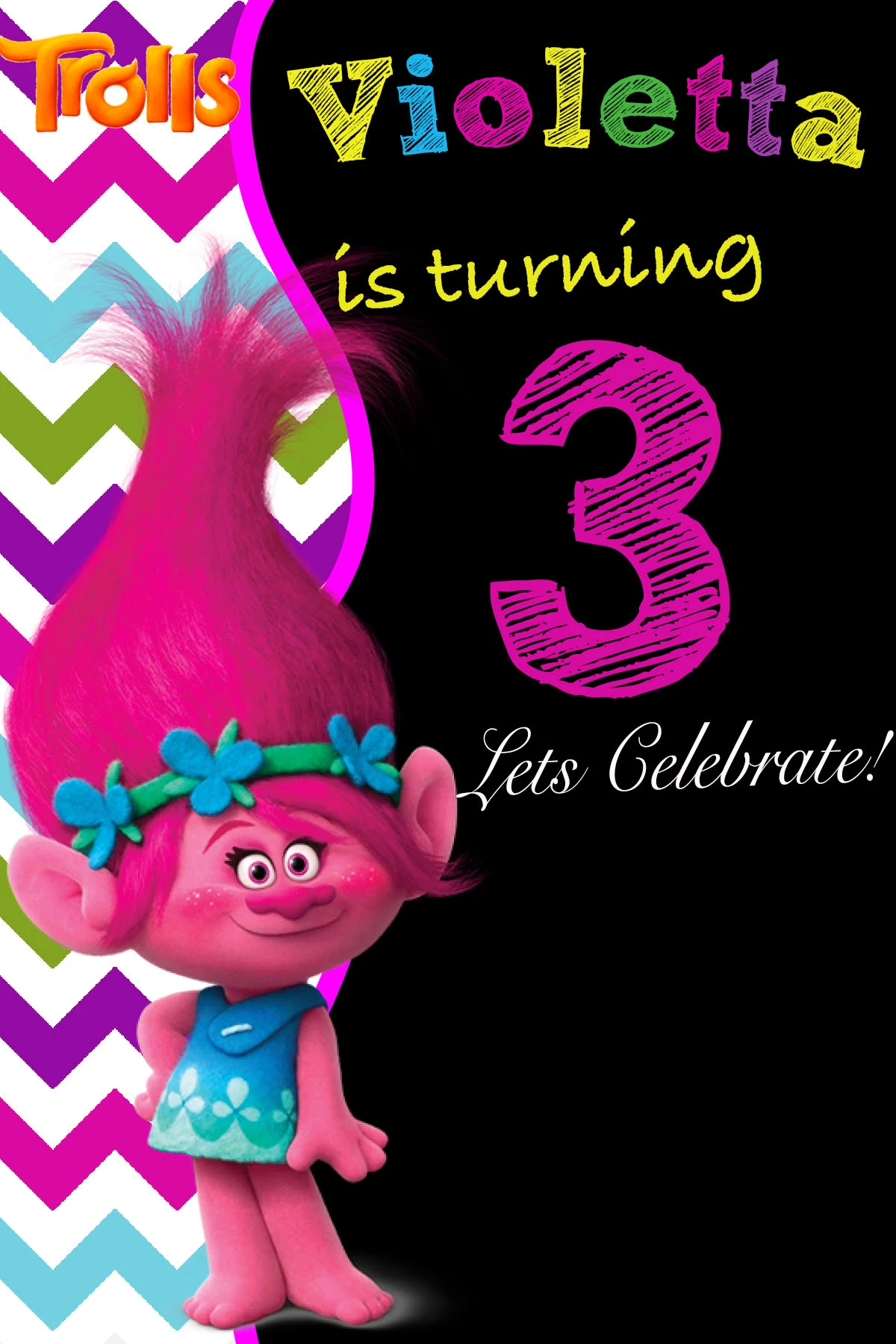
I could not find the same shape that they used. And I also had problems getting the bubbles around the address and date. please help

This topic has been closed for replies.
Correct answer Willi Adelberger

For photos use Photoshop, save them as PSD or PDF.

For graphics use Illustrator, savei them as AI or PDF/x-4.

The whole composition and all text make in InDesign, import (place) PSD, PDF and AI files.

Export as PDF according to the requirements of the printer.

2 replies

Jeff Witchel, ACI
Community Expert
Community Expert
August 26, 2017

I agree completely with Willi. Doing layouts in Photoshop is like hammering a nail with a screwdriver. You end up working really hard fighting the features of the application instead of just using the right application.

What I alway tell my students, if you're even thinking of calling it a layout, use InDesign.

BobLevine
Community Expert
Community Expert
August 26, 2017

That would make a great bumper sticker!

Willi Adelberger
Community Expert
Willi AdelbergerCommunity ExpertCorrect answer
Community Expert
August 26, 2017

For photos use Photoshop, save them as PSD or PDF.

For graphics use Illustrator, savei them as AI or PDF/x-4.

The whole composition and all text make in InDesign, import (place) PSD, PDF and AI files.

Export as PDF according to the requirements of the printer.