Participant
August 7, 2023
Answered

Indesign Parent Page Dotted

  • August 7, 2023
  • 1 reply
  • 204 views

Hi,

I'm trying to make a catalog in indesign.

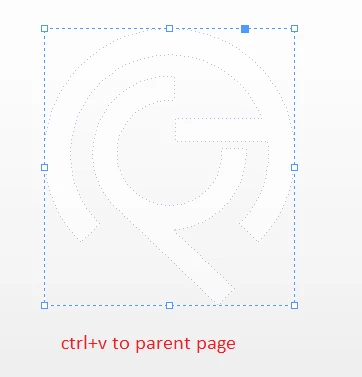
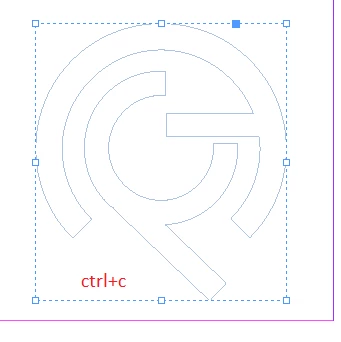
When i copy a design from a normal page and paste it to a parent page it gets dotted.

I add 2 pictures about my design.

First one is from normal page.

Second is from parent page.

What is the solution?


I even try to copy from photoshop and illustrator and paste it to parent page. Result was the same. 
 

This topic has been closed for replies.
Correct answer Eugene Tyson

Items on a parent page show as a dotted edge to show it's on a parent page. 

Go to View>Overprint Preview and should show without the edges.

1 reply

Eugene TysonCommunity ExpertCorrect answer
Community Expert
August 7, 2023

Items on a parent page show as a dotted edge to show it's on a parent page. 

Go to View>Overprint Preview and should show without the edges.

Participant
August 7, 2023

Thank you so much. I was struggling for 2 days. It worked.