
Participant
June 12, 2022
Answered
InDesign PDF shows images blurred
- June 12, 2022
- 5 replies
- 2592 views
When I create a PDF from Indesign, my vector work drawings appear blurred (see attached PDF)
- I've created a drawing in vectorworks, exported it as a high quality jpg (attached) and then imported it into Indesign.
- When I view the image in Indesign it appears blurred even though i have high quality display settings set.
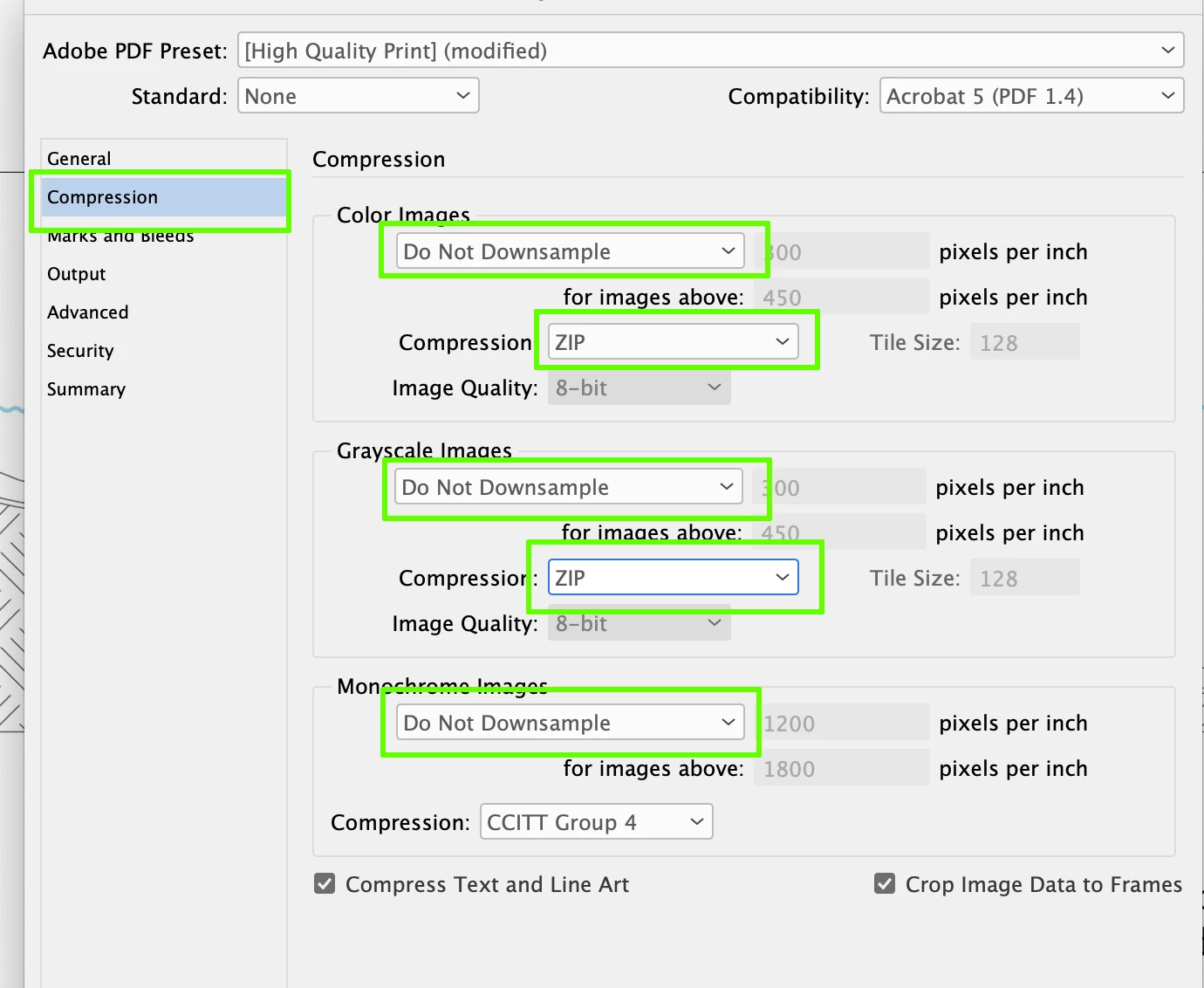
- Furthermore, when I export the file from InDesign as a PDF, and view the PDF, the image doesn't appear sharp, but instead appears blurred (see attached PDF).
To troubleshoot, I have also opened the vectorworks exported image in Photoshop where I can confirm it looks sharp. I have then resaved it as a new high quality jpg. I still get the same issue though when I import the new (photoshop saved) image into InDesign.


 AdChoices