
Indesign Preferences / Units & Increments/ Ruler Units - Inches (Not Saving)
This is a 2 part issue
To replicate go to:
Indesign-> Preferences
Select -> Units & Increments
Under "Ruler Units" by default 'Picas' is selected.
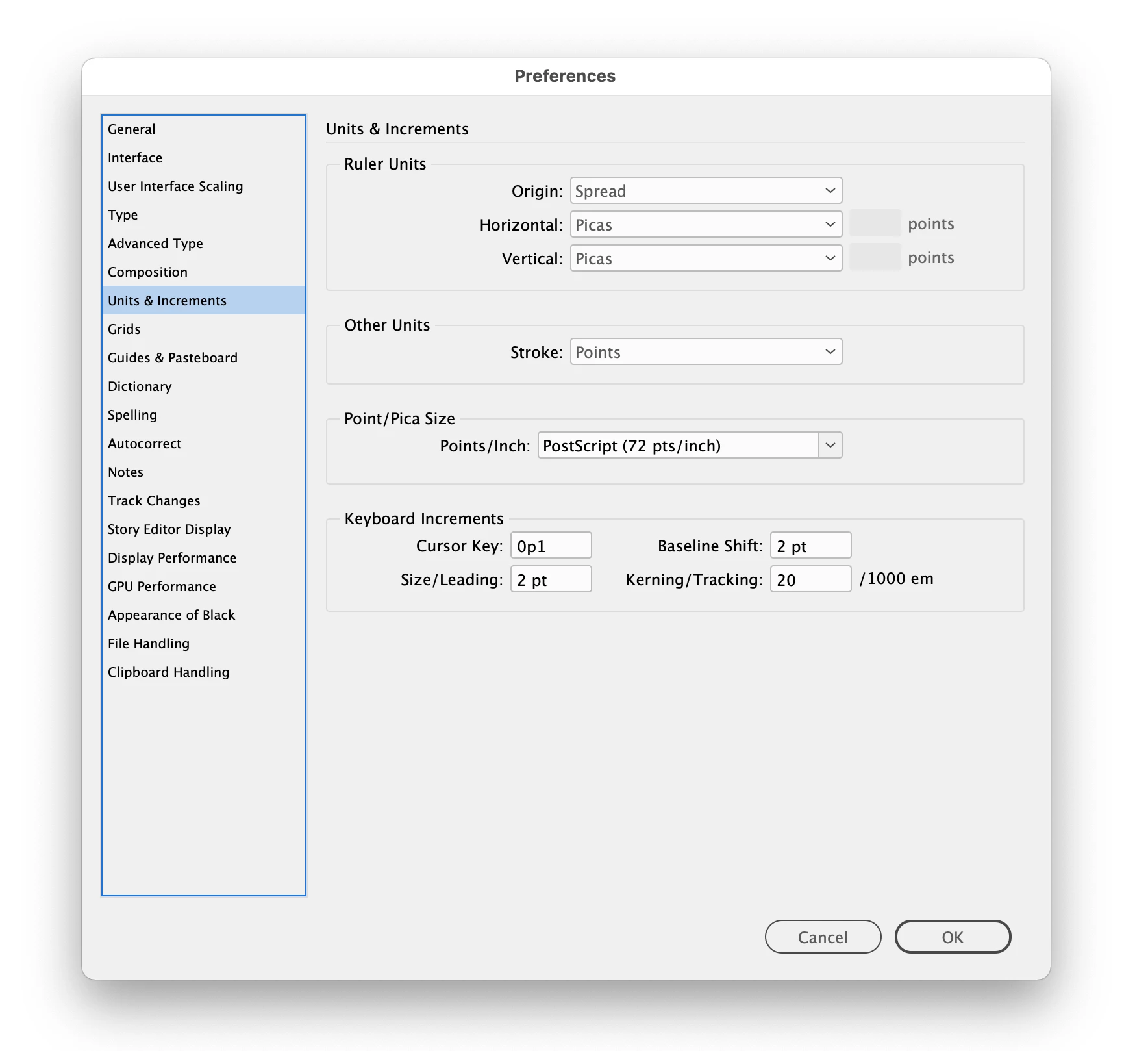
Change that to "Inches for both Horizontal and Vertical
Hey Adobe "no one uses Picas as a form a measurement anyways, so why this is the Default for an English (US) program version is something you probably should fix"
File Select -> Save
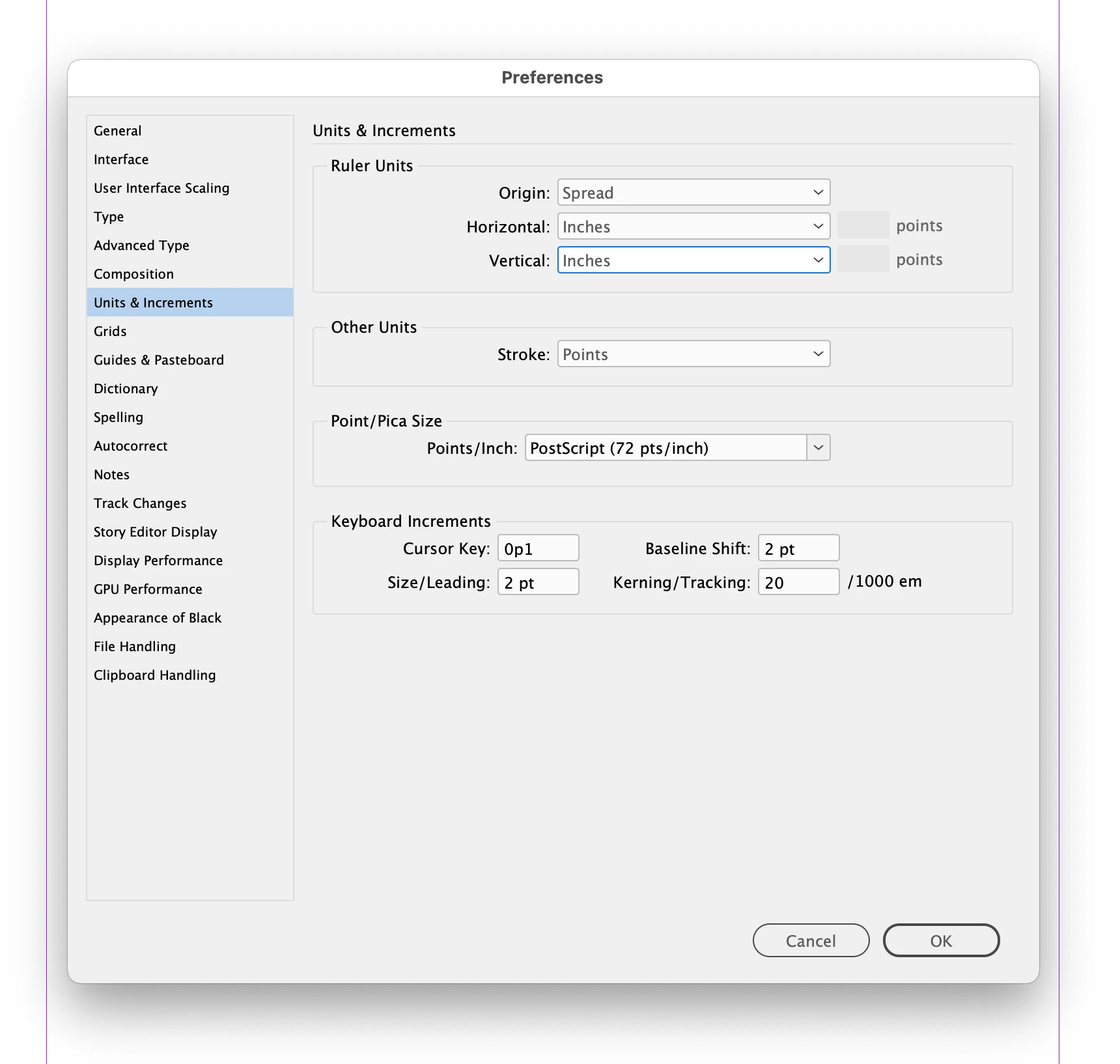
Lets Test to make sure our changes to the preferences have changed.
This is part 2 of the Issue
File -> New -> Document
Page Size (Width and Height) are both shown in Picas.
Click OK
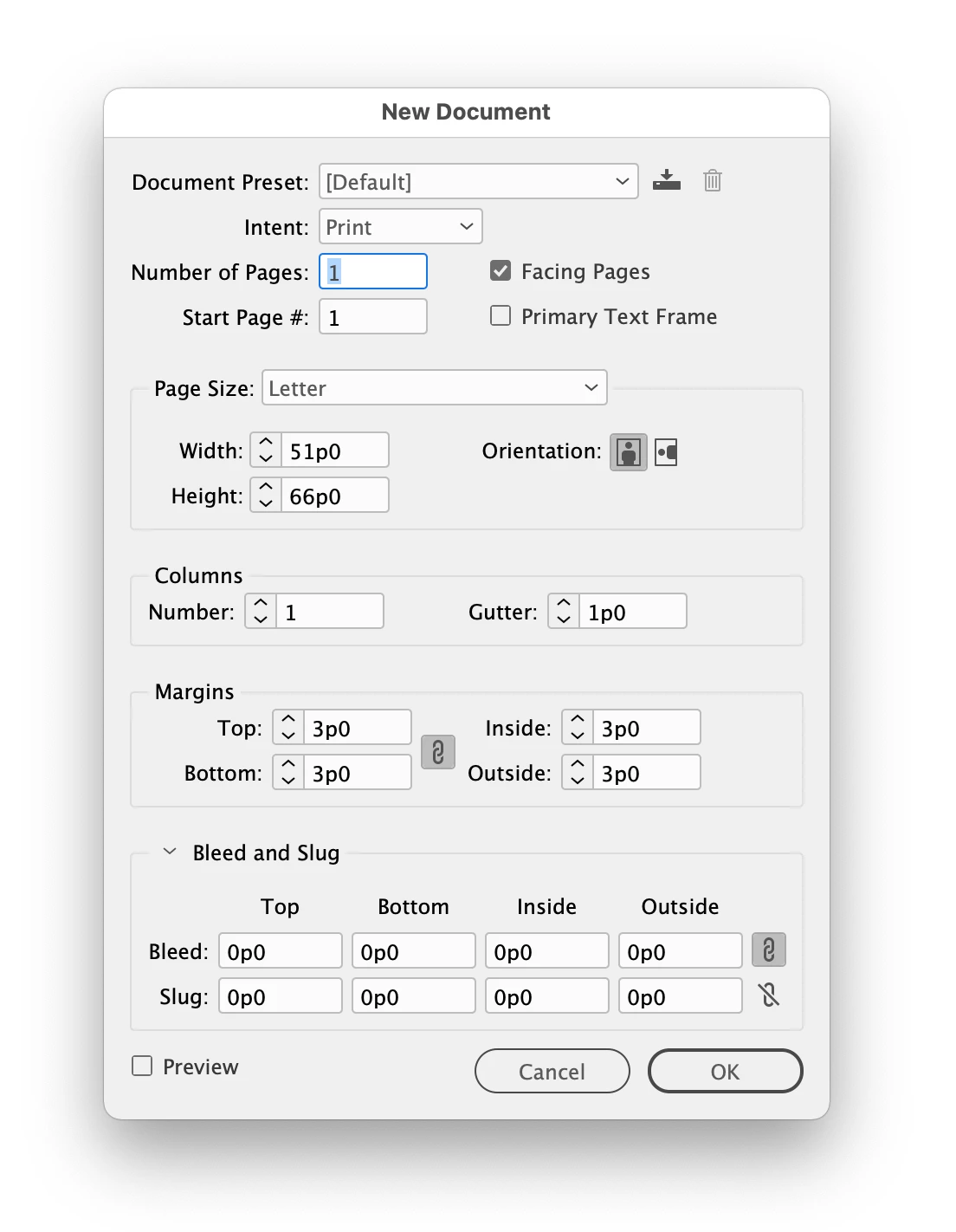
Repeat Step 1 to view that the Preferences were not in-fact saved.
Indesign-> Preferences
Select -> Units & Increments
Back to Picas again.
The second part of this issue creates yet another issue as well. Because if you have
Under Preferences/ General "Use Legacy "New Document" Dialog Checked, you have no way to change a New Documents Page Size Units to something like say Inches.
(Note, all my other changes to Preferences Save with no issues. Deleting Preferences and Reinstalling them does nothing to resolve this bug)
Indesign 2022 V-17.0.1
MacOS 11.3.1


 AdChoices