
Question
InDesign - Print small, square Booklet always defaulting to A4 when outputting to Postscript file
I am trying to proof a booklet in ID to check page layout before printing - 150mm x150mm, 32 pages in spreads, mix of text and images, light content.
iMac17,1, Catalina 10.5.7, 32MB Memory.
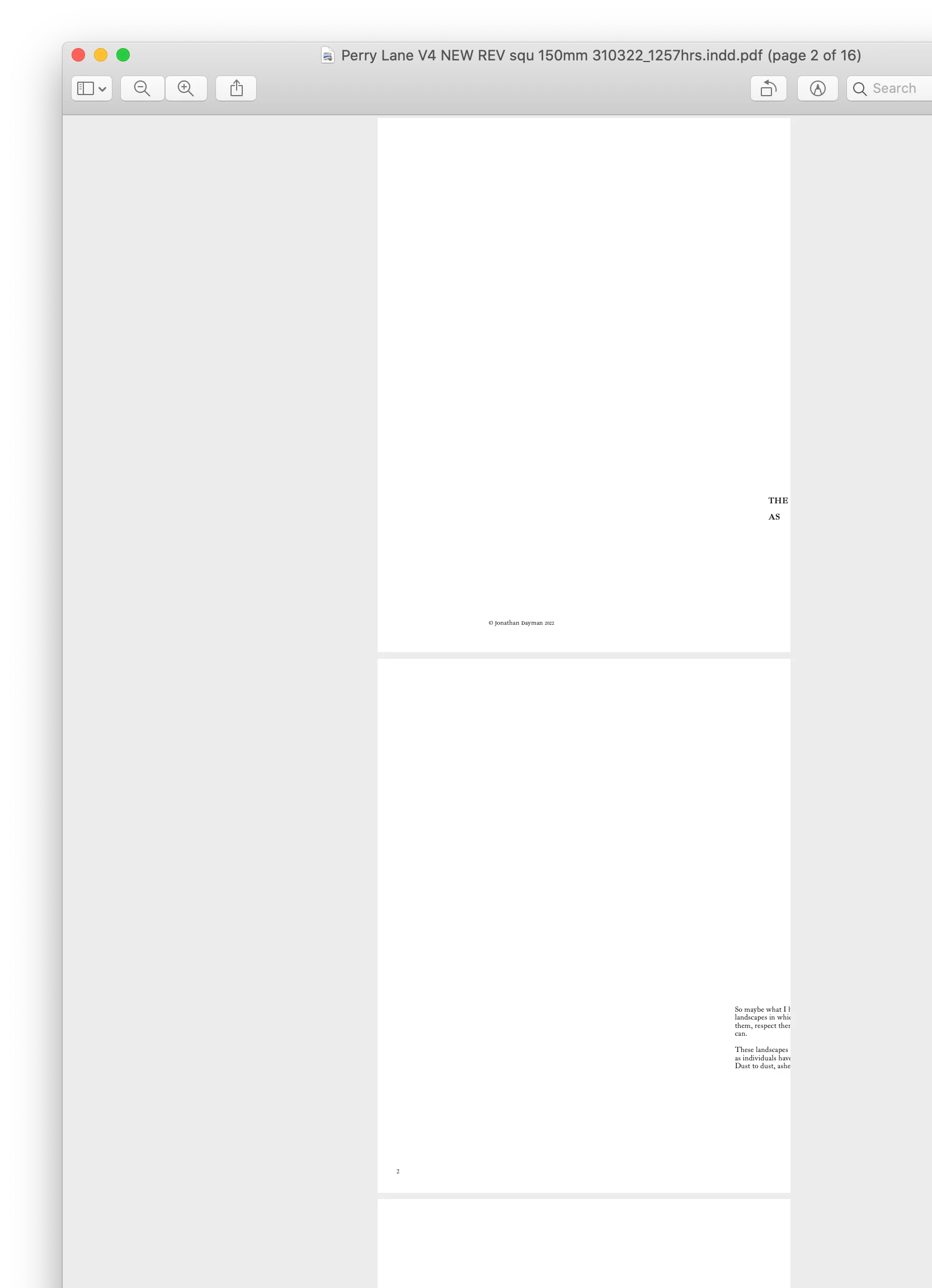
Whatever I do to Print Settings, the output (opening in Preview or Acrobat the .ps to convert to .PDF) the layout has reverted to A4 Portrait:
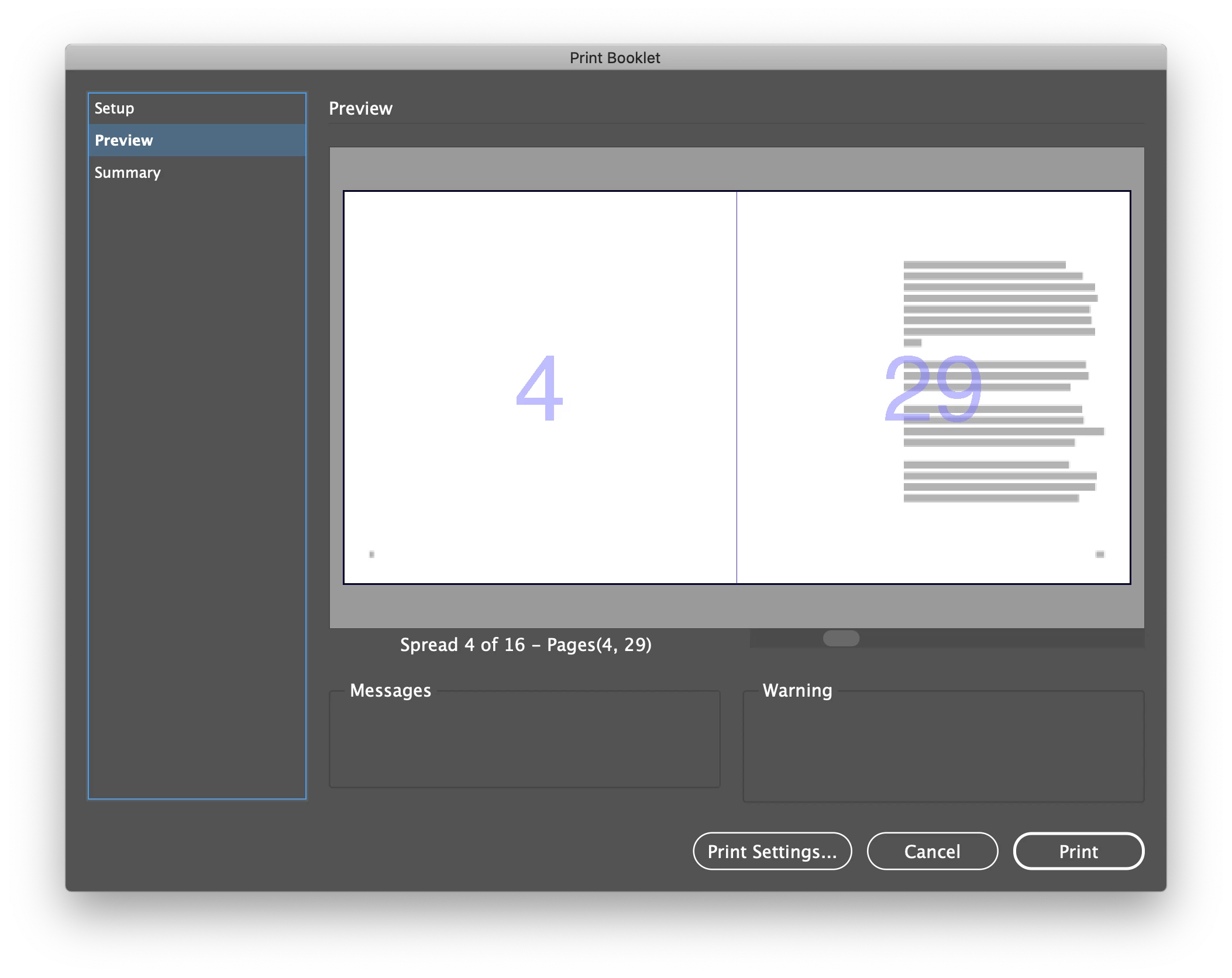
Preview in Save Booklet looks fine:
Output (.PS to .PDF) is not - ever!:
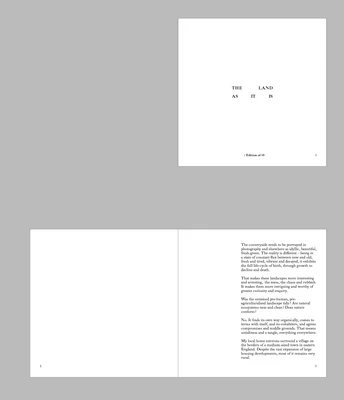
This is what it ought to look like:
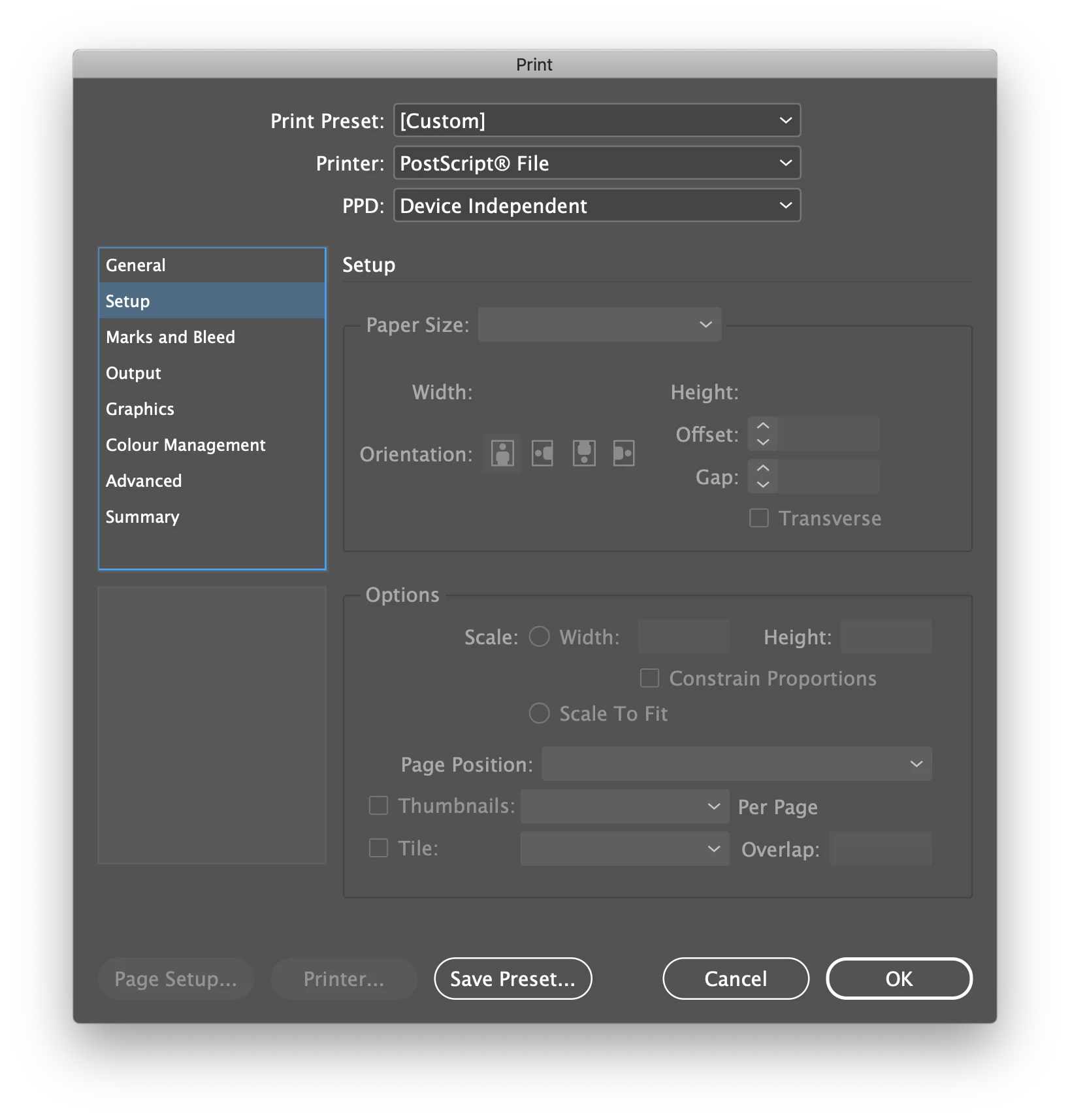
Print Settings:
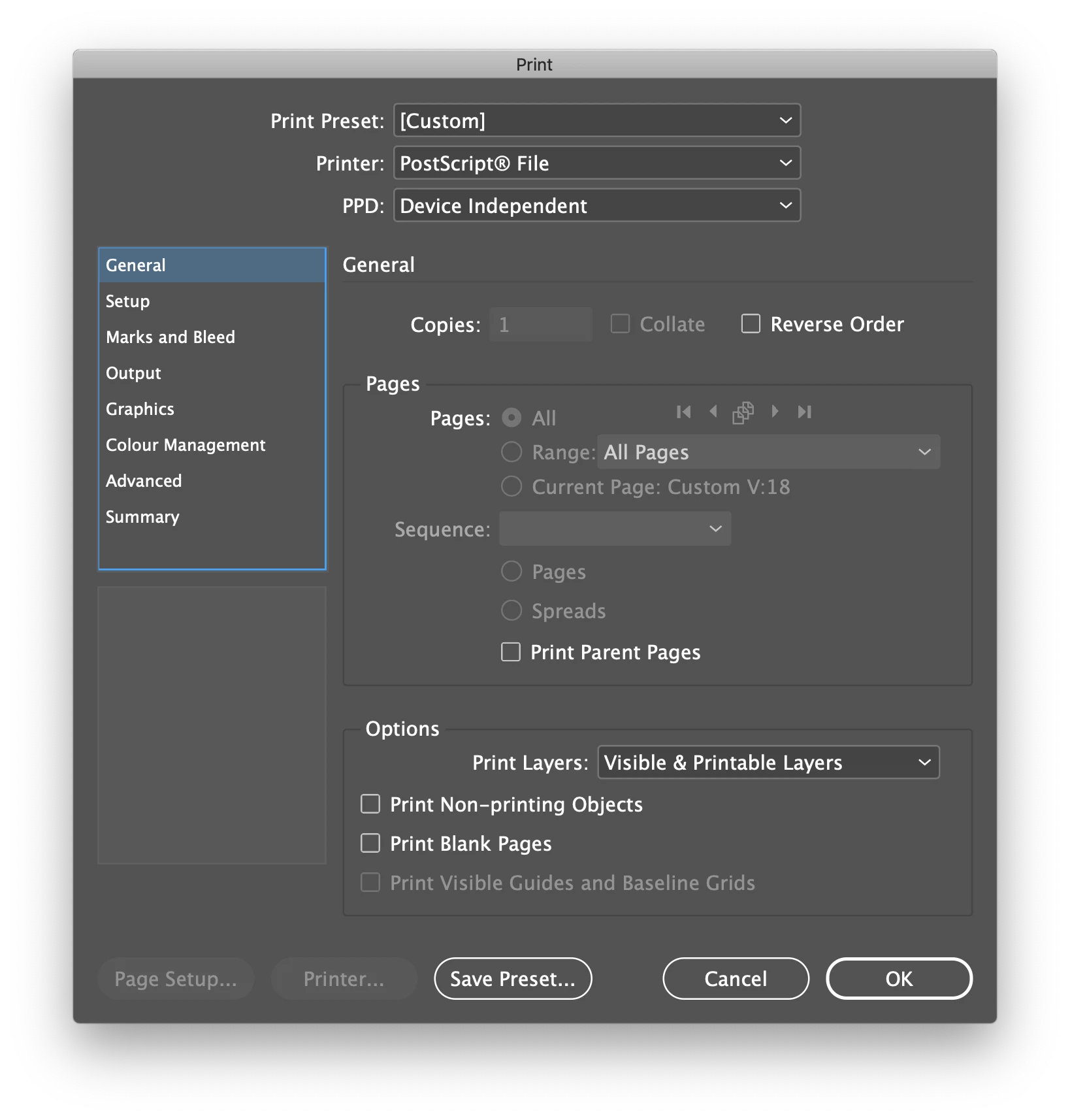
I haven't tried actually printing rather than outputting to .PS. I've reinstalled ID; I've re-booted Mac; closed other apps to free up memory; trawled online help everywhere.
Any ideas please? Is it me? Am I missing something?
Thanks, Jonathan.
 AdChoices