Participant
July 12, 2020
Answered

indesign prints parts of page 2 in two page document

  • July 12, 2020
  • 2 replies
  • 272 views


two page 11x17 indesign doc prints one spread (page 2) ( 11x17 paper =(two) 8.5x11 pages) perfectly. the page 1 spread is the problem- prints parts of text & graphics, moves some things, & prints parts of objects that were cut off. I checked links all ok.


THANK YOU VERY MUCH!!!


HELP !!!
This topic has been closed for replies.
Correct answer Luke Jennings3

Try exporting to a PDF/X-4 and printing from Acrobat or Reader. 

Also, you are using several spot colors in your document, you can use the ink manager to convert them to CMYK.

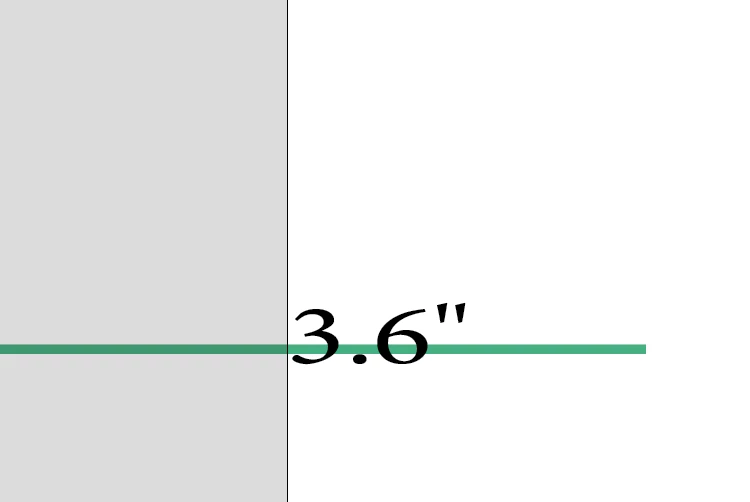
Did you intend to print the dimension indication? if not, you can put it on a non-printing layer.

2 replies

Sheena Kaul
Legend
July 20, 2020

Hi there,


I'm hoping that the issue is resolved for you. 

If the above-mentioned solution or suggestion helped, please mark it correct.

If not, do let us know so that we can assist you further.


Regards,

Sheena

Luke Jennings3
Community Expert
Luke Jennings3Community ExpertCorrect answer
Community Expert
July 13, 2020

Try exporting to a PDF/X-4 and printing from Acrobat or Reader. 

Also, you are using several spot colors in your document, you can use the ink manager to convert them to CMYK.

Did you intend to print the dimension indication? if not, you can put it on a non-printing layer.