February 19, 2018
Question

Indesign problem with character

  • February 19, 2018
  • 2 replies
  • 1074 views

¡Hello everyone!

I have this problem: when I try to copy the next character from Wikipedia:
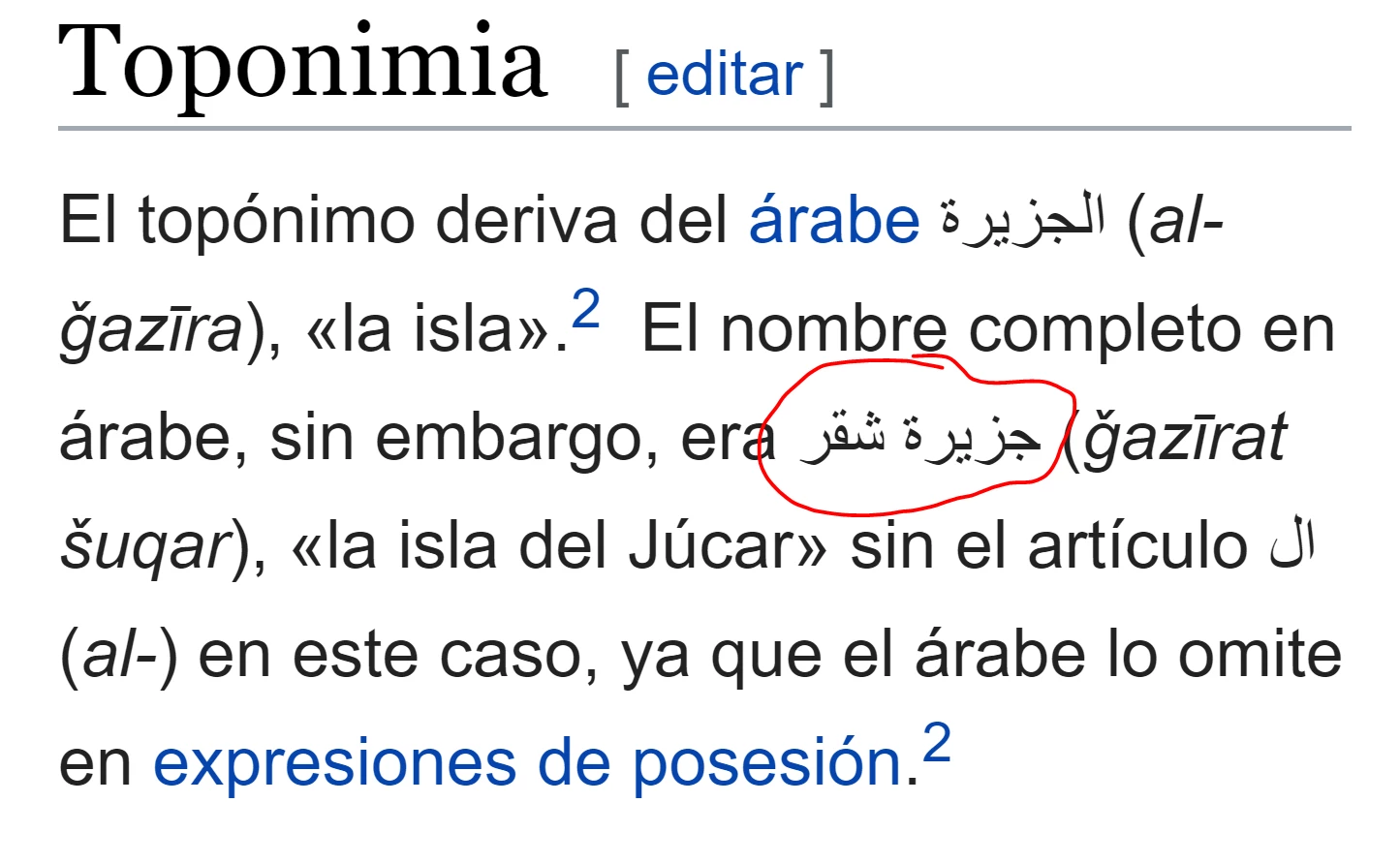
and then y paste it at InDesign, it shows me this:
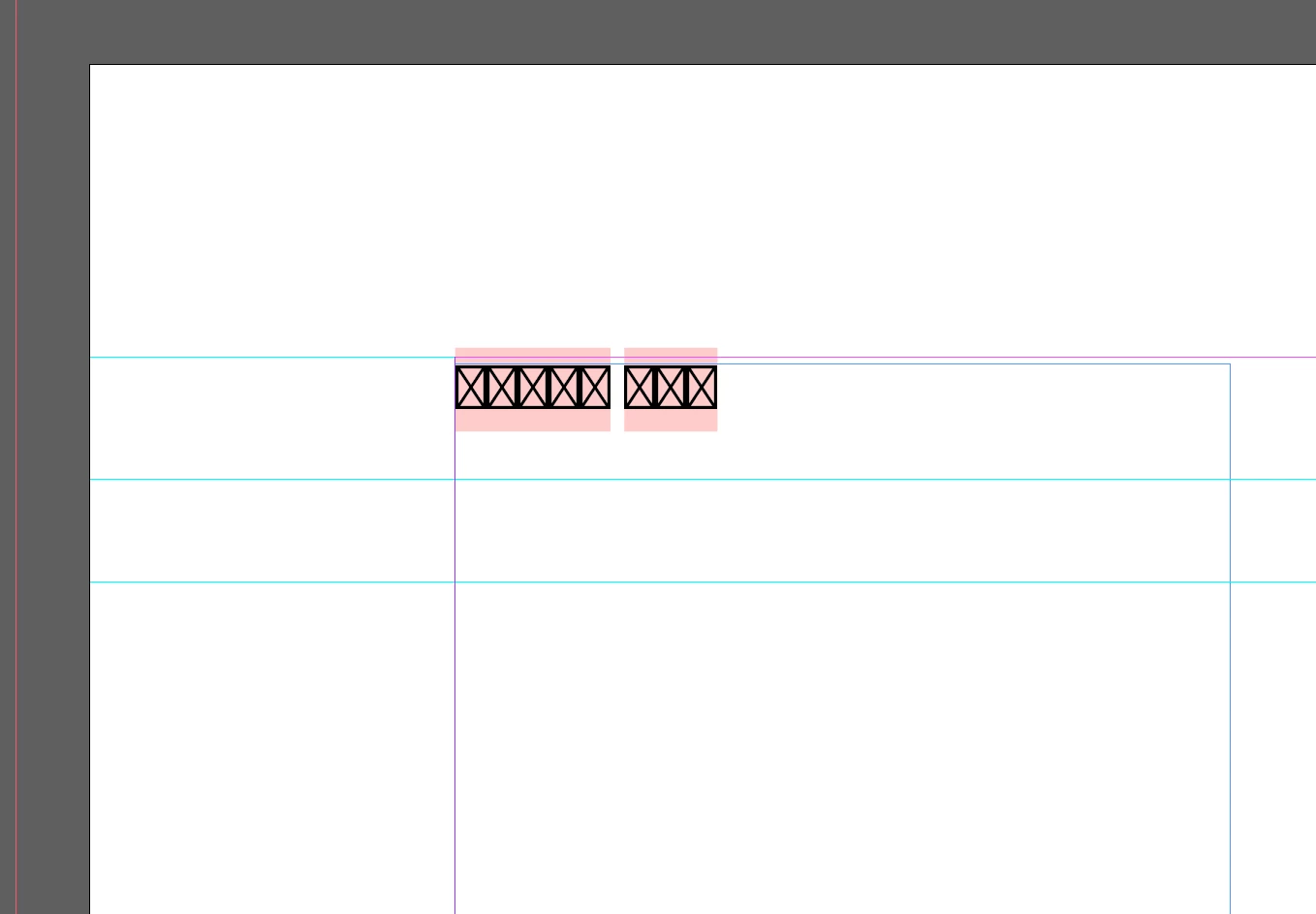
I try to change the type of letter, for example to Arial, and the result is:
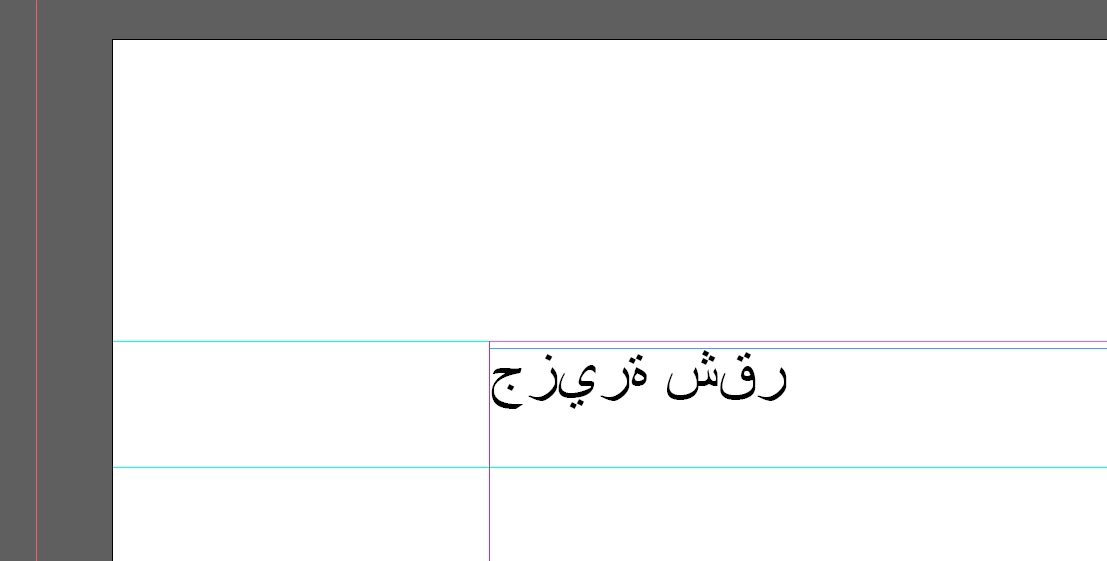
Well, it's obvious that this is not the same character, and i'm under pressure because I'm required to copy and paste it completely equal. It changes the order and the way that lines are draw.

¿Could someone tell me what to do in order to get the exact character at InDesign?

¡Thank you very much!

PS: I'm using Indesign CC 2015

This topic has been closed for replies.

2 replies

Zaid Al Hilali
Community Expert
Community Expert
February 20, 2018

Using Arial font is a good step as Arial have Arabic glyphs, but this is not enough to display Arabic properly.

You need to either download another InDesign version eg. 2017 that supports Arabic language. Or uninstall current copy of InDesign to install one copy that supports Arabic. it is up to you, just follow below steps…

Before attempting to install a previous version, switch the language to "English يدعم العربية" from the Preferences ONLY IF you want to have an older InDesign version that supports Arabic.

From the Adobe CC desktop menu, scroll up/down to InDesign, click on the down pointing arrow on the right and choose “Other Versions”.

From the same Adobe CC desktop menu, click on "Install" link to start downloading and installing a previous versions, this way you may download InDesign CC (2014) or CC (2017).

You may proceed to download InDesign CC (2014) with Arabic / Persian / Urdu capabilities now and have both InDesign versions on the same machine and both are visible in the Adobe CC desktop menu. This way you may run both InDesign versions at the same time if needed hence keeping your English version. But don't forget to switch Creative Cloud language in the Preferences menu back to English.

__________________________________

Once you have this new copy of InDesign that supports Arabic, you need to use specific tools within it to control how Arabic appears on the page.

Next thing, you need to know how to type or control Arabic text within InDesign…

1. "ME Type tool" to create a Right to Left text frame (optional)

2. Pick Arabic font

3. Set dictionary language to Arabic (optional)

4. Choose Paragraph directions and alignment

5. Select either Adobe World-Ready composers

Jongware
Community Expert
Community Expert
February 20, 2018

This is Arabic text. Search this forum; there are lots of similar questions, with loads of useful answers.