Participant
April 10, 2024
Answered

Indesign: psd link is low-res with white semi-transparent background

  • April 10, 2024
  • 2 replies
  • 576 views

Hello,


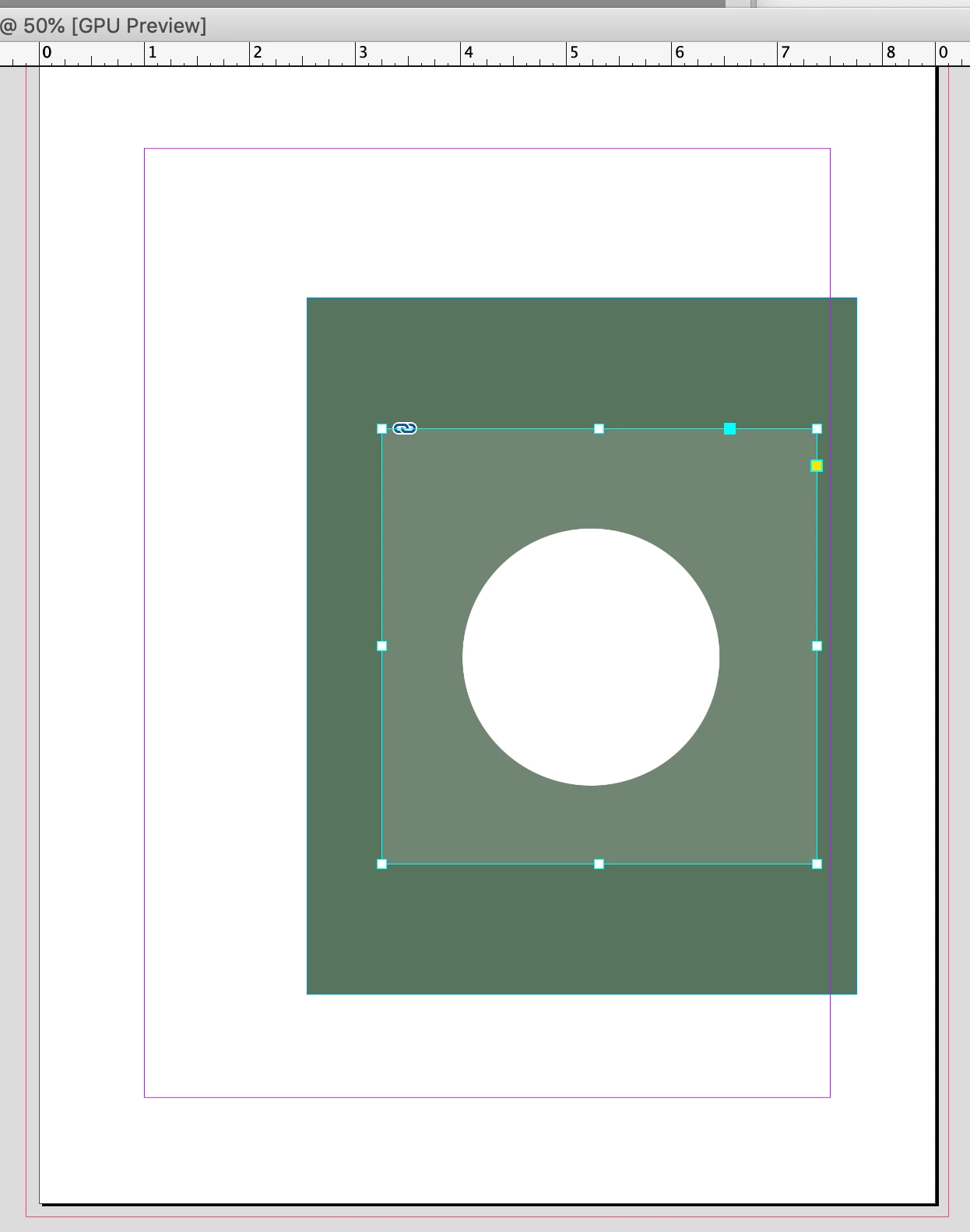
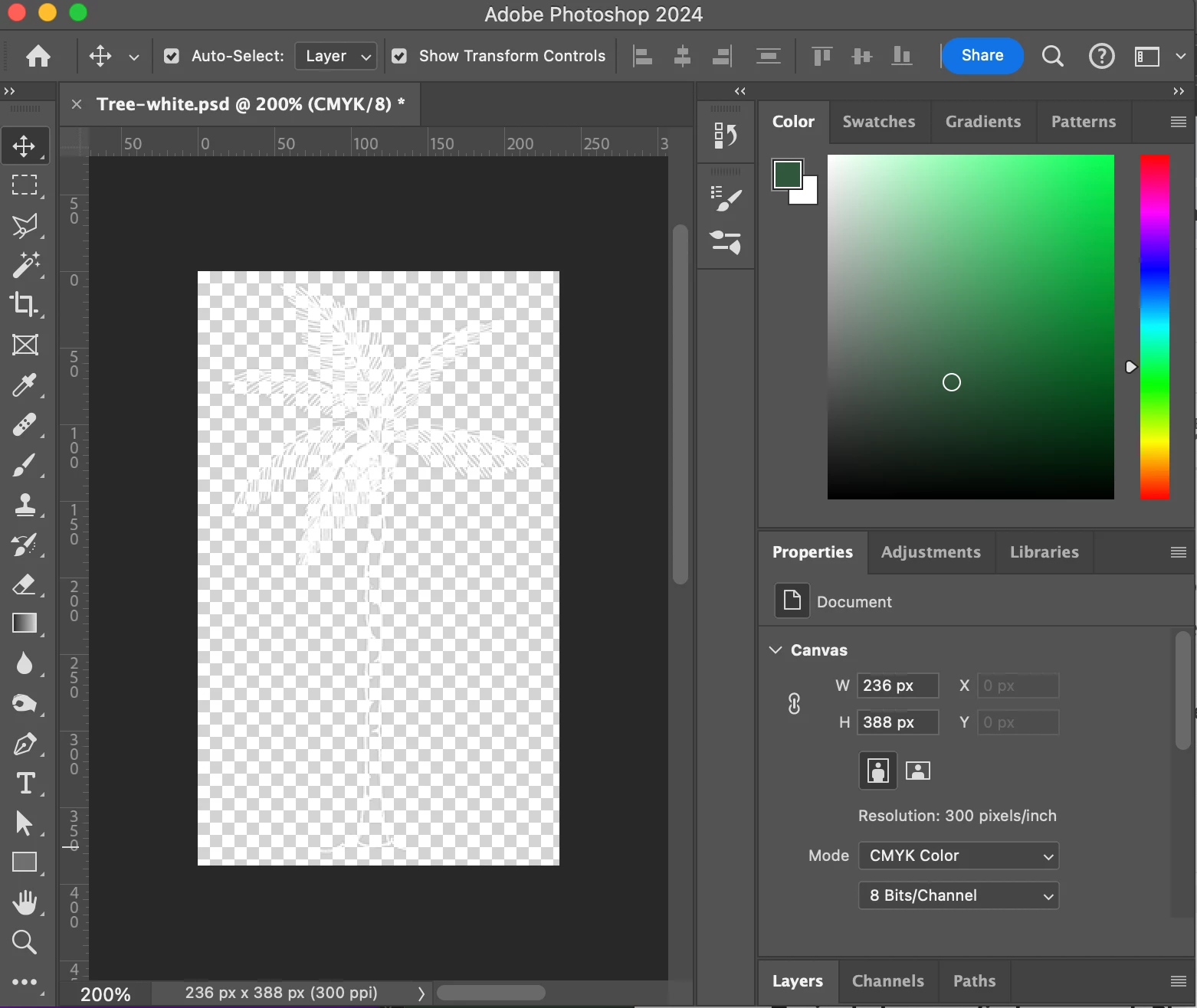
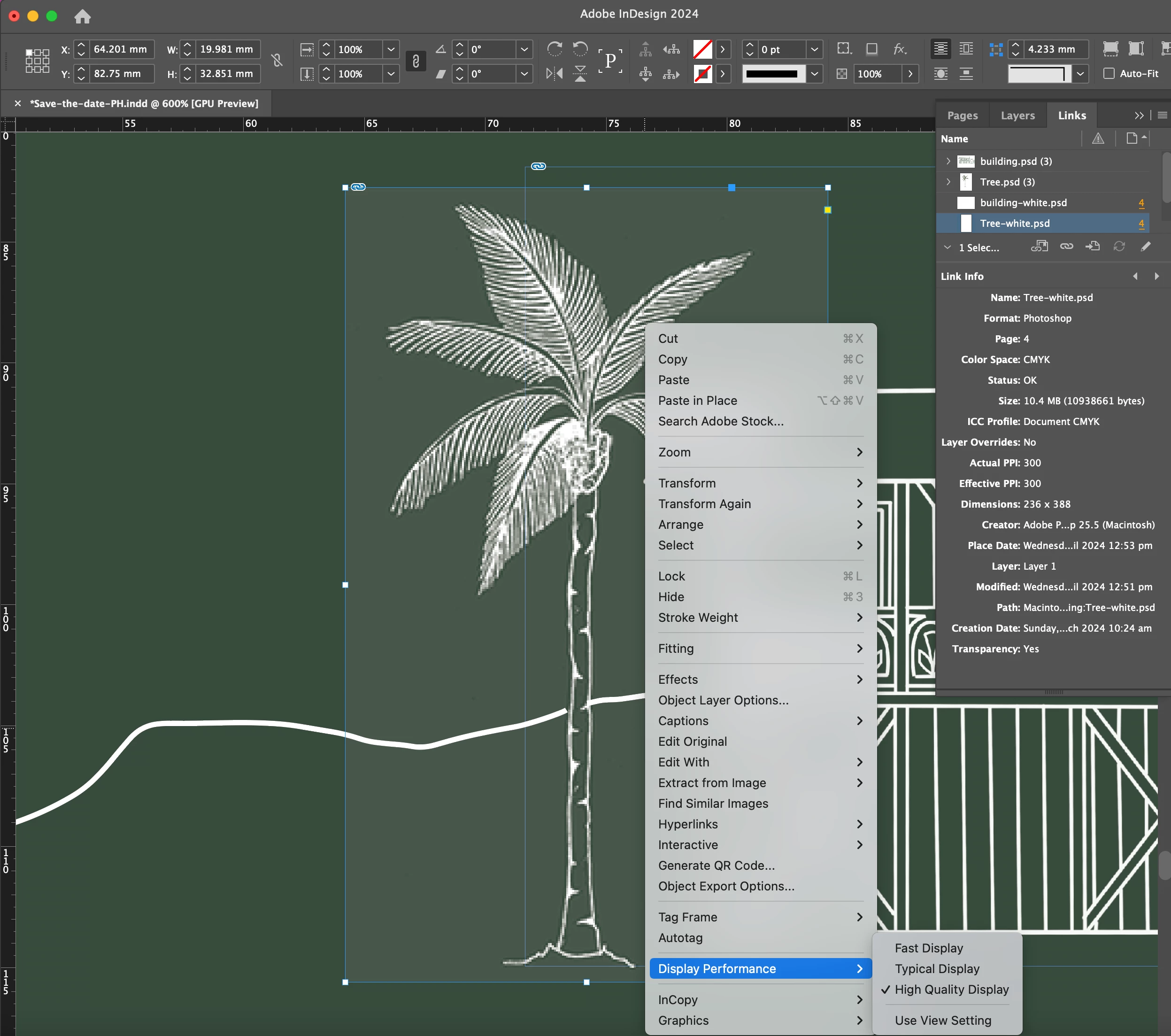
I have a linked psd file in my InDesign document that is appearing low-res with a white semi-transparent background. The image is 300ppi and high quality display is selected. It appears the same when I export as a PDF.


Am I missing something really obvious here? Thanks in advance for your help and ideas!


Cheers

Holly
    This topic has been closed for replies.
    Correct answer rob day

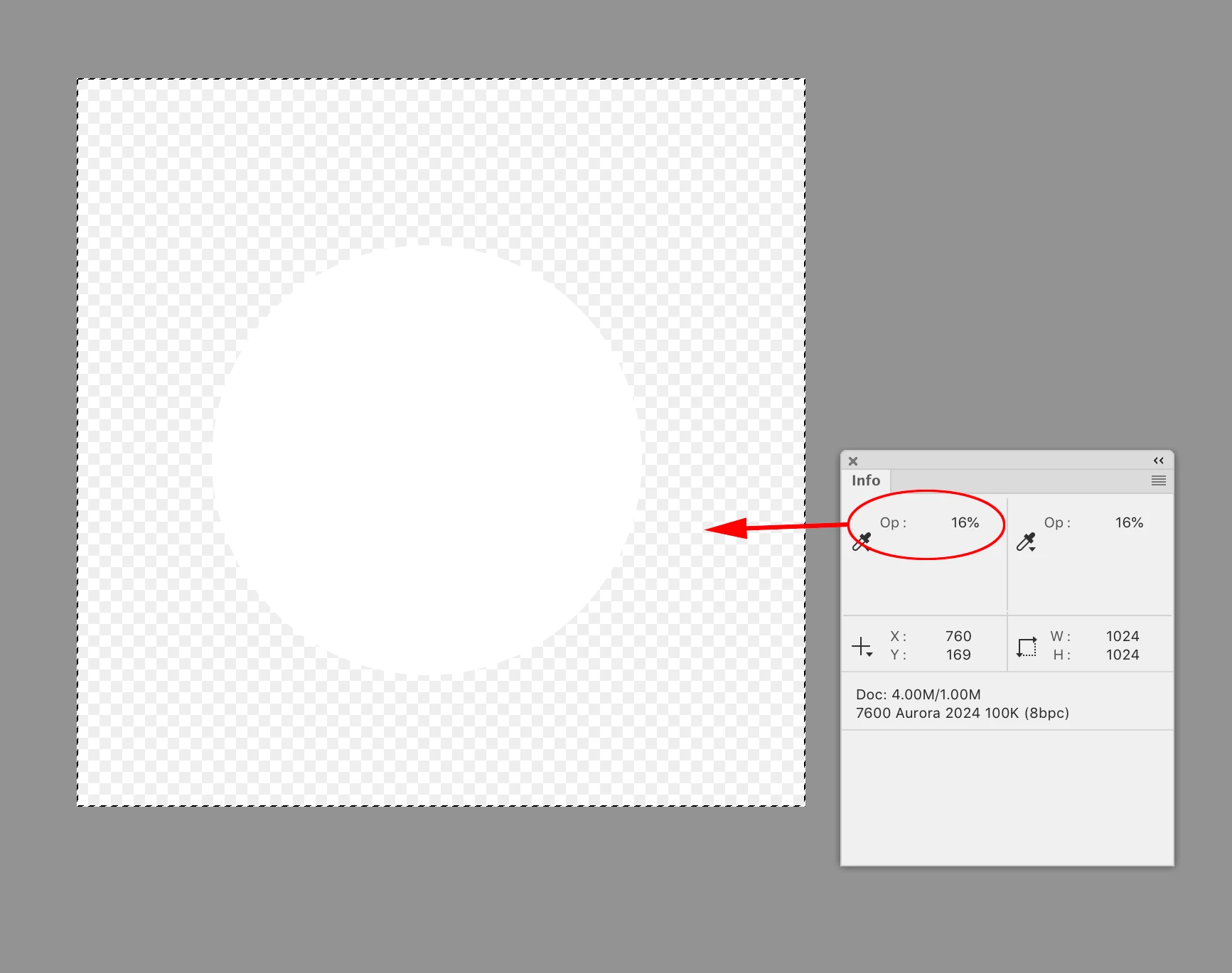
    Hi @HollyAndersen , Use Photoshop’s Info panel with the eyedroppers set to Opacity and make sure the background is at 0%:


    2 replies

    leo.r
    Community Expert
    Community Expert
    April 10, 2024

    As far as I understand, you're just viewing this relatively tiny picture under a huge zoom (about 400%).


    That's why you see it as low-res on the screen. Zoom your doc and PDF to 100% and it will be hi-res. (Unless I'm missing something).


    Participant
    April 10, 2024

    Hi Leo, you are right about the zoom, thank you! Any ideas re the semi-transparent white background?

    BobLevine
    Community Expert
    Community Expert
    April 10, 2024

    First, check your transparency blend space. Then double check in Photoshop to be sure the image is truly transparent.

    kglad
    Community Expert
    Community Expert
    April 10, 2024

    in the future, to find the best place to post your message, use the list here, https://community.adobe.com/

    p.s. i don't think the adobe website, and forums in particular, are easy to navigate, so don't spend a lot of time searching that forum list. do your best and we'll move the post (like this one has already been moved) if it helps you get responses.


    <"moved from using the community">