
Participant
January 19, 2023
Answered

Indesign saving a huge PDF even in smallest pdf settings.

  • January 19, 2023
  • 1 reply
  • 351 views

I am trying to save a 7-page layout of less than 10 M and I can't get it smaller all settings are to convert images over 100 to 72 DPI. I did notice when I opened the PDF in acrobat It has many random shapes that are not in the document...
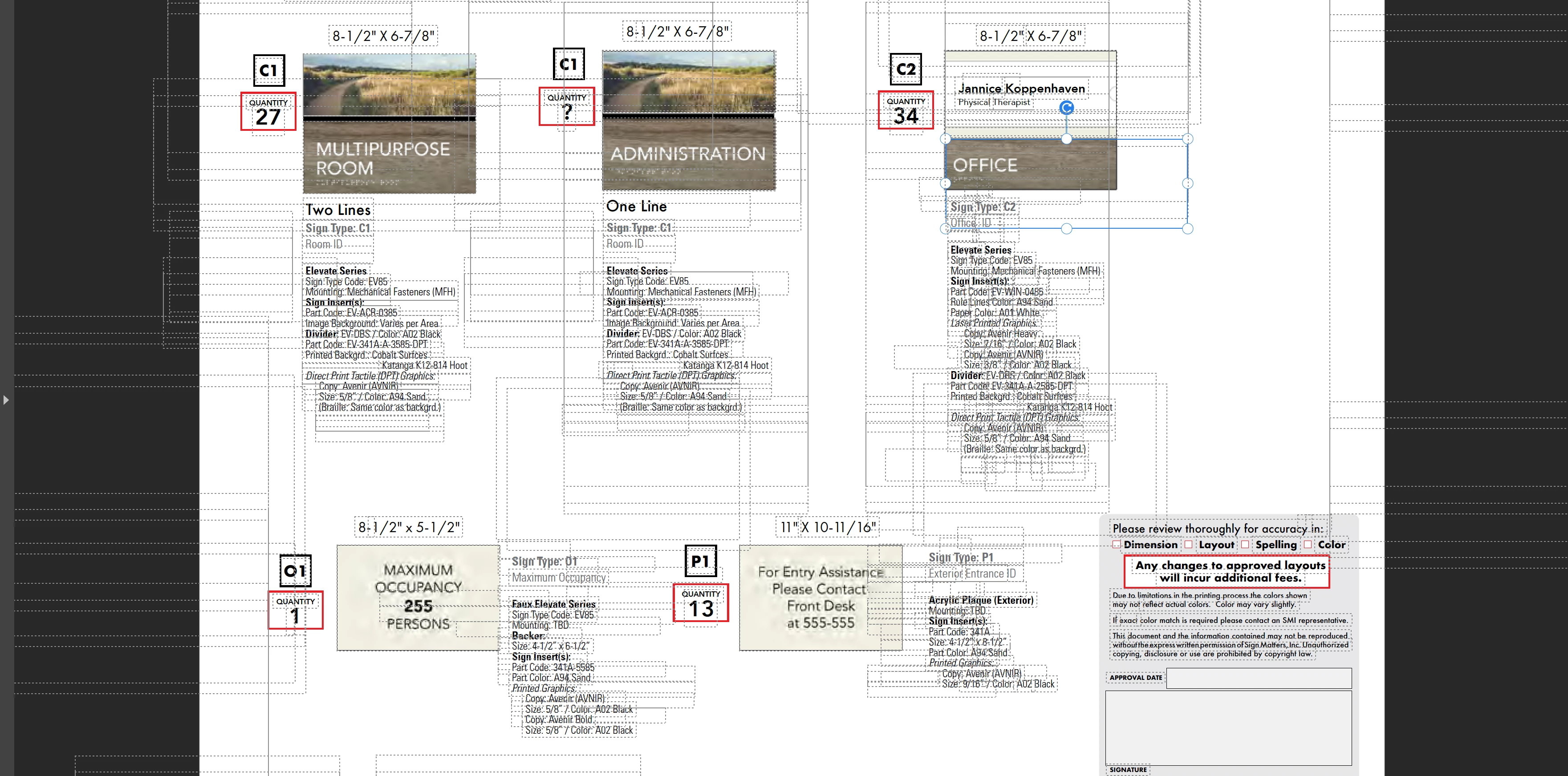
 

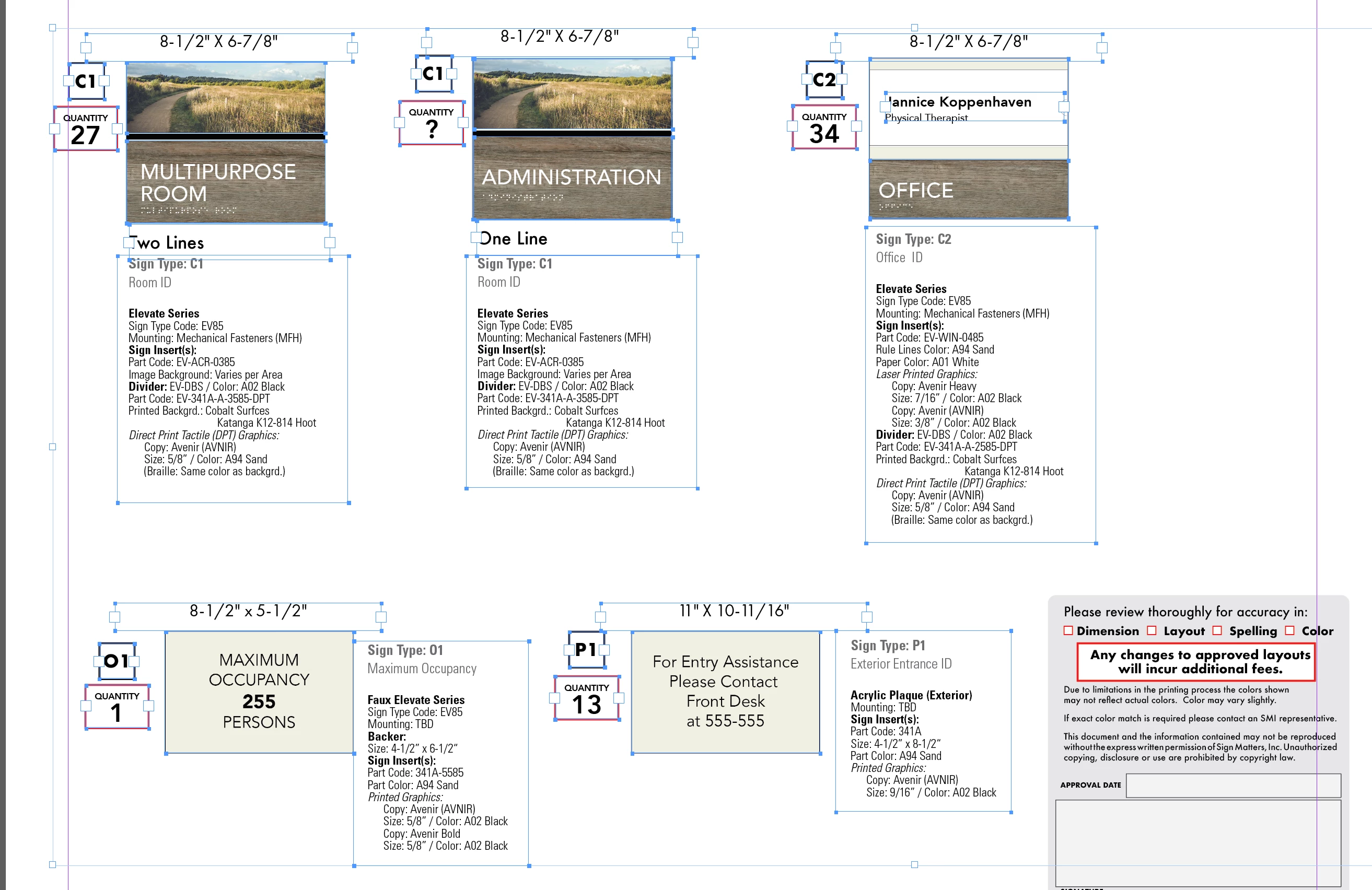
this is the image of objects in Indesign
 

This topic has been closed for replies.
Correct answer Roman27258765aaep

I found the problem the embedded PDf was saving all material from the PDF in each page. Even though it was not shown the large CAD files were there hidden with all the information.

1 reply

Community Expert
January 19, 2023

Hi, @Roman27258765aaep ,

all the shapes you see in the PDF are in the InDesign document.

I guess they are part of the placed images/graphics.

I guess also the placed images/graphics are much bigger than the visible part.

So the best way to get a smaller PDF is to crop the images/graphics to the needed size.


Btw. define "HUGE PDF". 10MB? That is not huge in my opinion.


Regards

Stephan

Roman27258765aaepAuthorCorrect answer
Participant
January 26, 2023

I found the problem the embedded PDf was saving all material from the PDF in each page. Even though it was not shown the large CAD files were there hidden with all the information.