
Participant
Apr 3, 2025 1:06 PM UTC
Answered

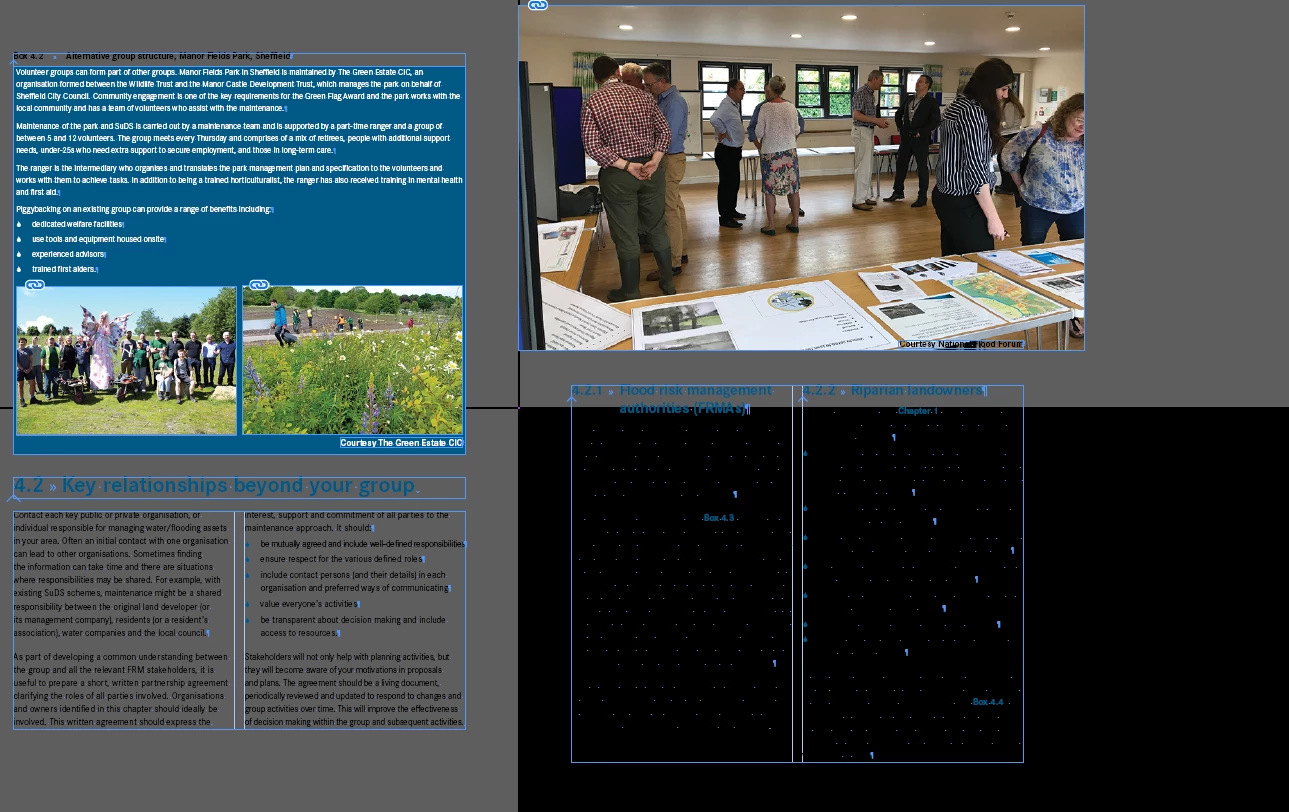
InDesign screen looks distorted...

Hi there, I have been working on a document, but now it is showing up like this when I open it with no white background. I have looked into my settings everything looks OK, not sure what to do so any help would be greatly appreciated.

 

BobLevine
BobLevineCorrect answer
Community Expert
Apr 3, 2025 1:15 PM UTC

If it's just this one document, export it to IDML and open that.

8 replies

BobLevine
Community Expert
BobLevineCommunity ExpertCorrect answer
Community Expert
Apr 3, 2025 1:15 PM UTC

If it's just this one document, export it to IDML and open that.

Translate
Participant
Apr 3, 2025 1:36 PM UTC

Thank you for helping me, it seems to have resolved the issue!

Translate
Robert at ID-Tasker
Legend
Apr 3, 2025 1:53 PM UTC
quote

Thank you for helping me, it seems to have resolved the issue!


By @claredrake


Then it looks like you need to change the way you work. 


You need to do Save As with a new name - either at the end of the day or week - depends how many changes you've done in a particular document. 


When you do Save - InDesign saves Undo History - but it's no longer available after you close the document - but is still part of the document  - and needs to be analysed every time you open this document again.


When you do Save As with a new name - InDesign is doing a basic housekeeping - gets rid of this Undo History and reorganizes the document so it opens quickly.


Translate
Robert at ID-Tasker
Legend
Apr 3, 2025 1:07 PM UTC

Are you a Mac user? Then toggle GPU support in Preferences. 


Translate
Participant
Apr 3, 2025 1:08 PM UTC

No not on a MAC

Translate
Robert at ID-Tasker
Legend
Apr 3, 2025 1:09 PM UTC

Then please confirm OS and InDesign versions. 


Translate