


Question
Indesign server is not placeing the image
Hello All,
Images are not placeing at the jsx file this is my code
var imagePath = "C:\\Users\\Karthik Salugu\\Downloads\\SingleAdDesign1 (2)\\1.jpg";
var imageFile = new File(imagePath);
myDocument.pages.item(0).place(imageFile);
this .jsx file , from c# code to indesign server , always displaying as a image plaeholder not actual image,
Please could you help me to resolve this issue, if i execute directly in the under the utilites sripts , it is working fine , but if we execute through the indesign server getting issue.
this .jsx file , from c# code to indesign server , always displaying as a image plaeholder not actual image,
Please could you help me to resolve this issue, if i execute directly in the under the utilites sripts , it is working fine , but if we execute through the indesign server getting issue.
e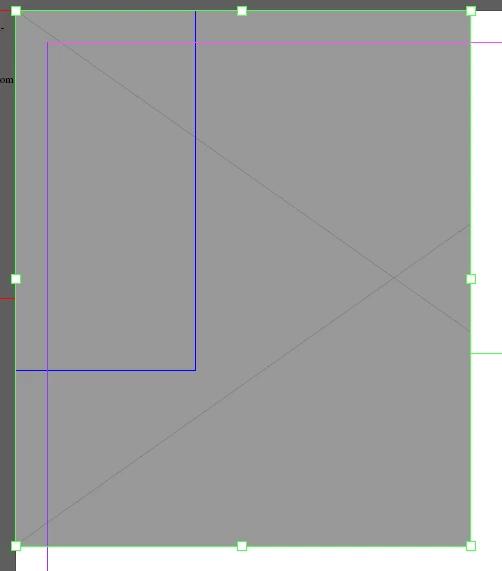
 AdChoices