

Participating Frequently
October 1, 2025
Answered

InDesign Share for Review links not working

  • October 1, 2025
  • 94 replies
  • 15332 views

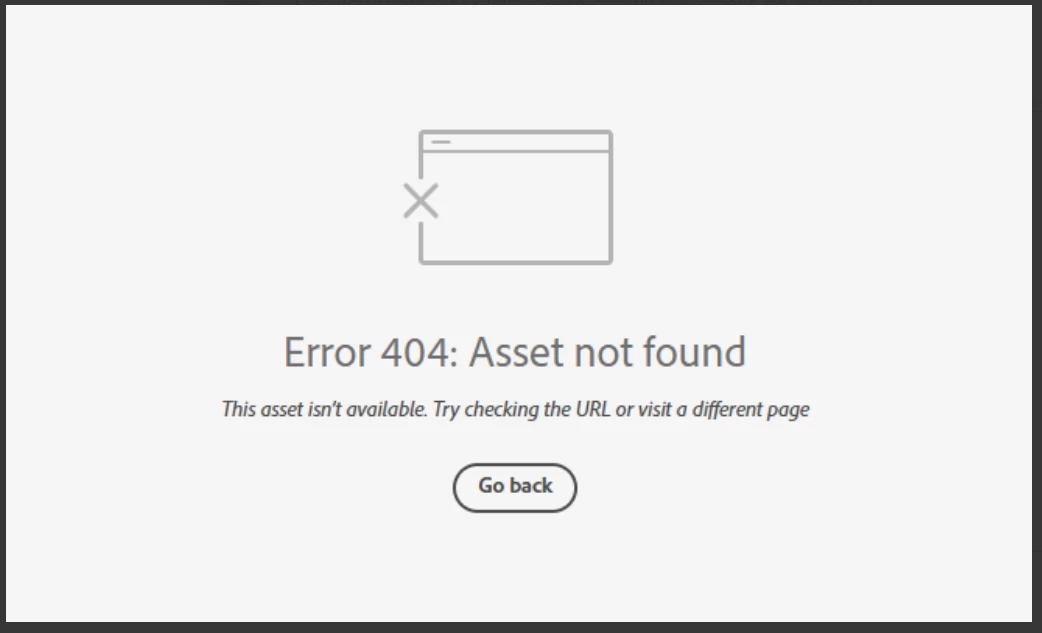
Anyone else having issue with InDesign review links not working today? I have sent out a few and reviewers are getting this message. Other programs seem to be working fine.

 

Correct answer Anubhav M

There is another thread about this specific issue:

https://community.adobe.com/t5/indesign-discussions/text-can-no-longer-be-highlighted-in-share-for-review/m-p/15532194#M637472


Hello everyone,

Thanks for your patience. The problem related to Share for Review links not working as well as the missing options for commenting have both been resolved. Kindly try re-opening your links and let us know if it helps.

Anubhav

94 replies

Fortunato Creativo
Participating Frequently
November 5, 2025

Same issue here. It gives me stress, deadlines are approaching and the problem is not fixed. I found a way around it, so now I am at least able to share my document online and the client can make comments. They do not appear in Indesign as the Share Review link does, but at least it is something.
The tip:
Make a pdf from your Indesign doc. Go to 'Files' in Creative Cloud.
Make a project and share it with your client. They can post their comments.
Two screens is handy with this way of working i guess.

I still hope Adobe will fix the Error 404 problem quickly though.

Participating Frequently
November 5, 2025

Having the same error as of this morning. Would appreciate if this could get resolved asap please. Our team cannot complete revisions without adobe review.

Participating Frequently
November 5, 2025

I can see the review comments in InDesign under the review window but the link is still unaccessable. Very weird. Looks like I can work on revisions but other people cannot review.

Participant
November 5, 2025

Hello, this is happening for our team currently. We're wondering when the error might be resolved? I have tried restarting, clearing cache and cookies and accessing the file from my Adobe notifications as someone suggested on another thread, same error each time. 

Participant
November 5, 2025

Having same issue. This is crippling our operation. 

Participant
November 5, 2025

This is extremely frustrating. We have deadlines to meet and this cannot happen. Adobe needs to get this fixed ASAP.

Good Venture
Known Participant
November 5, 2025

I'm having issues with most of my shared for review documents. 


It must be something with Adobe servers 

Participating Frequently
November 5, 2025

Glad I'm not the only one this is happening to. ALL links to my S4R files get a messgage

Error 404: Asset not found 
This asset isn’t available. Try checking the URL or visit a different page

24 hours before my book deadline... I know glitches happen, but this is twice in 1 month. What am I paying for again?

I have to appologise AGAIN to my clients!

Participant
November 5, 2025

Same problems here as from today... Is there a workaround for these issues? 

What is the solution?

Known Participant
November 5, 2025

I wonder if these new comments need to go in a new post, since this one is marked as solved...

Participant
November 5, 2025

@Anubhav M - this seems to be happening to everyone again. Can you please provide an update or a workaround?

MattheausG
Known Participant
November 5, 2025

Is Anubhav the only geezer working on this for all the world? Surely @Adobe you have more engineers on this?
The lack of communication from you guys is deplorable

Inspiring
November 6, 2025

11/06/25 - Share for Review links are working again for me. Hope it's the same for everyone else.

Participant
November 5, 2025

Hello @Anubhav M, this problem seems to be back on my side. I did all your suggestions from october. Any new ideas ?
Thank you   

Participating Frequently
November 5, 2025

Happening for me and my team again today! This is having an impact on our work. Please can you fix ASAP

Known Participant
November 5, 2025

Same problem, in the middle of trying to get a Brochure signed off.


I'm sure we'll be told we just need to reset our preferences.

Participant
November 5, 2025

Nous avons le problème aussi, sur un lien partagé avec une quinzaine de personnes pour la révision d'un annuaire. C'est un vrai problème ! 
Même les nouveaux liens ne fonctionnent plus


Participant
November 5, 2025

I'm having this issue now too
