Participant
October 26, 2017
Question

InDesign Start-up Panel won't disappear

  • October 26, 2017
  • 1 reply
  • 162 views

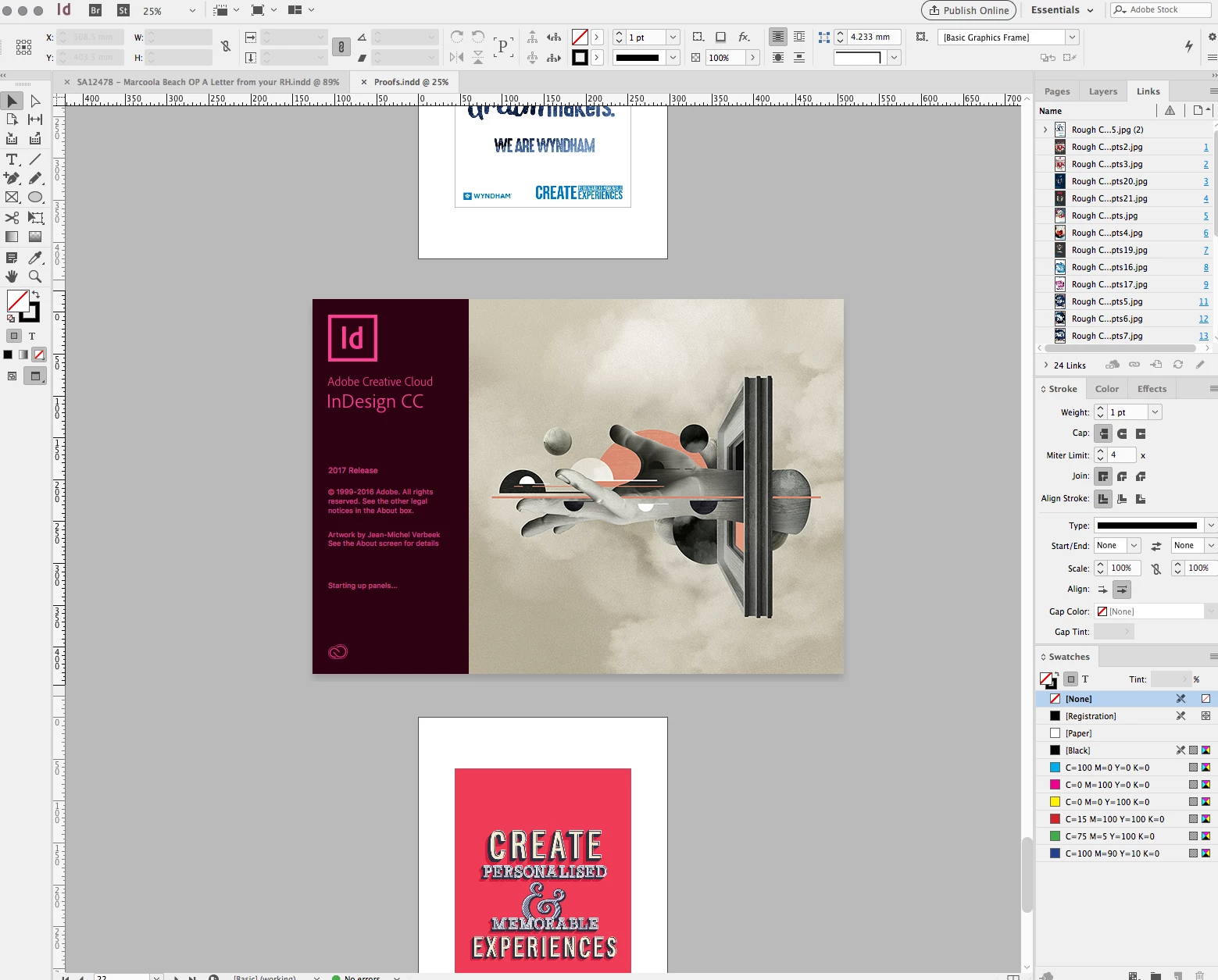
Hi, I'm running InDesign CC 10.1.0.56 (2017.1 release) and my start-up panel won't disappear from the screen. It sits right in front of my workspace, always in the centre of the screen (Screenshot attached) It's really hampering my ability to do any work! Can't find any preferences to turn it off, and Ive tried googling with no results.

Any help much appreciated
    This topic has been closed for replies.

    1 reply

    Barb Binder
    Community Expert
    Community Expert
    October 26, 2017

    Here are the instructions to reset preferences. There are two techniques described. Try the keyboard shortcut first. If that doesn't work, move on to removing the InDesign Defaults and InDesign SavedData files.

    Troubleshooting 101: Replace, or "trash" your InDesign preferences

    ~Barb at Rocky Mountain Training