

Susan Culligan
Inspiring
February 2, 2024
Answered

InDesign switched my palette layout without asking

  • February 2, 2024
  • 2 replies
  • 603 views

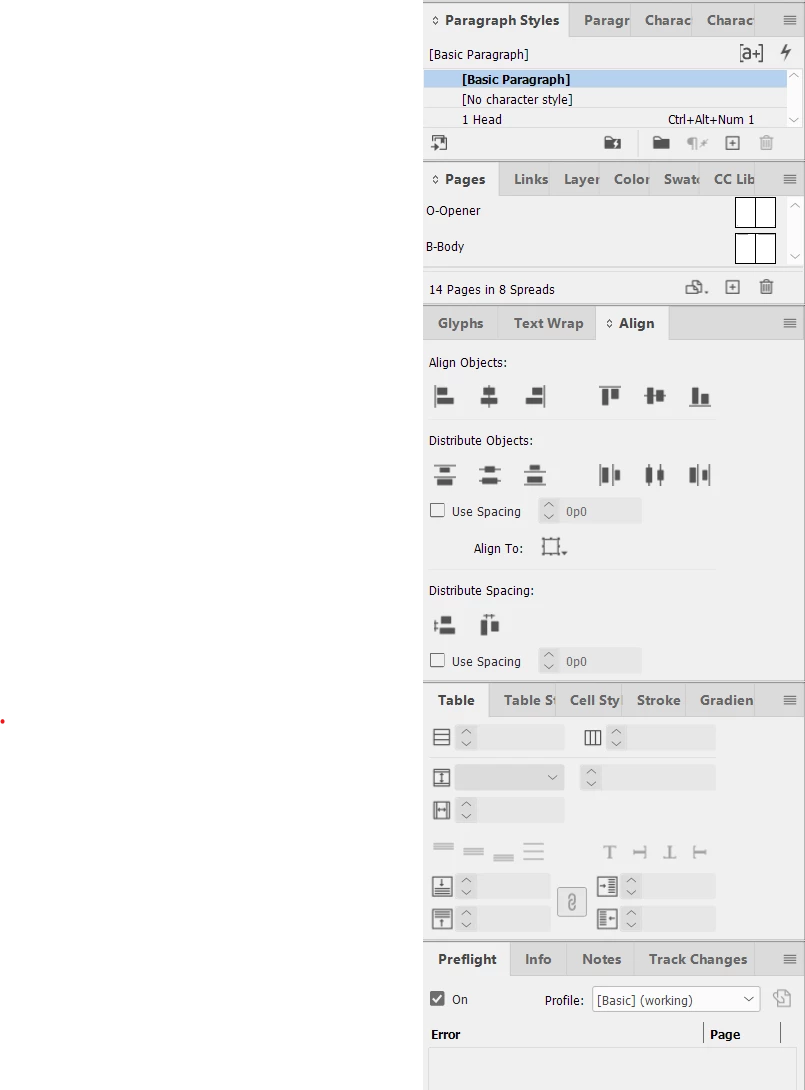
I'm writing almost weeping with frustration. I'm in production mode on a book, and all of a sudden I opened one of the documents and InDesign had changed my workspace palette layout, which I've been using for years, into the format shown in Screenshot 1. I don't want it like that! I never asked it to change! (Pardon my venting.)
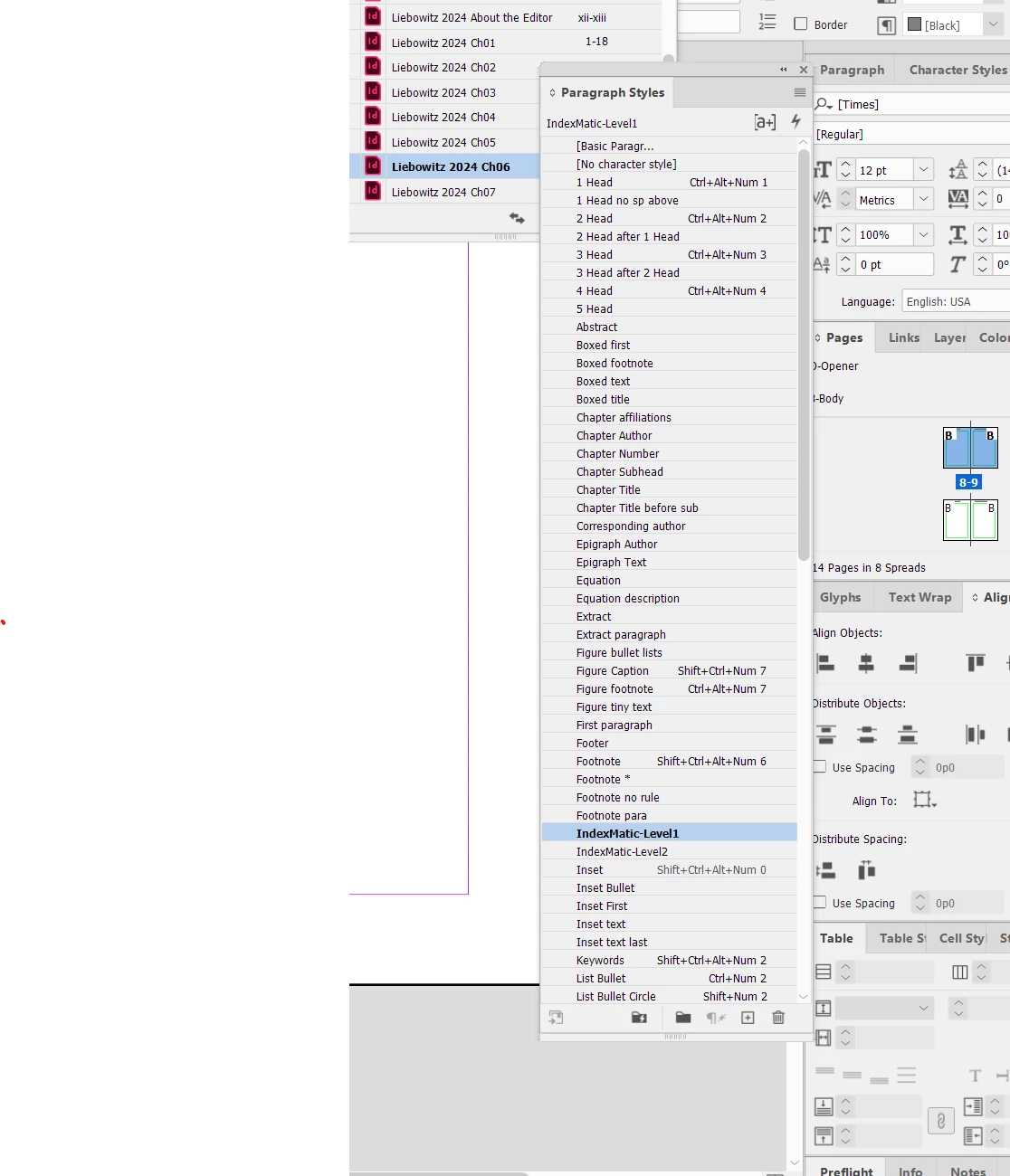
It used to be set up so that when I clicked on, say Paragraph Styles, it would open next to the worksheet lineup as in Screenshot 2 (where all my Para Styles would be displayed vertically). I can't give a screenshot of that because it's no longer the active layout.
 

Why would it do this, and what the heck do I have to do to put it back the way it was? I can't just reset it, because I'm pretty sure that would mean I'd have to recreate the workspace from scratch.


Please, if anyone can help me figure out how to change the layout, you'll be my best friend.


Thanks,

Susan
This topic has been closed for replies.
Correct answer Steve Werner

Did you create a custom workspace with the settings you usually use? If so, you should be able to restore the workspace?


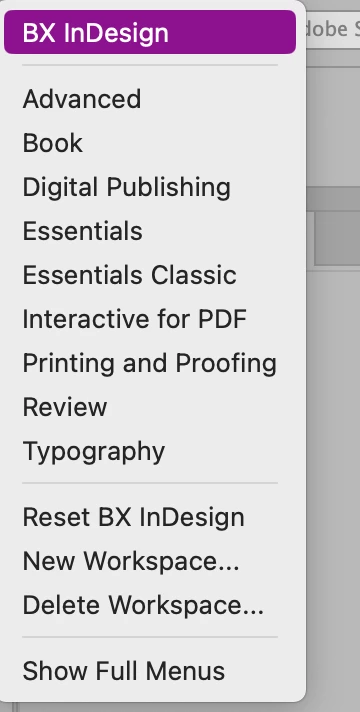
Or, worst case, you can create a new workspace the way you need it in the Workspace menu at the top right of your screen (see mine):


2 replies

Robert at ID-Tasker
Legend
February 2, 2024

You can rearrange pallets by drag&drop - click on the name of the panel and move. 


https://helpx.adobe.com/uk/indesign/using/customizing-workspace.html


Susan Culligan
Inspiring
February 2, 2024

Yay! It actually worked! Thank you thank you!

Steve Werner
Community Expert
Steve WernerCommunity ExpertCorrect answer
Community Expert
February 2, 2024

Did you create a custom workspace with the settings you usually use? If so, you should be able to restore the workspace?


Or, worst case, you can create a new workspace the way you need it in the Workspace menu at the top right of your screen (see mine):


Susan Culligan
Inspiring
February 2, 2024

I had painstakingly created my ideal workspace over the last number of years until it was just like I want it. I guess I could start over again, if that's the only way. I'll try to "restore," but I had to do this once before and it made me recreate it, but I'll try that again. Thanks!

Susan Culligan
Inspiring
February 2, 2024

Resetting worked this time! Yippee!!!