
InDesign text box keeps freezing and disappearing
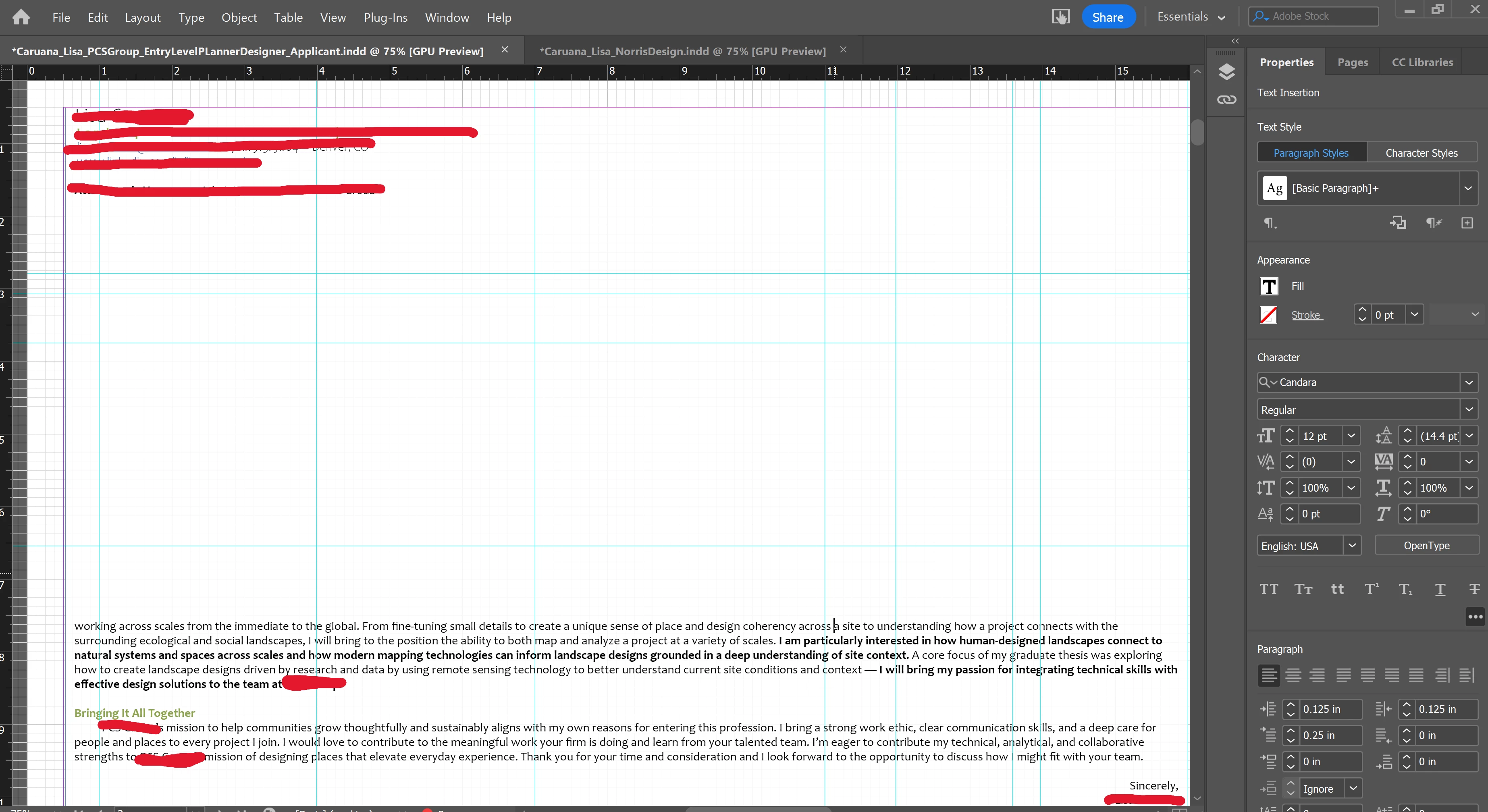
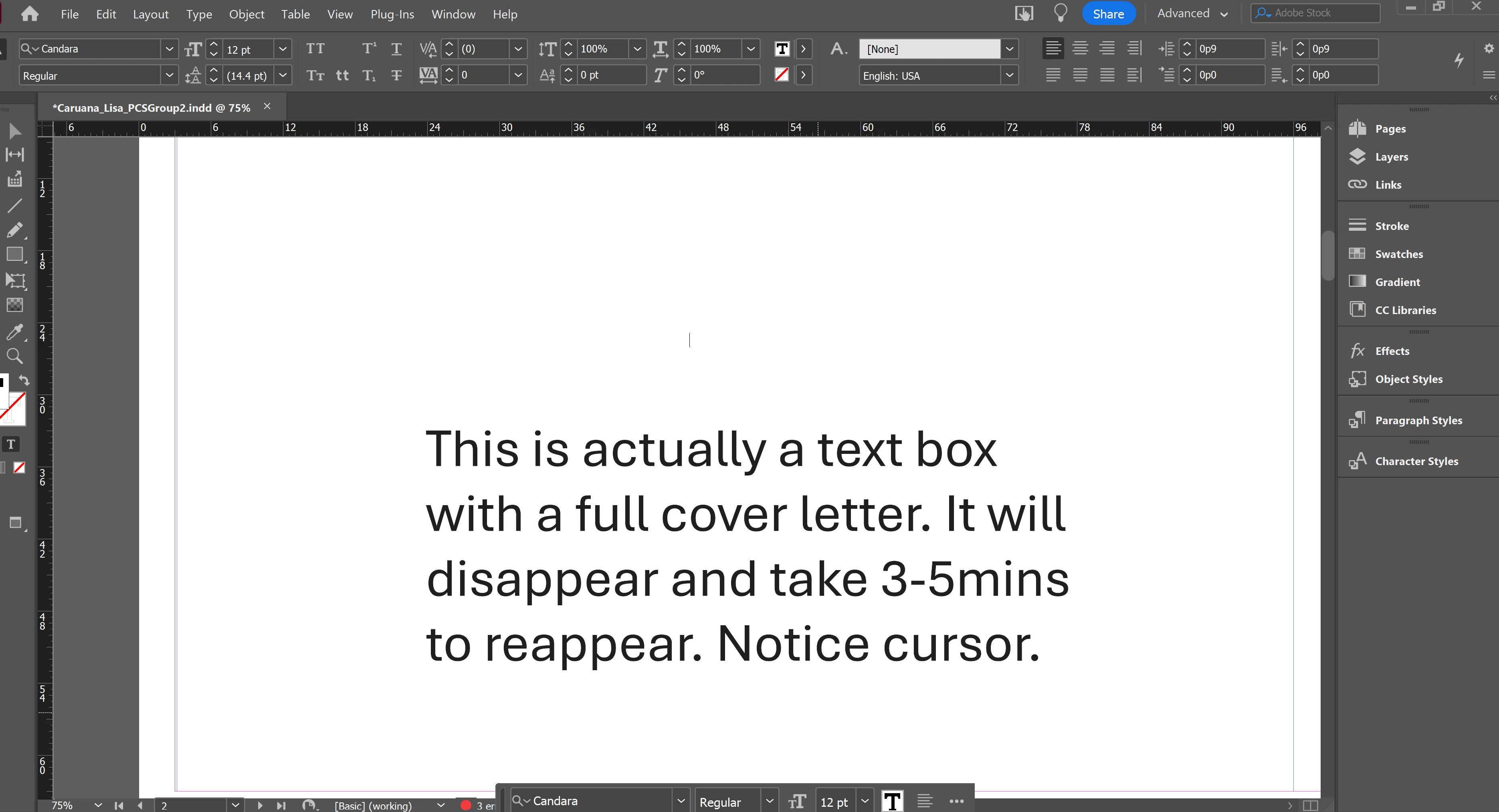
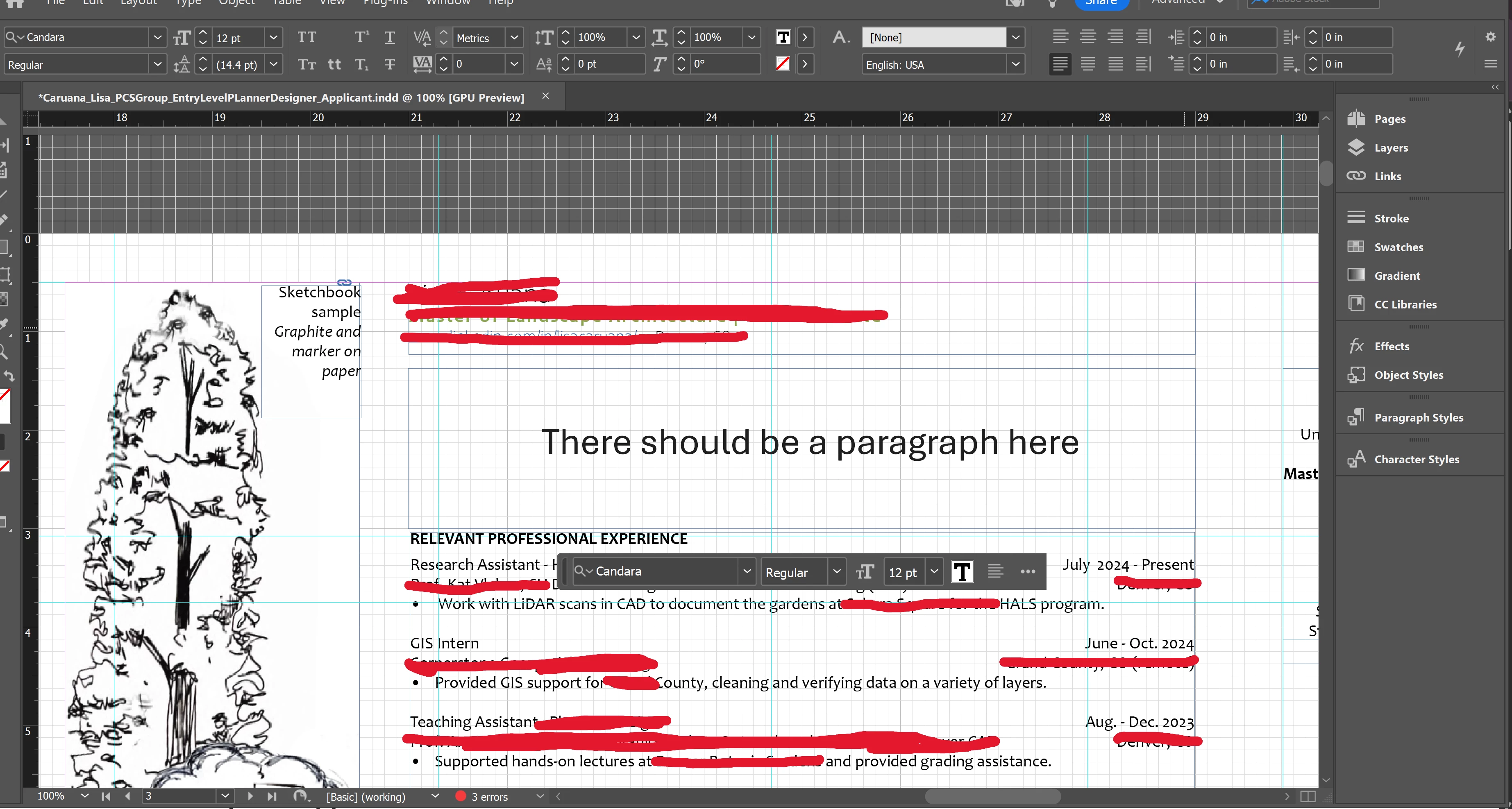
I have a 39pg. InDesign document that I have been working in for the past year (professional portfolio, so I have saved a copy multiple times. Mainly consists of graphic images and GIS maps, the issue is with the text boxes) and the text keeps disappearing and freezing in whatever text box I am working in. I recently graduated and switched from my school account to a private subscription, and that is when the problem started. The text will disappear from the text box for upwards to 3-5 minutes and only reappear when I start just scrolling up and down in the document, and then it reappears in strips and chunks. The cursor will flash in the blank text box and I can type on my keyboard and changes will be there when the text reappears, but I can't see what I'm doing. This is happening multiple times a minute - almost every time I add a word or make a change - except of course when I shared my screen with support. I have talked with 3 different agents and none of them were able to solve the problem. I downloaded the text that I am using (Candara), have restarted my computer at least a dozen times, and am working in a brand new document saved directly to my desktop. One agent checked something connected to the GPU, saying that my preferences were set to not process graphics, but that did not solve the problem. Screenshots of instances when the text disappeared attached. Red markups are to protect personal information and not related to the issue. Any tips would be appreciated, as I have tried all of the troubleshooting recommended by the Adobe AI chatbot and various Google searches and the text box still keeps freezing and disappearing, making it almost impossible to work in the document. I really, really do NOT want to change the font style, as I feel like Candara is common enough it should work and that will also create a lot more work for me in terms of making sure the whole 39pg document converts correctly, so hoping to avoid that. TIA!


 AdChoices