


Leonardo_Studio
Participant
November 9, 2018
Answered

InDesign to HTML

  • November 9, 2018
  • 2 replies
  • 10868 views

Hi people

I'm trying to export a simple InDesign document to an HTML file for newsletter import. Somehow, when I do the export, the elements are all there but they appear one after another instant of overlapping as in my InDesign document.
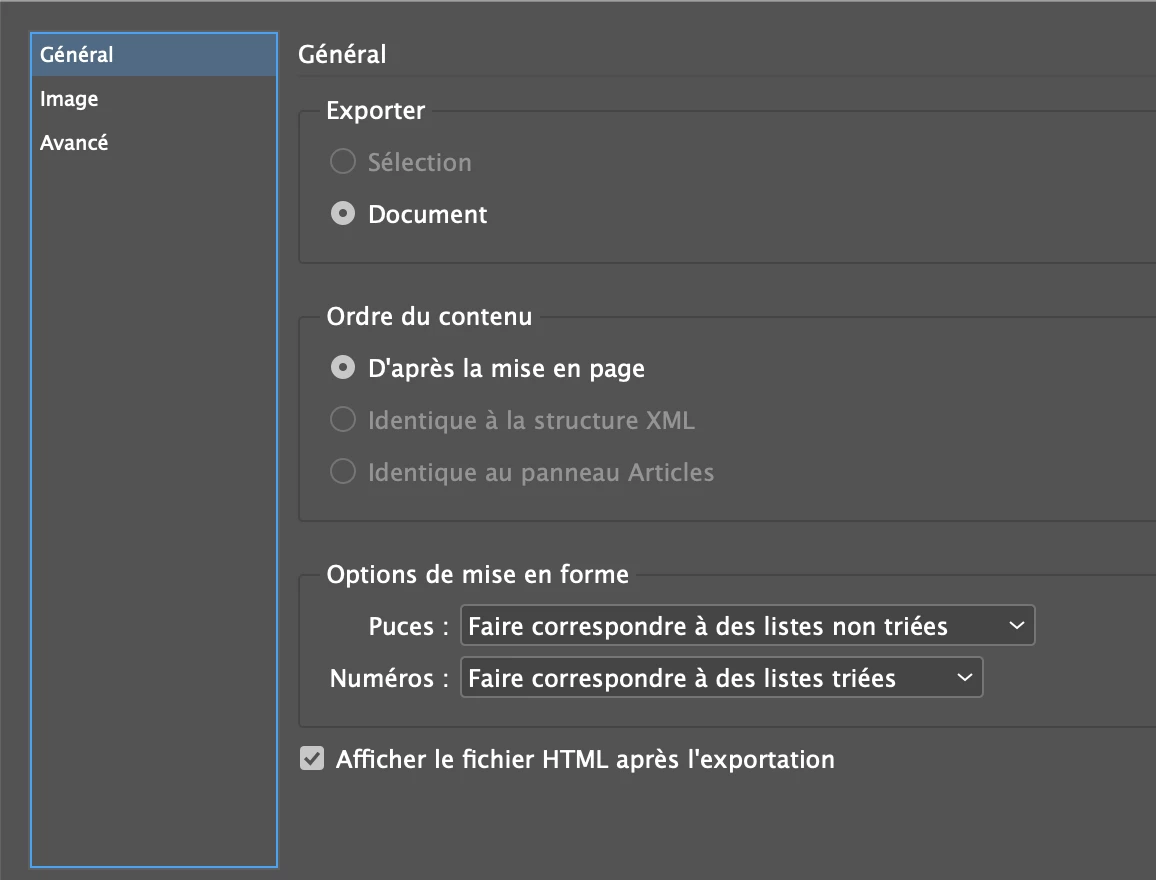
How do I correct this ? I also notices that I don't have an HTML folder after the export (only a CSS and Images folder...)

Thanks !

This topic has been closed for replies.
Correct answer BobLevine

The only way to get good HTML out of inDesign with all of the page geometry intact is with Export HTML5 from InDesign with in5 - Home

2 replies

rayek.elfin
Legend
November 11, 2018

I made a simple example using assets from an interactive adventure game book based on Pepper and Carrot which I am working on as a personal side project. Animated in InDesign, exported with the free Export FXL HTML script in InDesign, although I did optimize and convert all the images to webp format. Firefox and IE don't support this image format (yet: FF will get support soon, finally!).

The example doesn't include state objects, but all interactive content works fine when output this way. The second page has a simple environmental sound playing in the background.

Btw, I never allow InDesign to optimize assets for this kind of work (which does a terrible job both with resampling as well as file size) and I make sure InDesign uses my prepared intermediate assets instead. Then during the final stage I optimize the heck out of all the assets. The example images add up to a mere 392kb. I could have done even better, though, but I did not spend a lot of time on this example. For fixed layout epubs I use heavily optimized PNG and JPG files - all done with external free tools. (I believe in5 also uses various command line tools to optimize files better?)

Aside from custom image optimization, I added a bit of custom simple css to hide the frame overflow, and use a black background. The example took me 20 minutes to do in InDesign, and ten minutes for the image optimization, code changes and upload (the assets I already had).

The use of webp does mean this example should be viewed in either Chrome or Opera. Other browsers will display a white page :-).

html export from InDesign example link

It's a nice proof of concept, I think. InDesign is quite a good prototyping tool for this type of work too. Fast to test some concepts and preview in the epub viewer. I just wish Adobe would extend the interactive features - they haven't touched them in years now. A simple animation timeline would be nice, for example.

While it is possible and actually quite simple to use this output as a basis for app conversion to desktop and mobile devices using a tool like Cordova (or even Photogap), my actual project is done using Godot Engine. InDesign is fine for simple interactive books, but lacks variables and conditional logic which I need.

BobLevine
Community Expert
Community Expert
November 11, 2018

Agree 100% on the interactive features. They’ve gotten no attention since many of the were introduced in CS5. MSOs in particular are a complete pain to work with.

BobLevine
Community Expert
BobLevineCommunity ExpertCorrect answer
Community Expert
November 9, 2018

The only way to get good HTML out of inDesign with all of the page geometry intact is with Export HTML5 from InDesign with in5 - Home

Leonardo_Studio
Participant
November 9, 2018

Thanks for the quick answer, I was wondering if that option would work as easily as it shows, but I understand now that I need another plugin to make it work correctly.

Legend
November 9, 2018

We have a free ( for now ), plugin. Originally designed to export to the Baker Framework, since development on that has stopped, our plugin is looking for a home.

Baker Export - Kerntiff Publishing Systems

P.

Mac CC 2018.