anoukm1976
Participating Frequently
July 22, 2020
Question

indesign to pdf : an interactive button not working

  • July 22, 2020
  • 5 replies
  • 1178 views

Hi everyone,

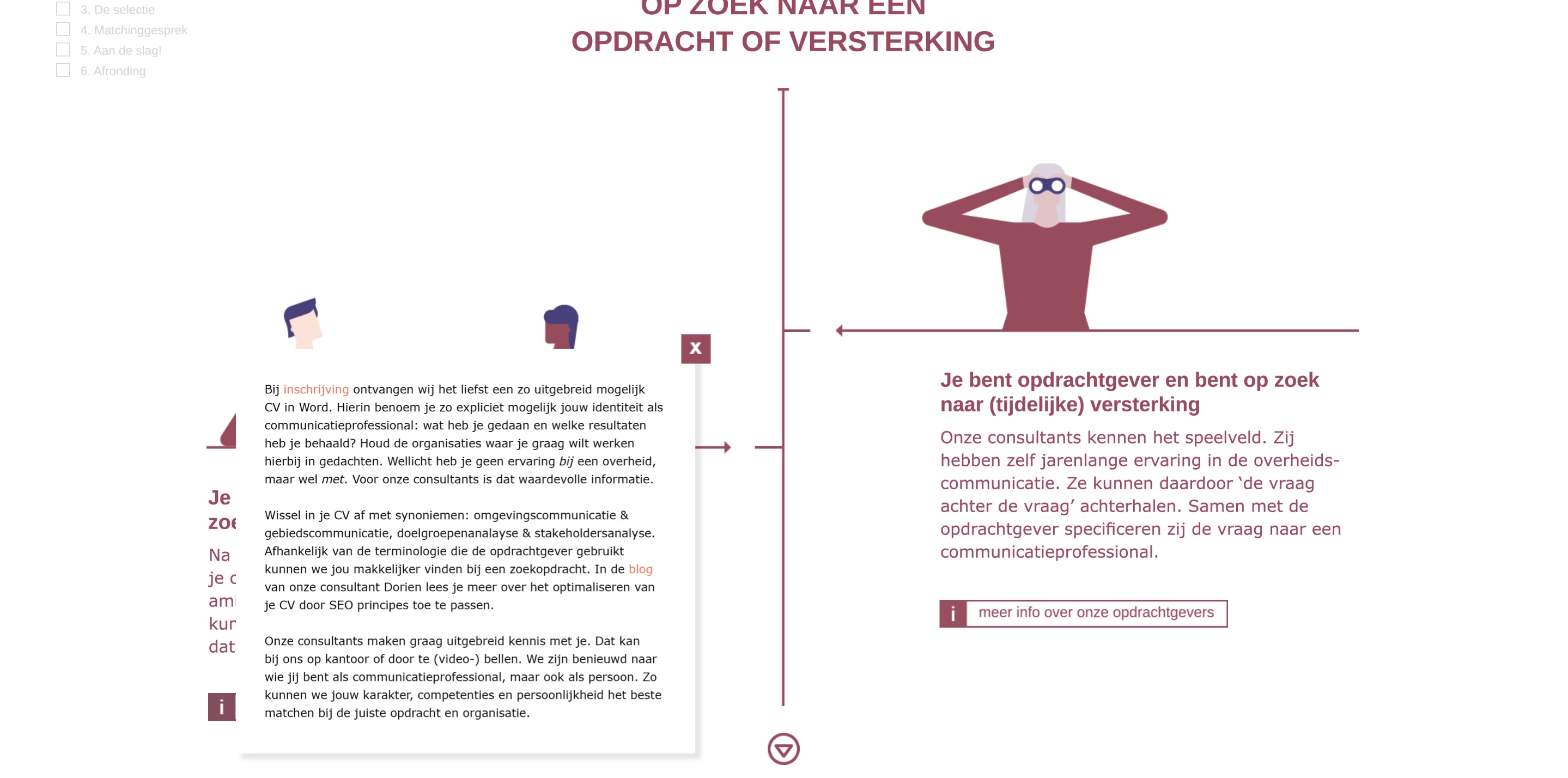
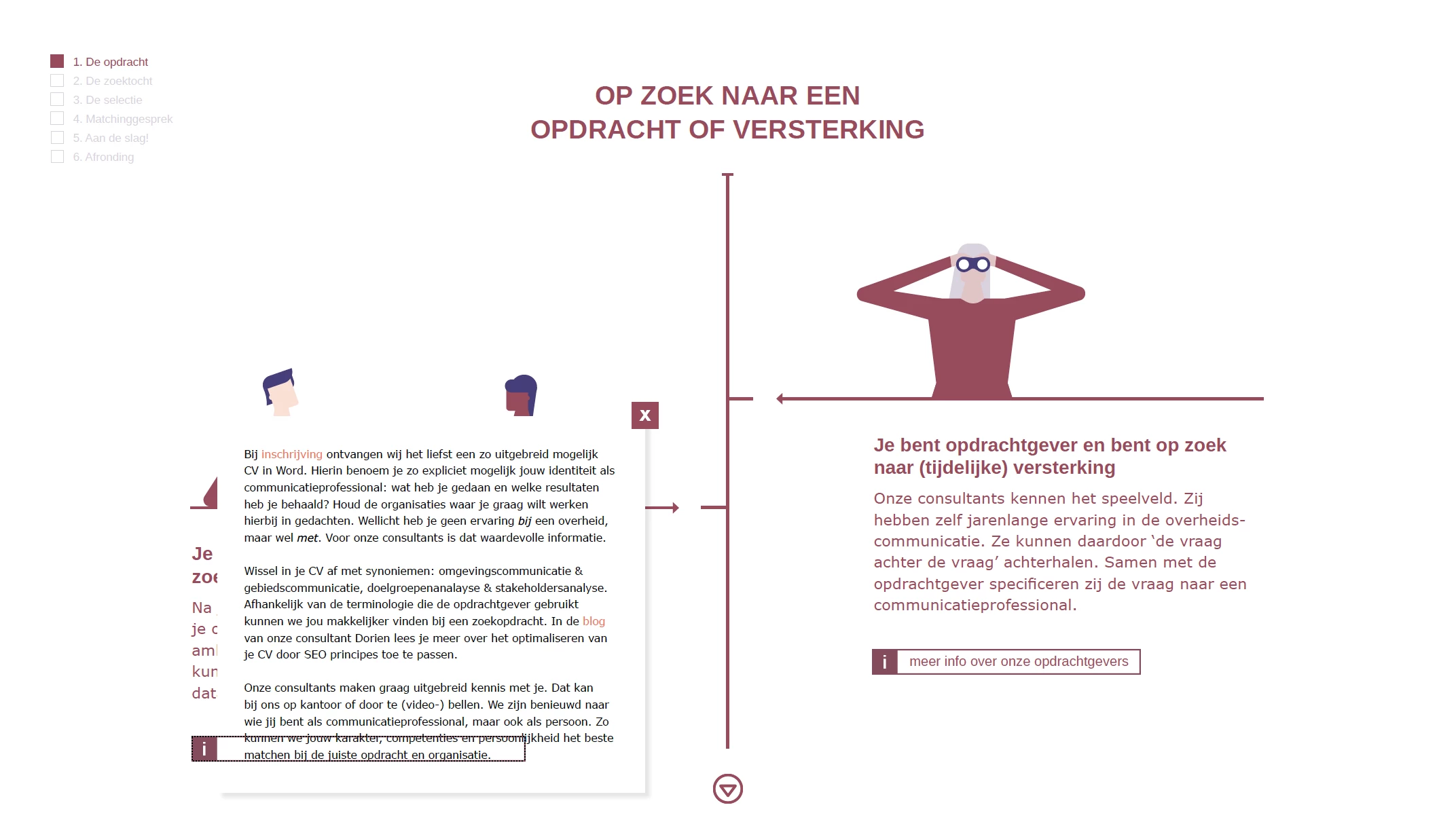
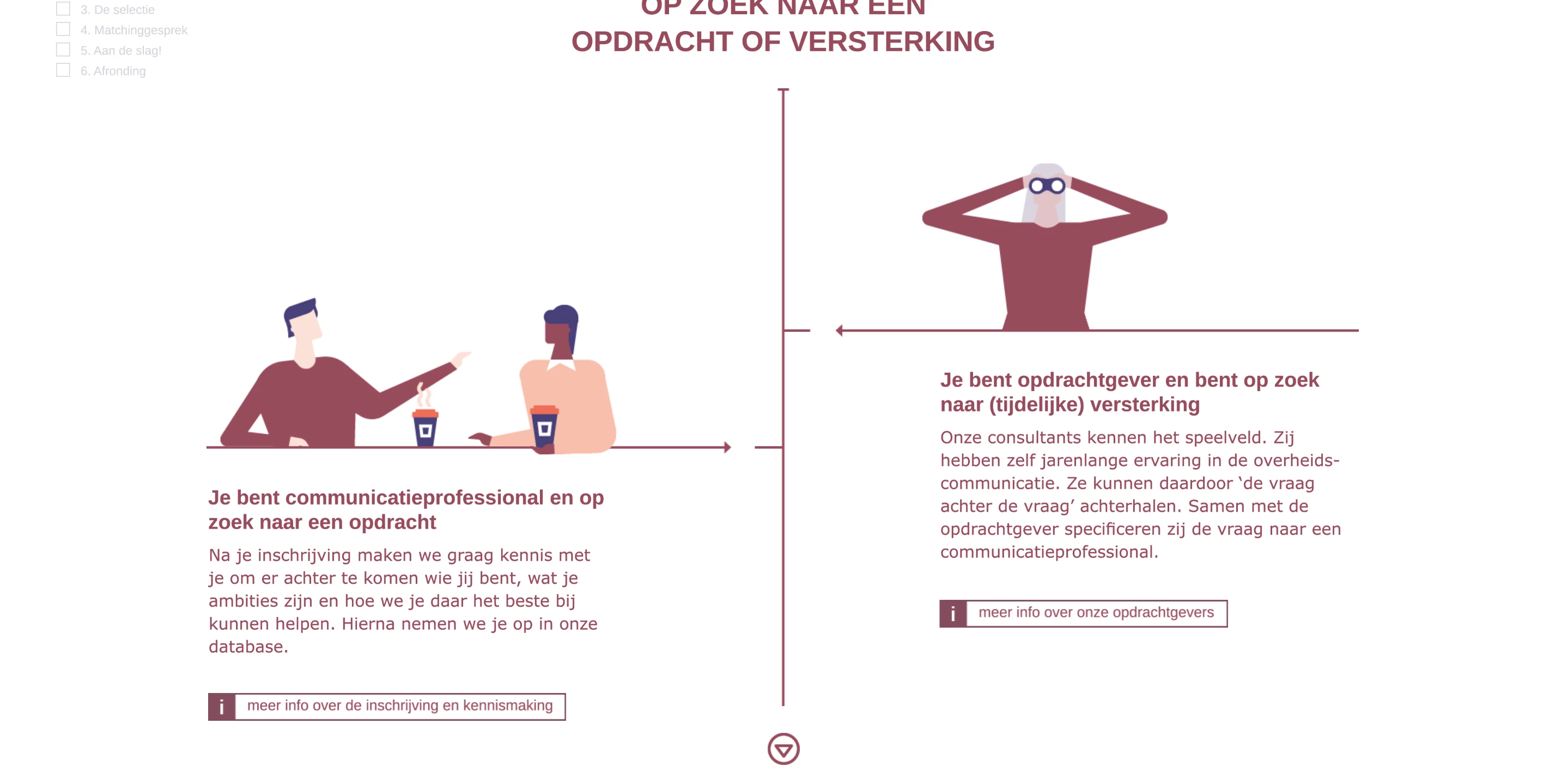
So I created an indesign file, with a 'more info' button that activates a pop-up with text. It all works well/looks good when published online, but in the pdf something strange happens. The white rectangle frame containing the text is supposed to go on top of the button. But in the pdf the button still shows... so weird, and no idea how to solve this. Anyone out there who knows what to do?


I have attached photo's of how it is supposed to look and how it shows in the pdf:
 

This topic has been closed for replies.

5 replies

Dave Creamer of IDEAS
Community Expert
Community Expert
July 27, 2020

For the PDF, one option is to make the text frame a read-only text field with default text set to hidden. The button could show the field and to hide itself. Clicking another button or the text box itself could hide the text frame. Lock the document to keep the opening defaults intact.

David Creamer: Community Expert (ACI and ACE 1995-2023)
Frans v.d. Geest
Community Expert
Community Expert
July 22, 2020

Ik zie Nederlands in het voorbeeld, dus gok dat je zelf ook Nederlander bent.

jJe kunt op mijn blog zien hoe je dit doet (alweer een bercht van een aantal jaren terug!) xodat het ook werkt in een iPDF:

https://fvdgeest-dtp.blogspot.com/2012/10/interactieve-knoppen-in-pdf-zonder.html

anoukm1976
Participating Frequently
July 23, 2020

Dankje Frans, ga ik bekijken! 


JonathanArias
Legend
July 22, 2020

the reason your button shows is not for the reason Derek described. its because your buttons are set up incorrectly, you need to make that button dissapear once clicked (it will have a show popup action and a hidde action), and for the popup, make the close button have two functions. make the popup dissapper, you did that. next make the button that make the popup up appear show.

anoukm1976
Participating Frequently
July 23, 2020

Thanks JonathanArias! I think the buttons are set-up oke... they would smoothly and like I want them to in html5. But the pdf is showing it incorrectly... so looking to find out why that is. 

Derek Cross
Community Expert
Community Expert
July 22, 2020

You can have a word or words or an image (such as a button shape) as hyperlink in an Interactive PDF  to say another page in the document, or to an external website.
Some devices, for example, iPads, don't have rollover capability – only click – you should avoid multi-action buttons  like On Click, On Roll Over, etc.  Multi-state object (MSO) don’t work at all in an Interactive PDFs.

I'm not sure if in5 allows an Interactive PDF version to be produced - check with Ajar Productions.

Derek Cross
Community Expert
Community Expert
July 22, 2020

Publish Online is HTML5 and can include interactivity, unlike PDF, which realistically is limited to simple hyperlinks.

anoukm1976
Participating Frequently
July 22, 2020

Thanks Derek_Cross, we are indeed also using in5 so it can be published online. But the client also requested it can be downloaded as a pdf... unfortenately when downloaded, we come across these issues... hoping to find a way somehow to solve the button issue in the pdf