Answered
InDesign update unable to install - path problem
All my Adobe apps are in my Application folder, when I go to update InDesign it tells me there is a problem with the path. DO I uninstall and re install the app to fix this????
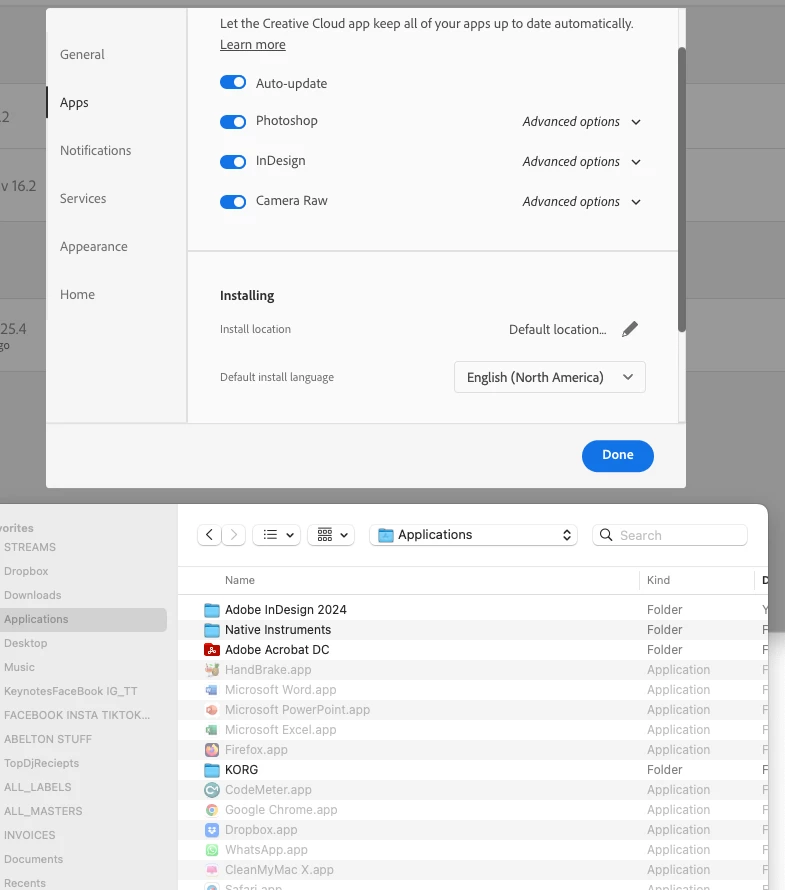

All my Adobe apps are in my Application folder, when I go to update InDesign it tells me there is a problem with the path. DO I uninstall and re install the app to fix this????
First, try indeed to reinstall.
If the problem persists, then post a screenshot of the message that says "there is a problem with the path"
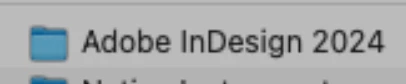
Right now there seems to be indeed an issue with your InDesign installation as the folder doesn't bear the InDesign folder icon:
Also, may I suggest to disable Auto-update:

It'll give you more control over your installations especially when new major versions are released. If you prefer to keep Auto-update enabled, make sure that Remove older versions is unchecked in Advanced options.
Already have an account? Login
Enter your E-mail address. We'll send you an e-mail with instructions to reset your password.


 AdChoices