
Question
InDesign v.17.1: Crashes while pasting.
InDesign v.17.1: Crashes while pasting. Elements disappearing. Working on an InDesign 2020 file, 2nd edition of a book. It's a 496-page book, full of tables and images. For some unknown reason, a lot of elements have just disappeared from a few pages and when I try to paste anything into the file, InDesign just shuts down. Please help.
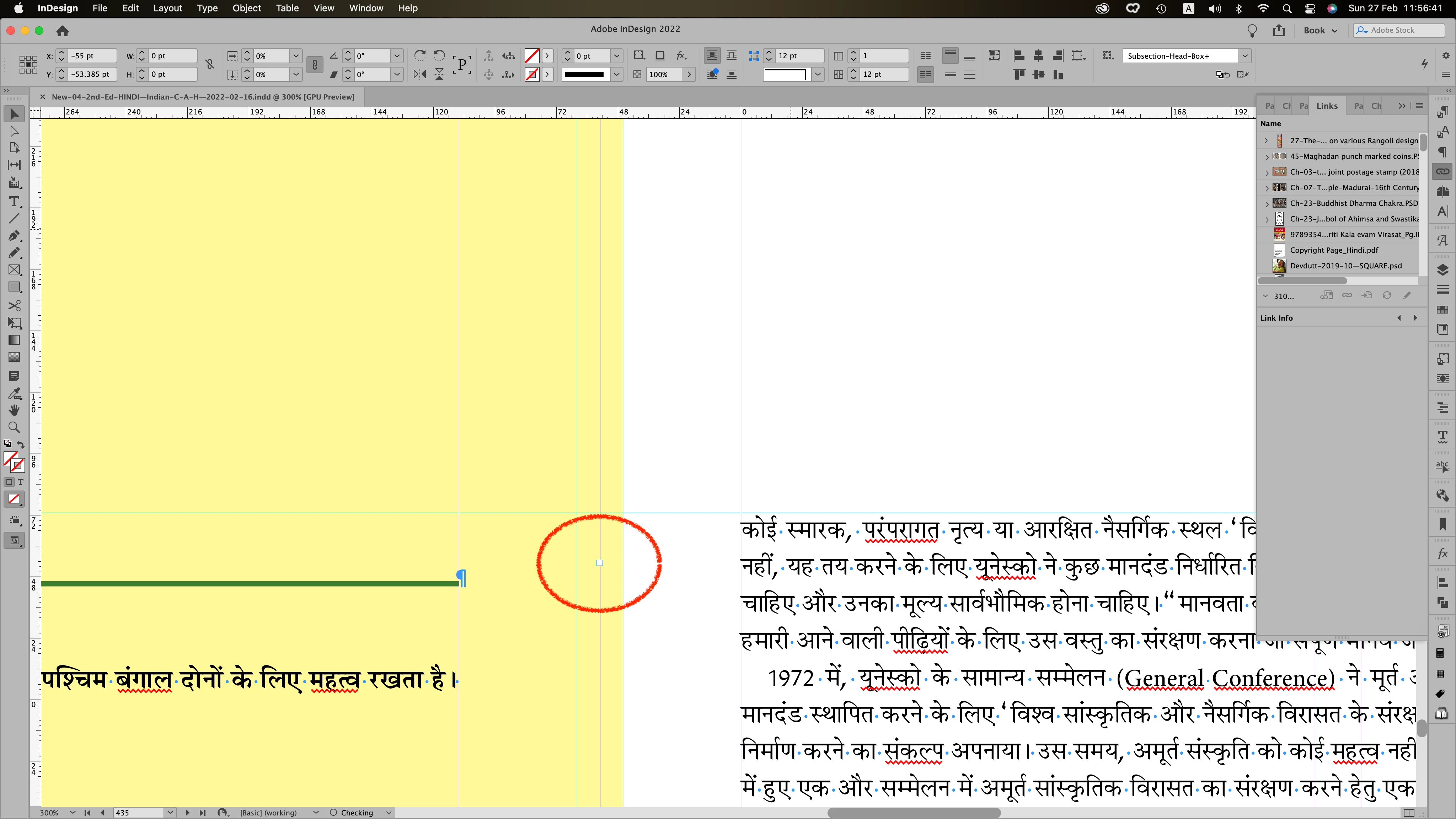
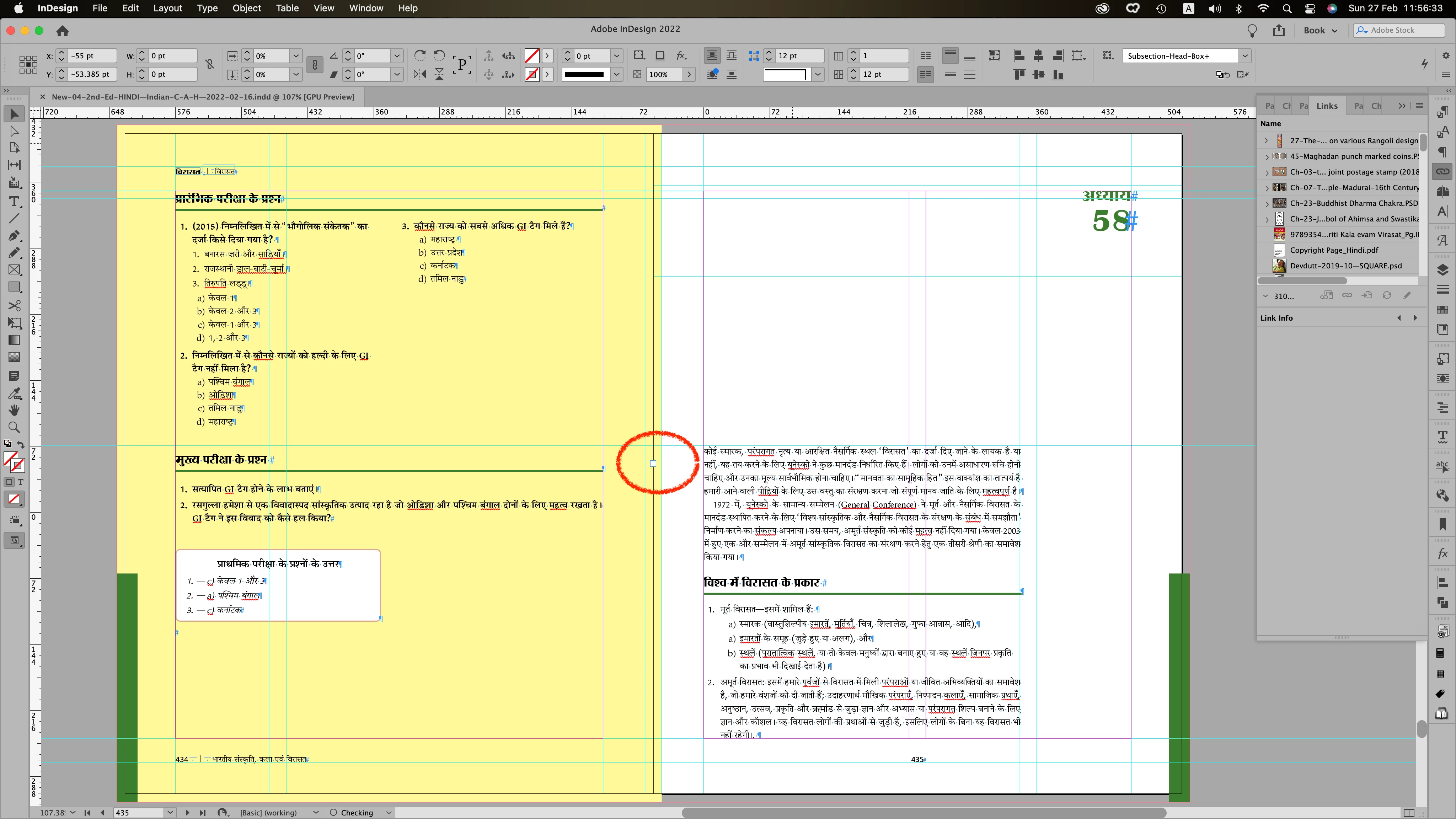
PS: After a couple of hours of searching, I found this text frame containing the text that has disappeared. It has a chapter name that had gone missing. This has happened only in one section of the book. This particular style 'Chapter Name' has been used 64 times in the book, and in this section, the colour has been changed by applying character style.
When I expand the frame the chapter name is visible but immediately after that, InDesign crashes. The file I am working on is lengthy and very complicated, so I am hoping that I don't have to re-do the entire book.
Can someone please help me resolve this issue?
 AdChoices