
Answered
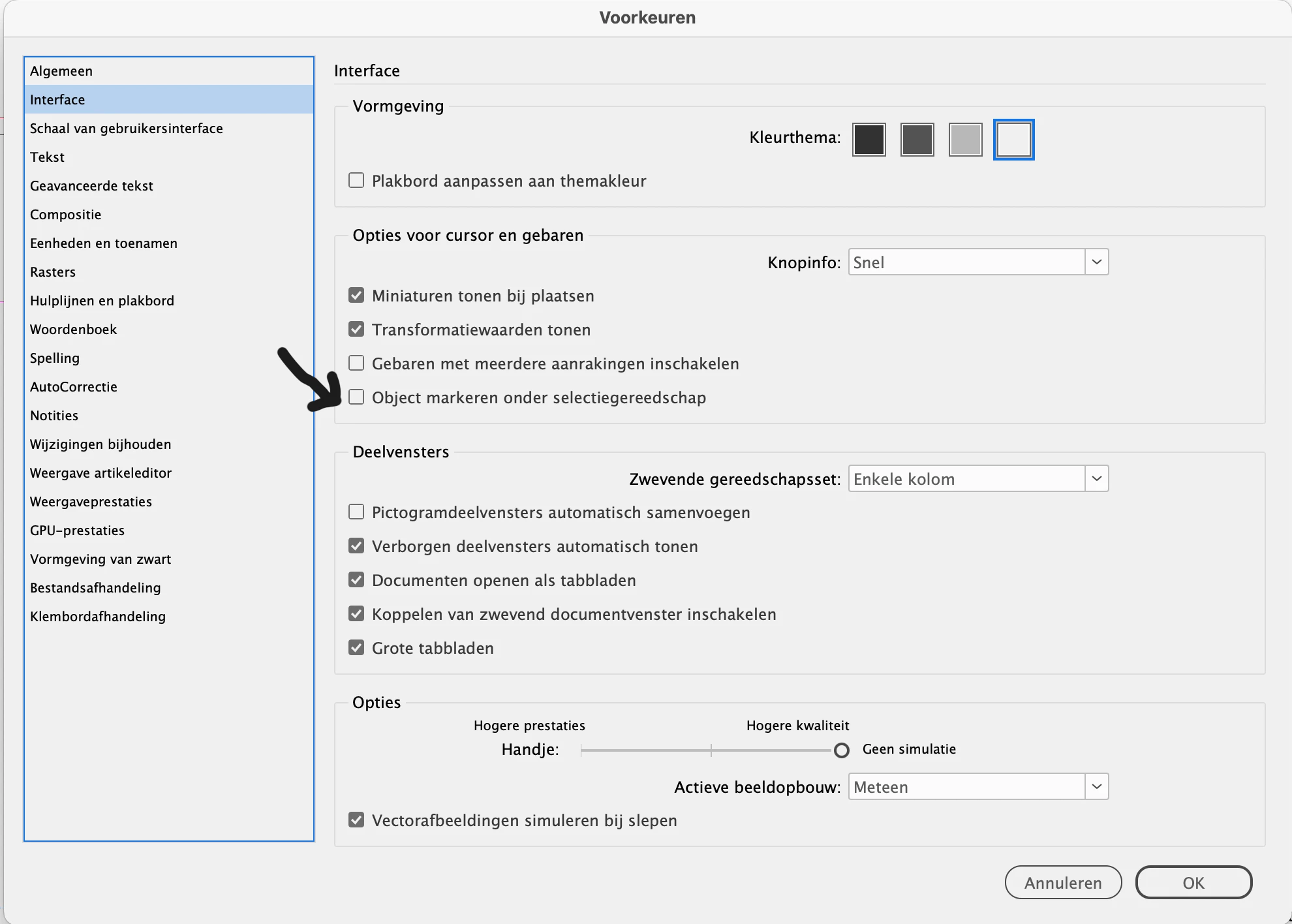
InDesign v. 20.1 Trouble selecting objects. Super slow.
Recently updated to InDesign 20.1. When I click on any box or shape, text or picture it takes 10-15 seconds before it shows that it is selected. Sometimes I can move/edit the box although it doesn't have the blue lines indicating it is selected. Other times, I can not. Selecting multiple items often crashes InDesign. Today I selected to text boxes and a picture. Crash. As a result to the time killing aspect of the update, I have had no choice but to revert to InDesign 2024. (19.5.2), which you might imagine, is also an inconvenience.
I am running Sonoma 14.4.1 on M1, 2021 iMac with 16 Gb Ram.


 AdChoices